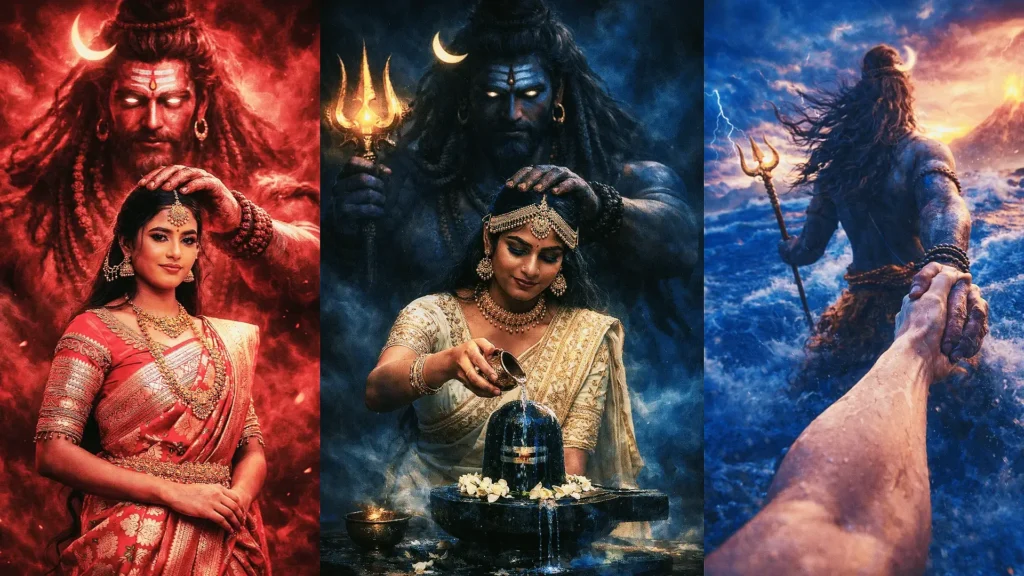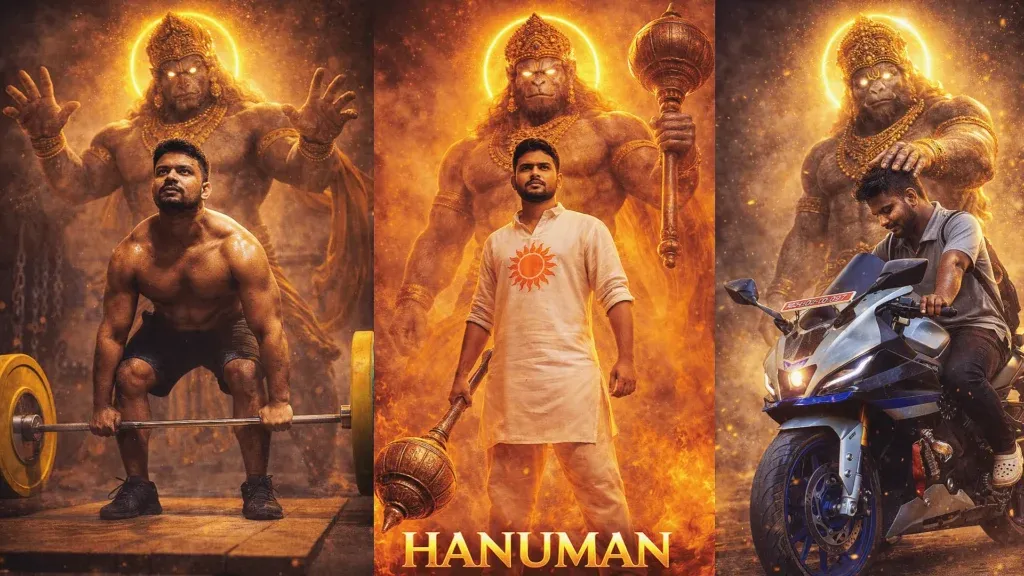
Hanuman-themed AI images often combine devotional symbolism with cinematic visual styles. Popular concepts include temple blessings, powerful guardian scenes and modern settings that express strength and faith.
A strong result depends on clear instructions, a well-defined scene and respectful visual details—not simply on making the prompt longer.
This guide shares six ChatGPT Hanuman prompt ideas, along with practical tips for adapting each concept to your own image.
What is a ChatGPT Hanuman Prompt?
A ChatGPT Hanuman prompt is a written instruction that describes an image featuring Lord Hanuman. It can specify the setting, pose, lighting, atmosphere, devotional details and visual style so the image tool has a clear direction.
A useful prompt can define several parts of the scene:
- Pose
- Lighting
- Mood
- Spiritual energy
- Background storytelling
Specific details help make the result more coherent. Describe the subject, setting, lighting and mood rather than relying on broad words such as “viral” or “ultra-realistic”.
Best ChatGPT Hanuman Prompt (Copy & Paste): Create Viral Hanuman AI Images Easily
For more inspiration, explore these related guides: Gemini AI photo editing prompts, Gemini photo making prompts, aesthetic AI photo prompts and ChatGPT photo prompts.
Choose one of the concepts below and adapt its details to your intended image. If you upload a personal photograph, clearly state which parts of your appearance must remain unchanged.
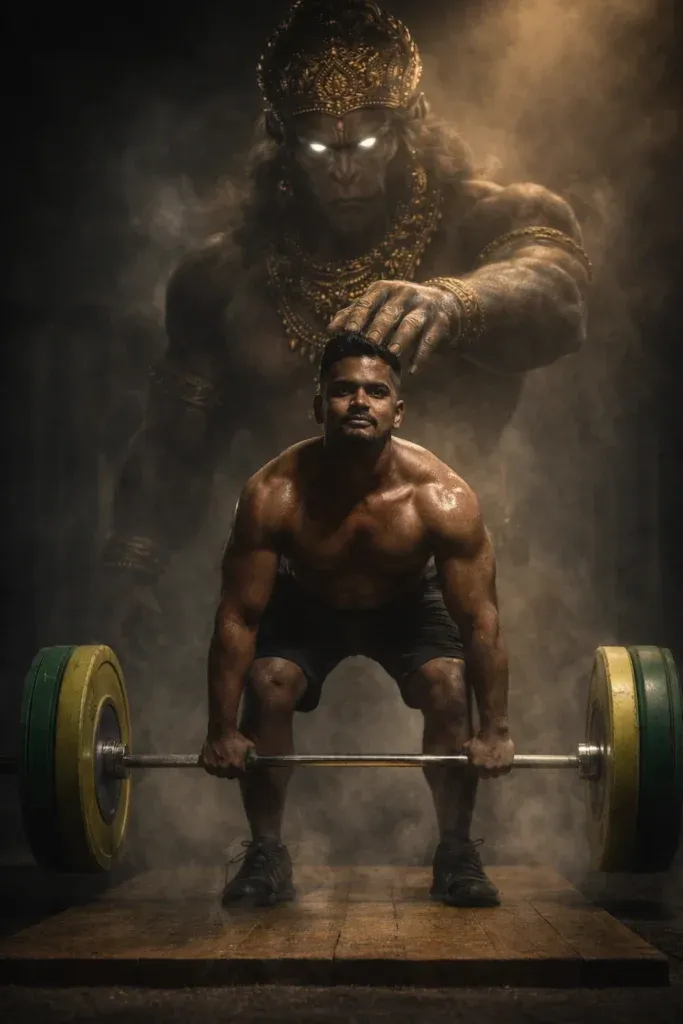
1. Cinematic Gym Deadlift Hanuman Scene
This concept combines a modern strength-training scene with a respectful devotional presence. It can work for a dramatic fitness poster, especially when the gym environment, lifting posture and lighting are described clearly.

2. Temple Blessing Scene with Lord Hanuman
This idea centres on a peaceful temple scene. A warm sunrise, traditional architecture and a blessing gesture create a calm devotional mood suitable for a festival post or spiritual profile image.
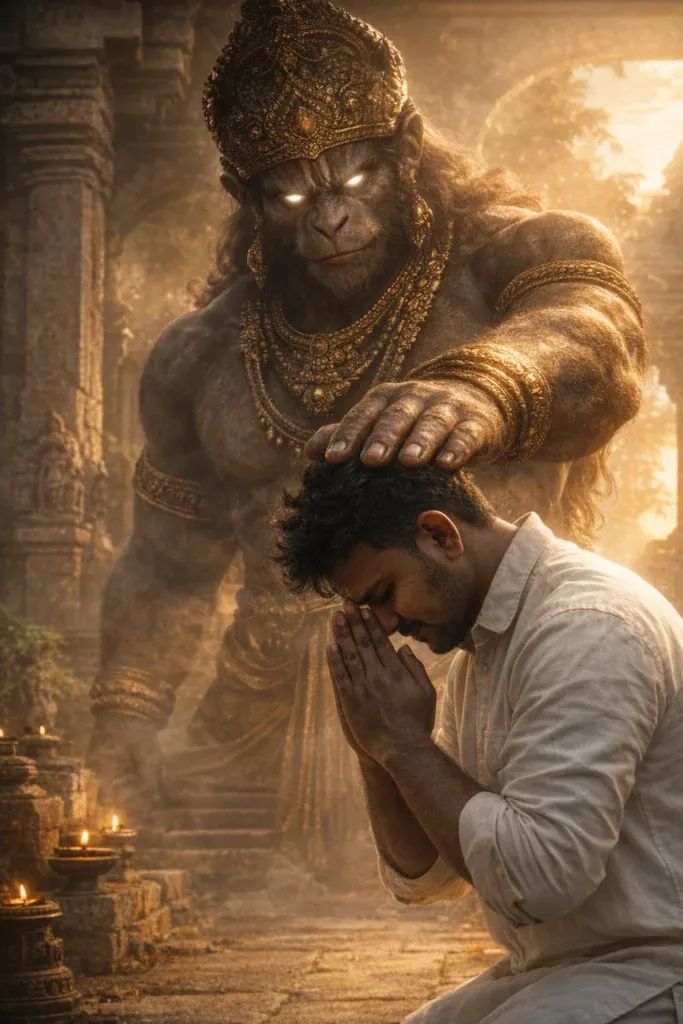
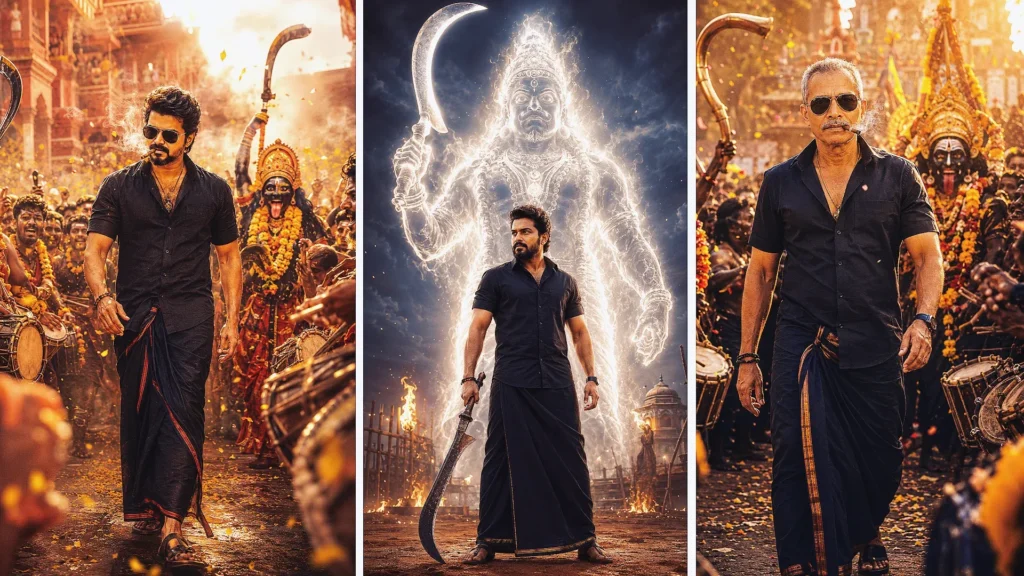
3. Ultra-Realistic Divine Hanuman Energy Scene
Use this concept for a dramatic devotional portrait with a strong sense of scale. Describe the golden light and atmospheric background carefully so the image remains detailed rather than crowded.
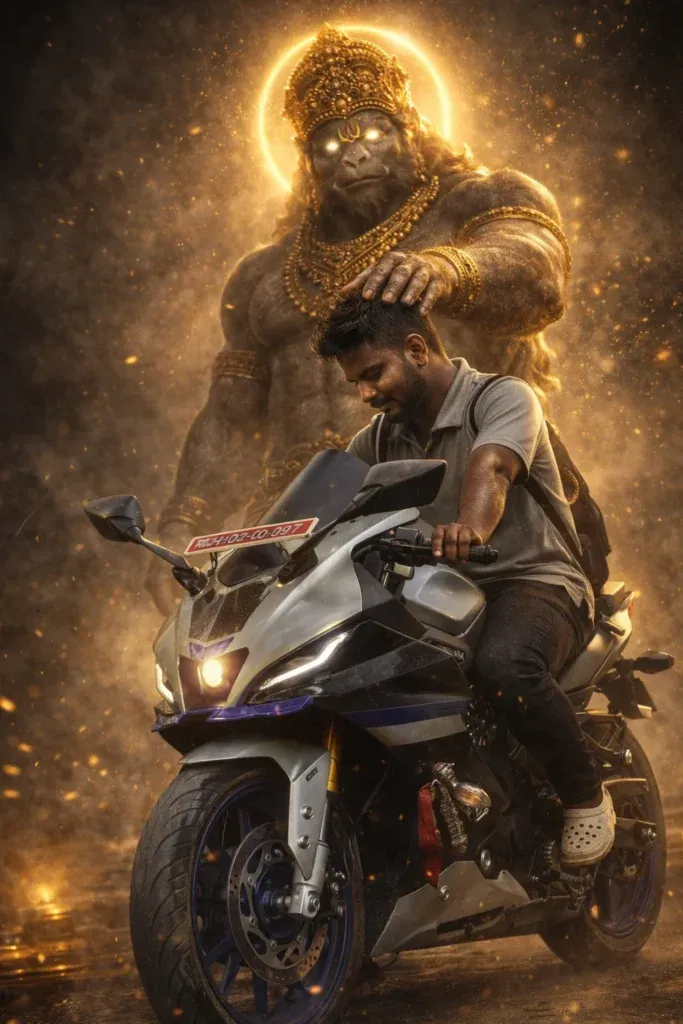
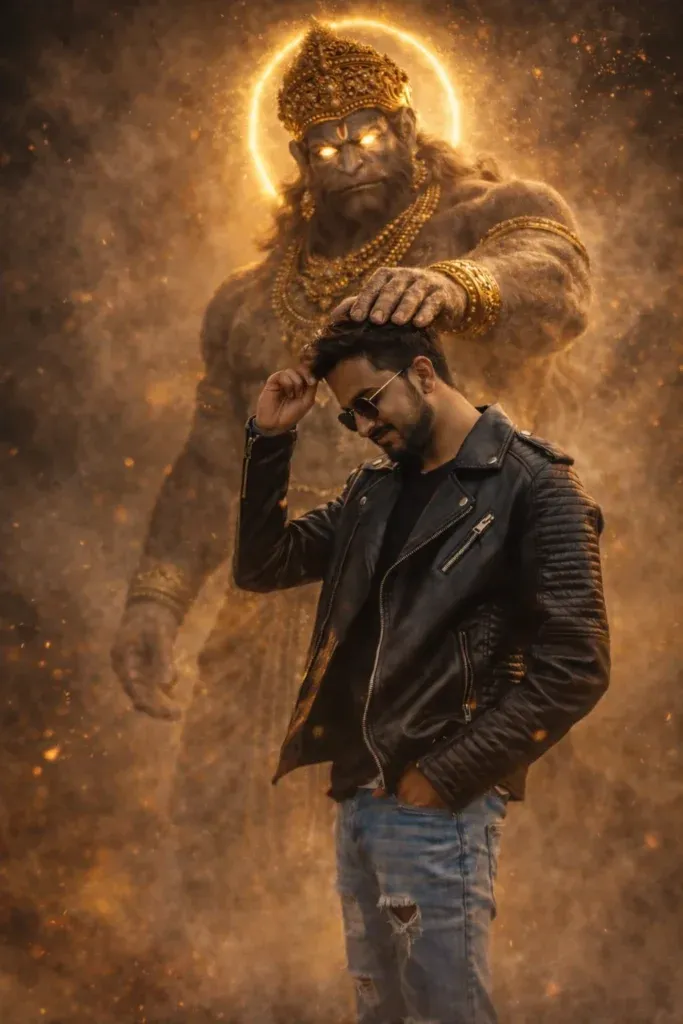
4. Dramatic Hanuman Blessing Cinematic Portrait
This portrait concept places the blessing gesture at the centre of the composition. Clear framing and controlled background lighting help keep attention on the devotional expression and symbolic details.
5. Mythological Gym Action Scene with Divine Protection
This concept brings together a gym setting and mythological symbolism. Keep the scene readable by describing the person’s activity, the guardian presence and the lighting as separate elements.
6. HANUMAN Movie Poster Style Cinematic Prompt
Use this idea when you want a movie-poster composition. A gada, dramatic sky and a large Hanuman statue can establish scale, while a clear subject position keeps the poster balanced.

How to Create Perfect Hanuman AI Prompts
Build your prompt in a logical order. Start with the main subject, then describe the action, location, lighting and visual finish.
🧩 Prompt Structure:
- Subject (You / person)
- Pose (standing, lifting, praying)
- Environment (gym, temple, fire scene)
- Lighting (cinematic, golden, dramatic)
- Hanuman details (size, aura, expression)
- Quality (8K, ultra-realistic)
How to Use Hanuman Prompt in ChatGPT
You can try these prompts with ChatGPT’s supported image generation or editing tools. Follow the steps below and review the result before using it:
- Go to ChatGPT and use the image generation / editing feature.
- Upload your photo first
- Then paste your Hanuman prompt
- Click generate and wait a few seconds.
- If result is perfect, download image.
Final Words
Good Hanuman AI images start with a clear idea and respectful visual direction. Decide whether you want a temple blessing, a modern gym scene or a cinematic poster before adding smaller details.
Begin with one scene and avoid giving the image tool conflicting instructions. If you are editing your own photograph, ask it to preserve your face and make only the changes you have requested.
A balanced image combines a clear subject, suitable lighting and a background that supports the story. Review the generated image for unwanted changes or visual errors.
Save the prompts that produce useful results and adjust one detail at a time. This makes it easier to understand which instructions improve the composition.
Try one concept, refine the wording and choose the version that best matches your intended devotional or creative use.