Instagram photo editing has moved beyond simple filters. Today, creators are using cinematic lighting, editorial compositions, scrapbook layouts, vintage textures, and realistic AI enhancements to give ordinary photos a more polished look.
The key is not a complicated editing workflow. A clear prompt can describe the mood, lighting, framing, clothing, background, color treatment, and facial consistency you want the AI to create.
These Instagram trending photo prompts are useful for creators, couples, photographers, and anyone who wants to experiment with fresh AI photo styles. You can copy an idea, adjust the details, and build a look that fits your own feed.
Why Are ChatGPT Photo Prompts Becoming So Popular?
ChatGPT photo prompts are popular because they make creative direction easier to communicate. Instead of describing an edit in a few vague words, you can give the image tool a structured visual brief.
A useful prompt can specify the subject, camera style, lighting, setting, wardrobe, composition, colors, mood, and details that should remain unchanged. That gives you more control over the final image.
Some common reasons creators use these prompts include:
- They are easy for beginners to experiment with.
- They can reduce repetitive editing work.
- They help create a consistent visual style.
- They make creative ideas easier to test.
- They can produce cinematic and editorial-inspired results.
- They work with several AI image and editing platforms.
- They allow the same concept to be adapted for different photos.
As AI image tools improve, detailed prompts are becoming a practical way to turn a simple reference photo into a more intentional social-media visual.
How to Use Trending Chatgpt Prompts
Using a trending prompt is straightforward, but the reference photo still matters. Choose a clear image with good lighting and a visible face when facial consistency is important.
- Choose a clear reference image.
- Select the prompt style that matches your idea.
- Open your preferred AI image editing or generation tool.
- Upload the reference image.
- Copy and paste the complete prompt.
- Keep important identity instructions in the prompt.
- Generate the result and review the details.
- If needed, adjust the lighting, outfit, background, or composition.
- Save the final image and prepare it for Instagram.
Specific prompts usually give you more creative control than short instructions. If the first result is close but not right, refine one or two details instead of changing everything at once.
Best Instagram Trending Photo Prompts 2026
Here are 15 Instagram-ready AI photo concepts based on different visual moods. Each idea can be adapted for your own reference image, outfit, setting, and personal style.
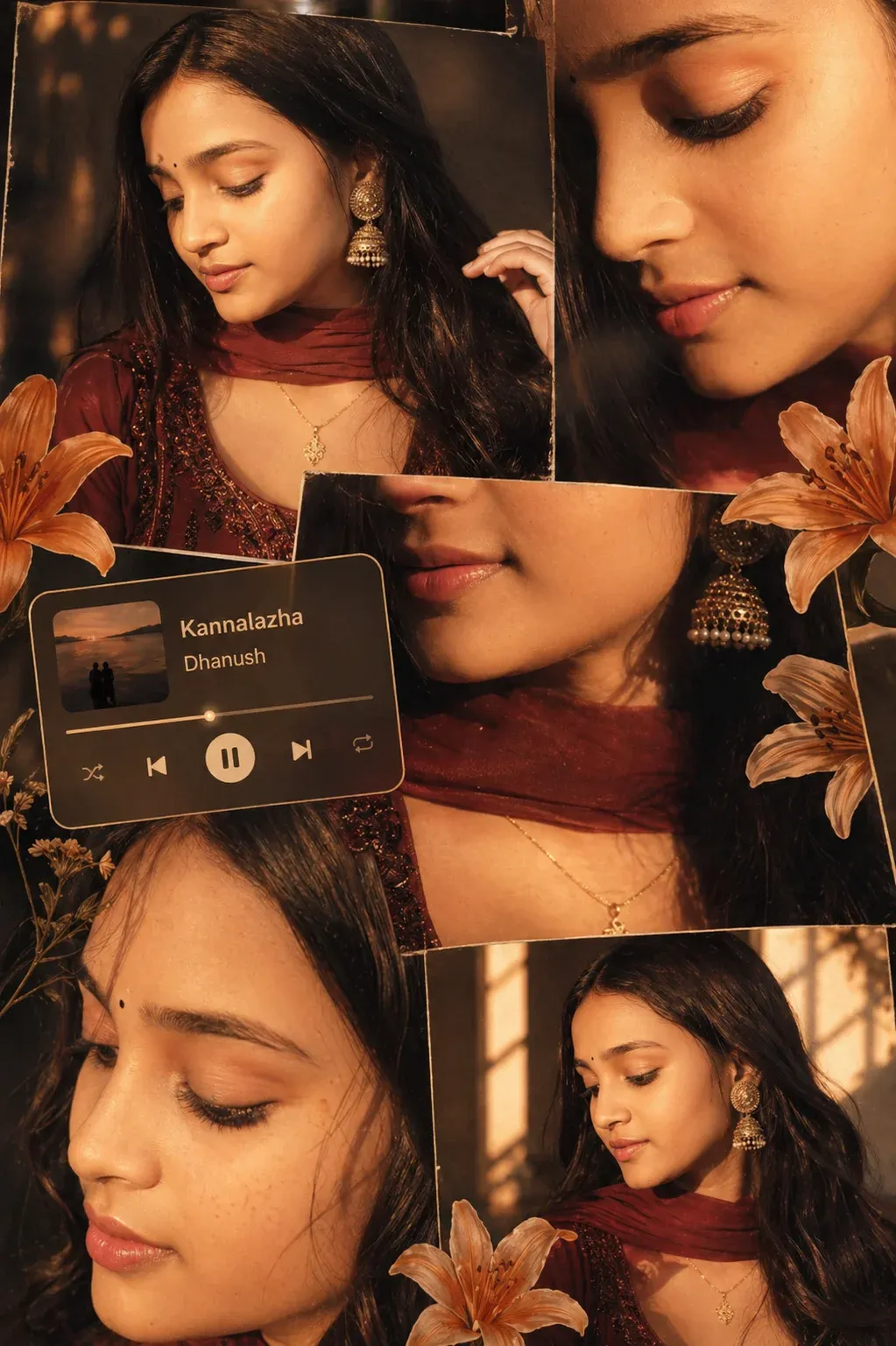
1. Warm Cinematic Portrait Collage
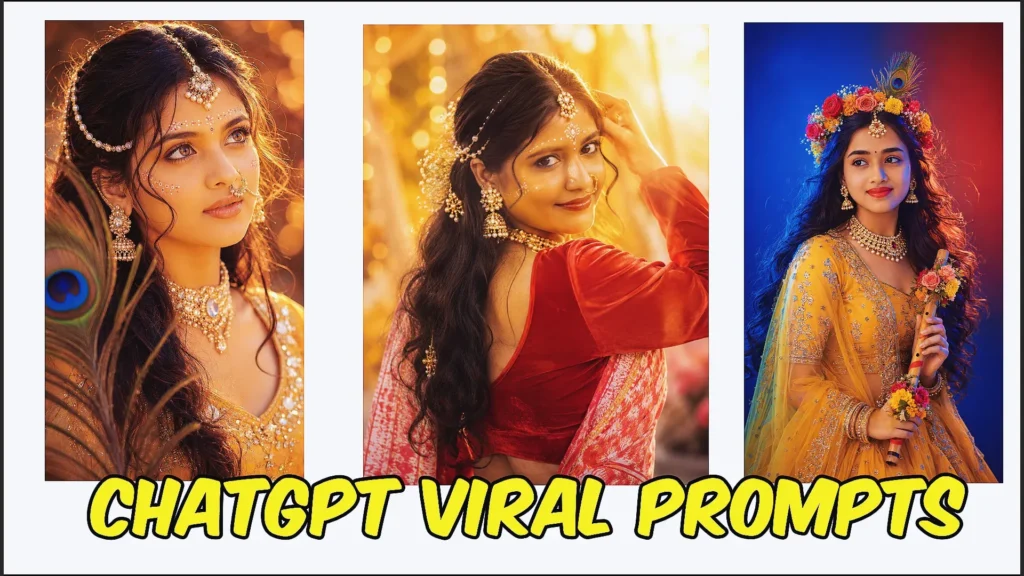
Use warm golden-hour light, soft floral details, and an editorial collage layout to create a romantic portrait. Close-ups, side profiles, and a natural skin finish give the composition a polished but believable appearance.
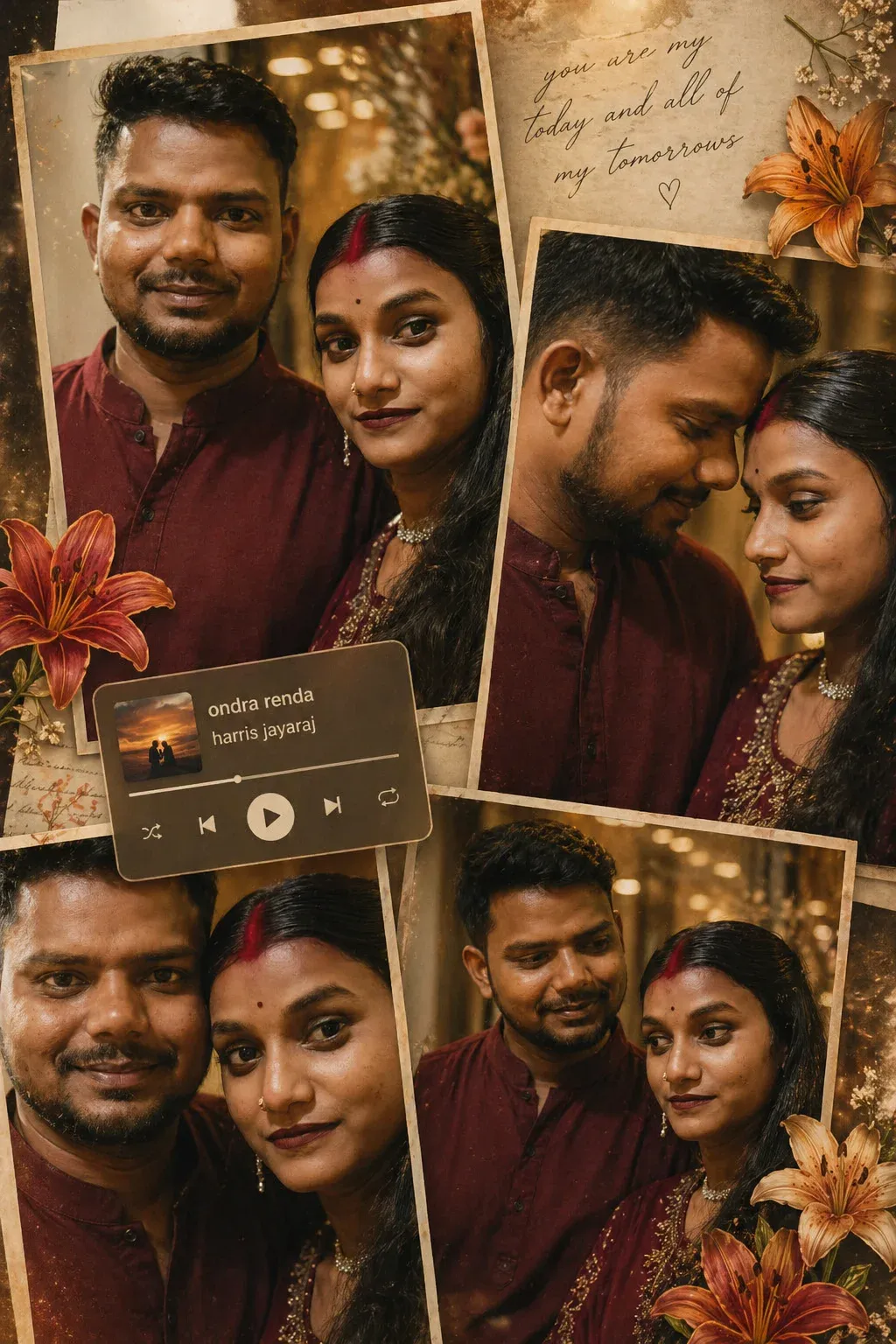
2. Romantic Couple Collage
A couple portrait can feel more cinematic with coordinated styling, warm bokeh, candid expressions, and a soft polaroid-inspired layout. The goal is to keep the people recognizable while adding an intimate storytelling mood.
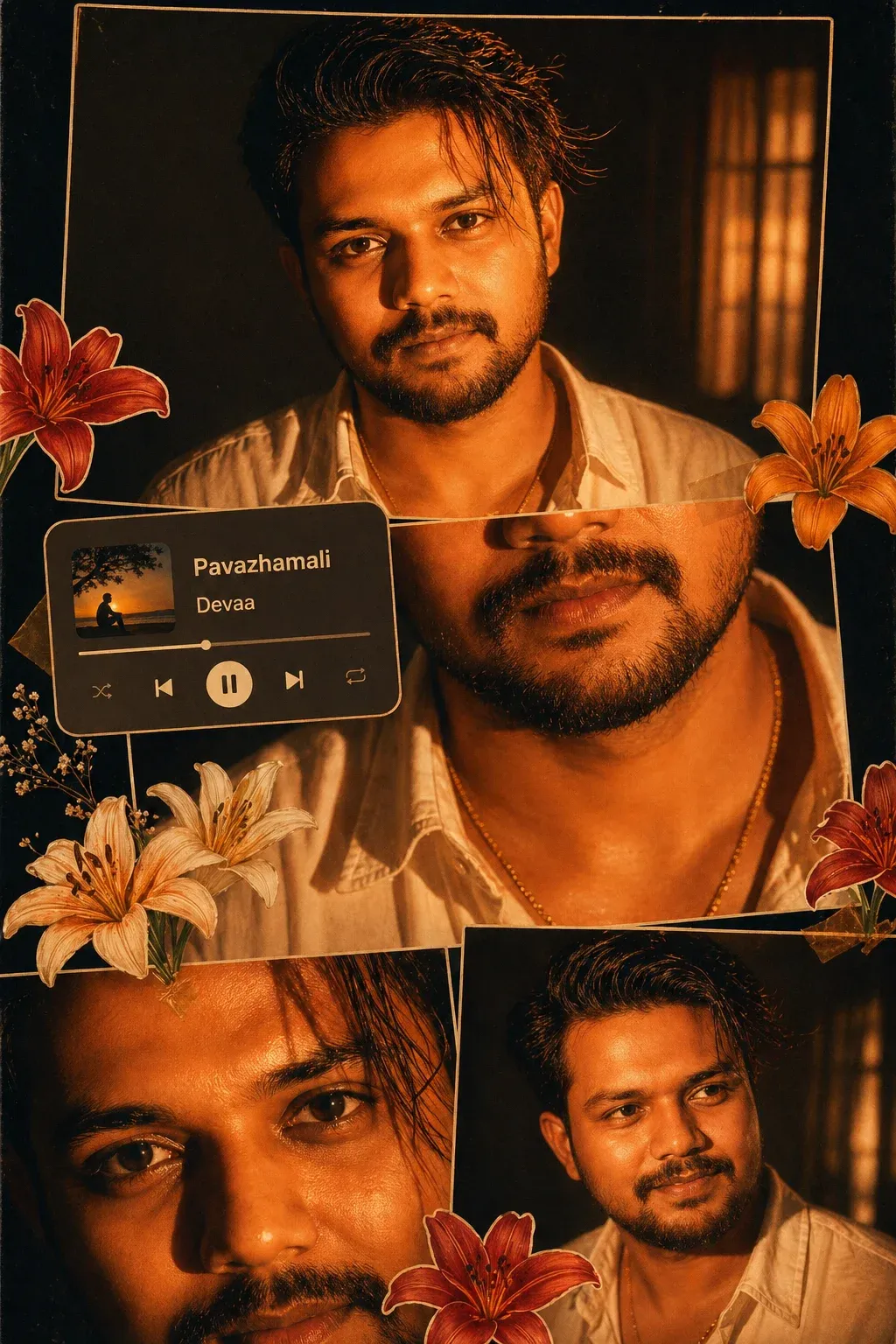
3. Flash Lighting Scrapbook Collage for Men
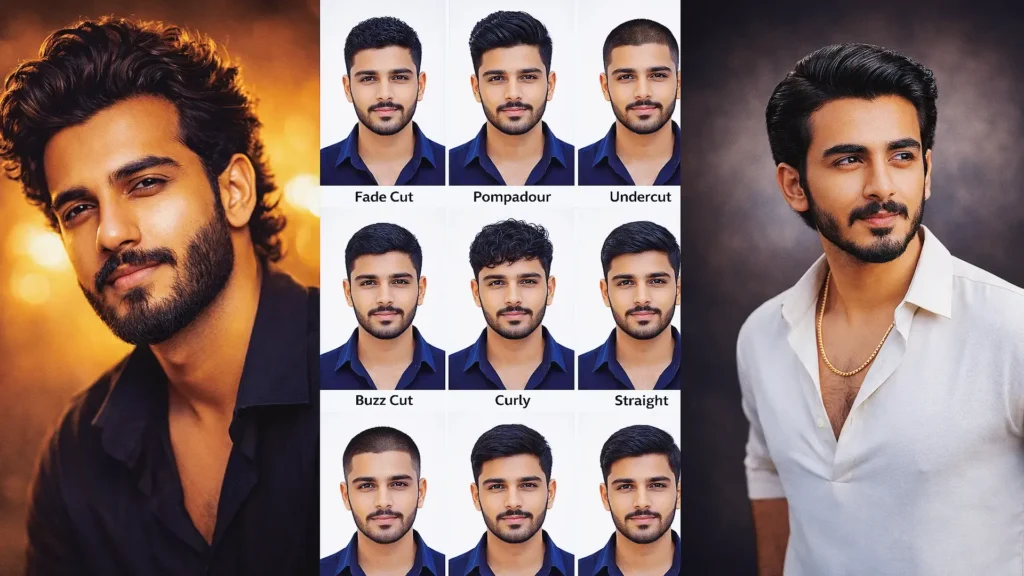
For a stronger street-style look, combine direct flash, deep shadows, amber tones, layered panels, and subtle vintage grain. This approach works well when you want a masculine portrait with a bold editorial feel.
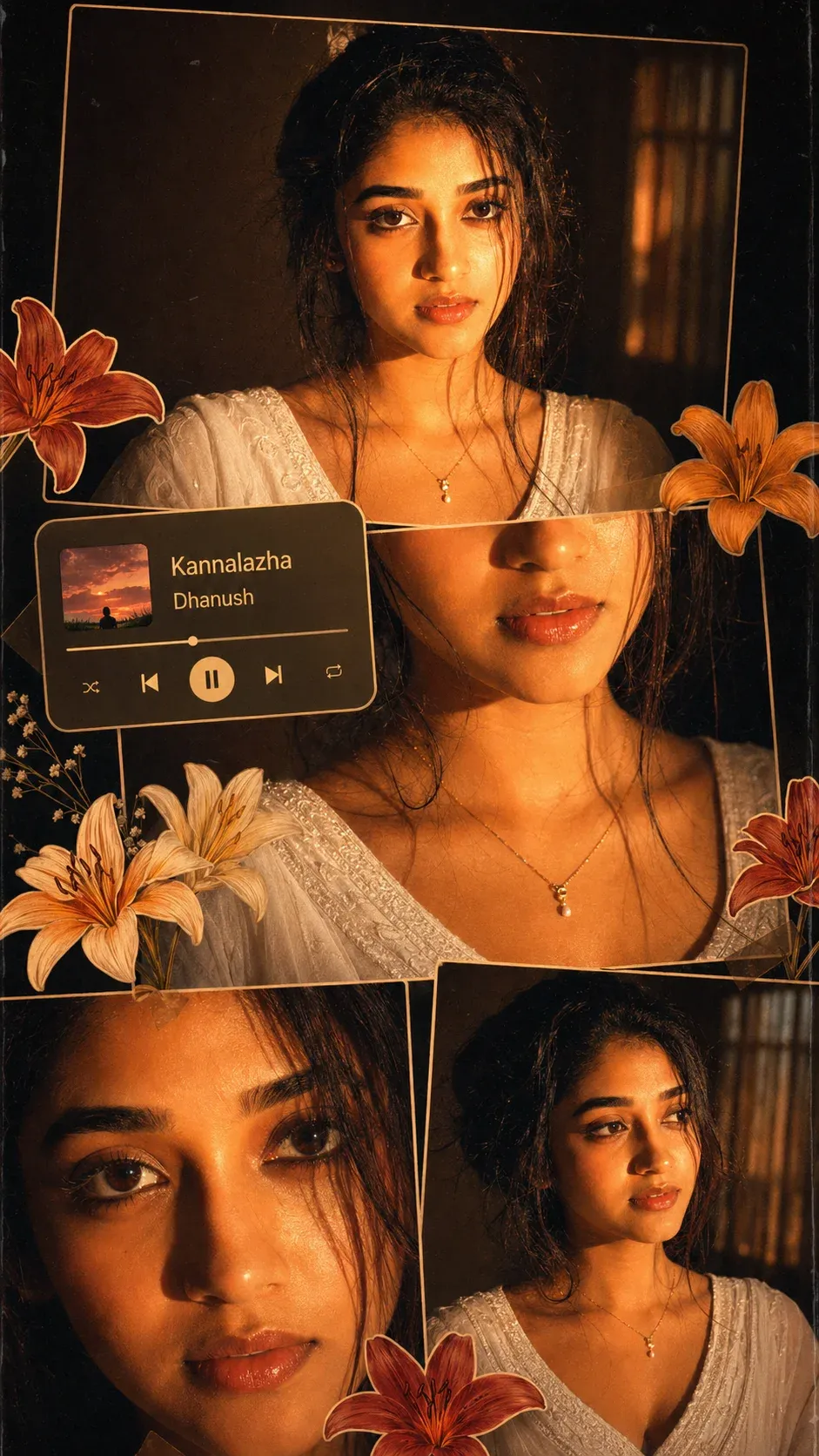
4. Soft Glam Indoor Collage for Women
This style combines soft glam beauty with warm indoor lighting and a clean collage structure. Close-up and mid-shot frames can create a polished result without making the skin look overly smooth or artificial.
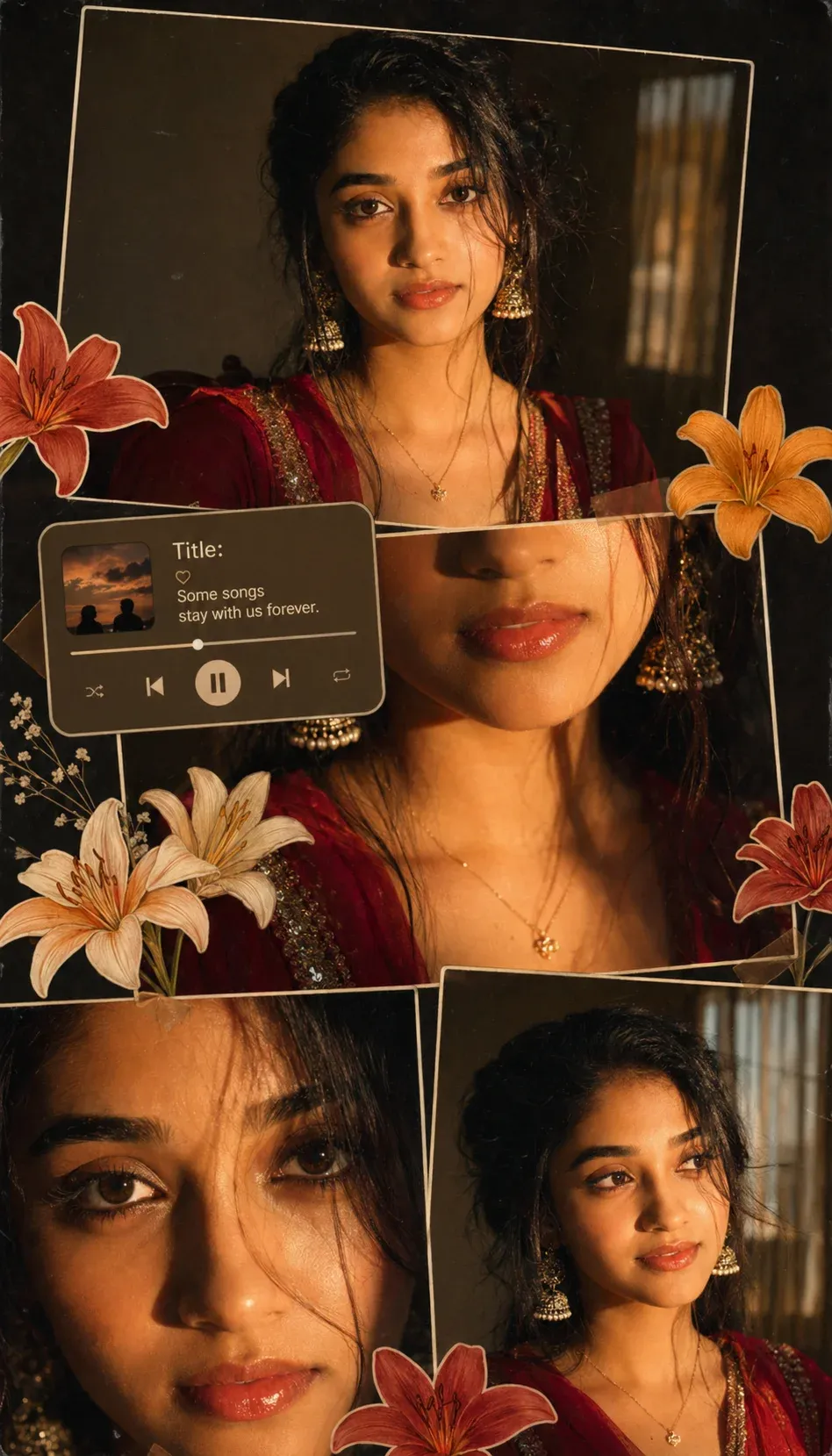
5. Traditional Red Outfit Cinematic Collage
Rich red clothing, gold accessories, warm illumination, and a layered collage can create a traditional yet contemporary portrait. This concept is especially suitable for festive, wedding, or cultural Instagram content.
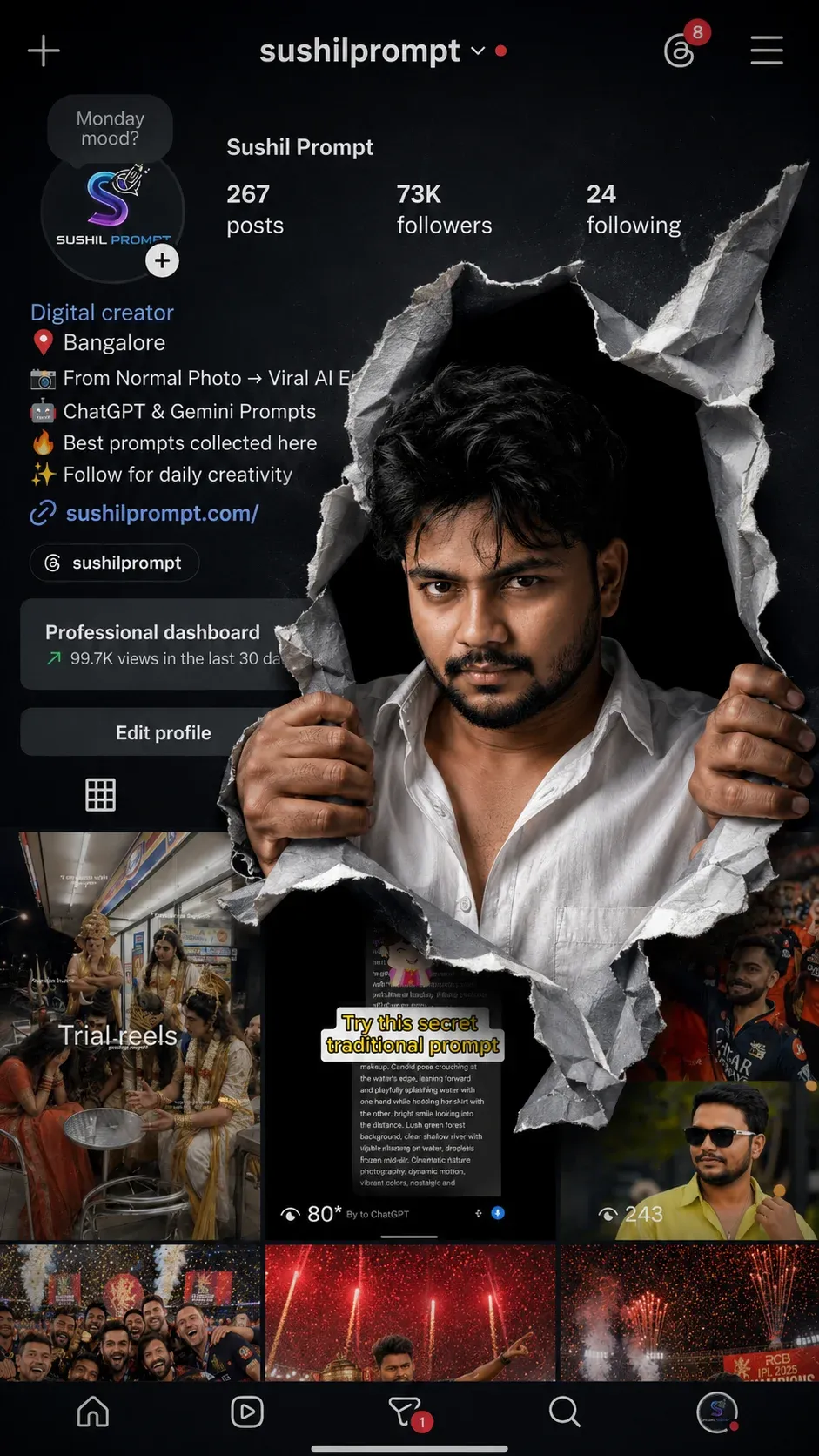
6. Torn Paper Social Media Profile Poster
A torn-paper effect can turn a normal profile image into a poster-style graphic. Layer realistic paper edges, dramatic light, and clean creator branding while keeping the original person recognizable.
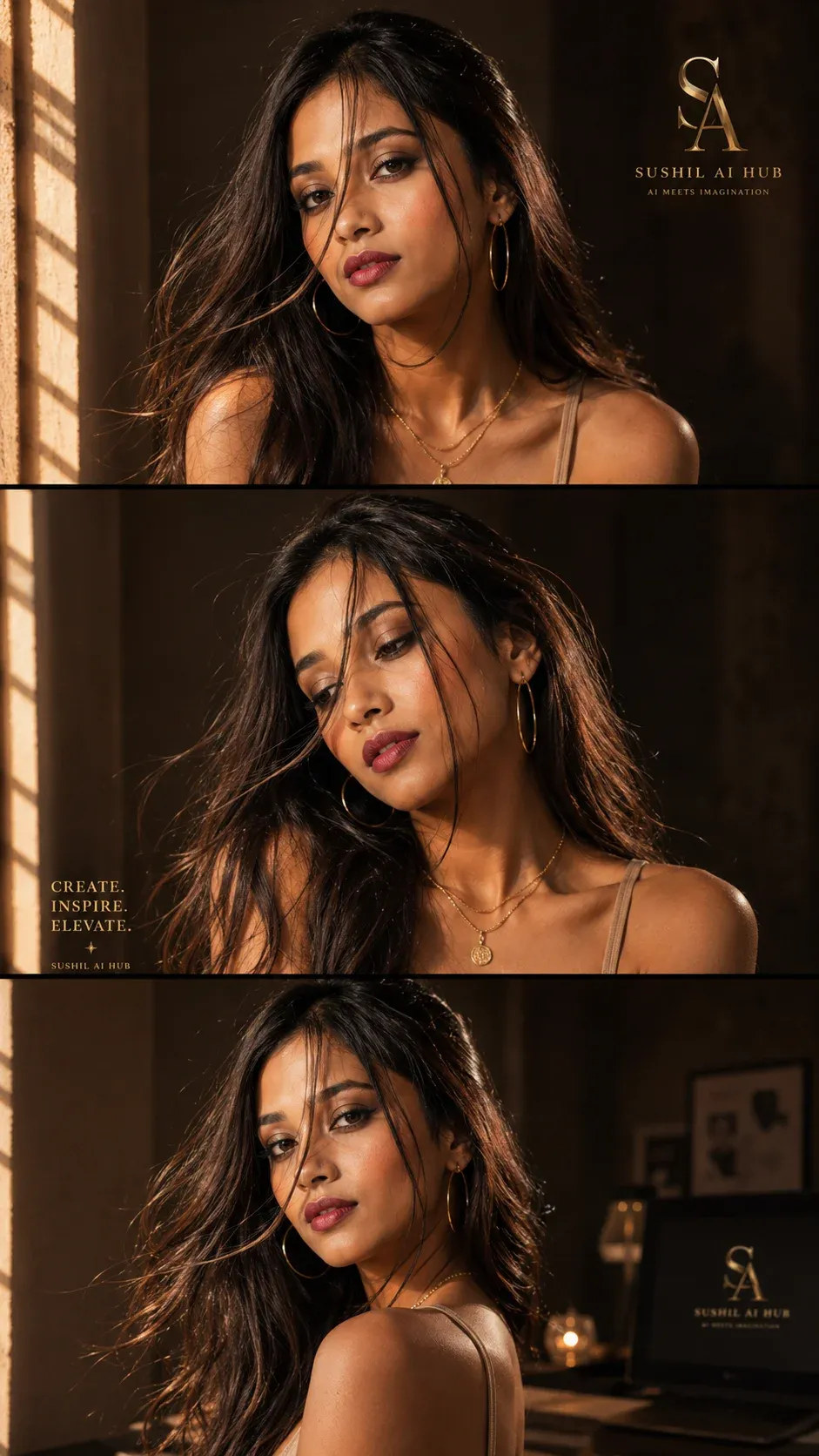
7. Golden Sunlight Editorial Three-Panel Portrait
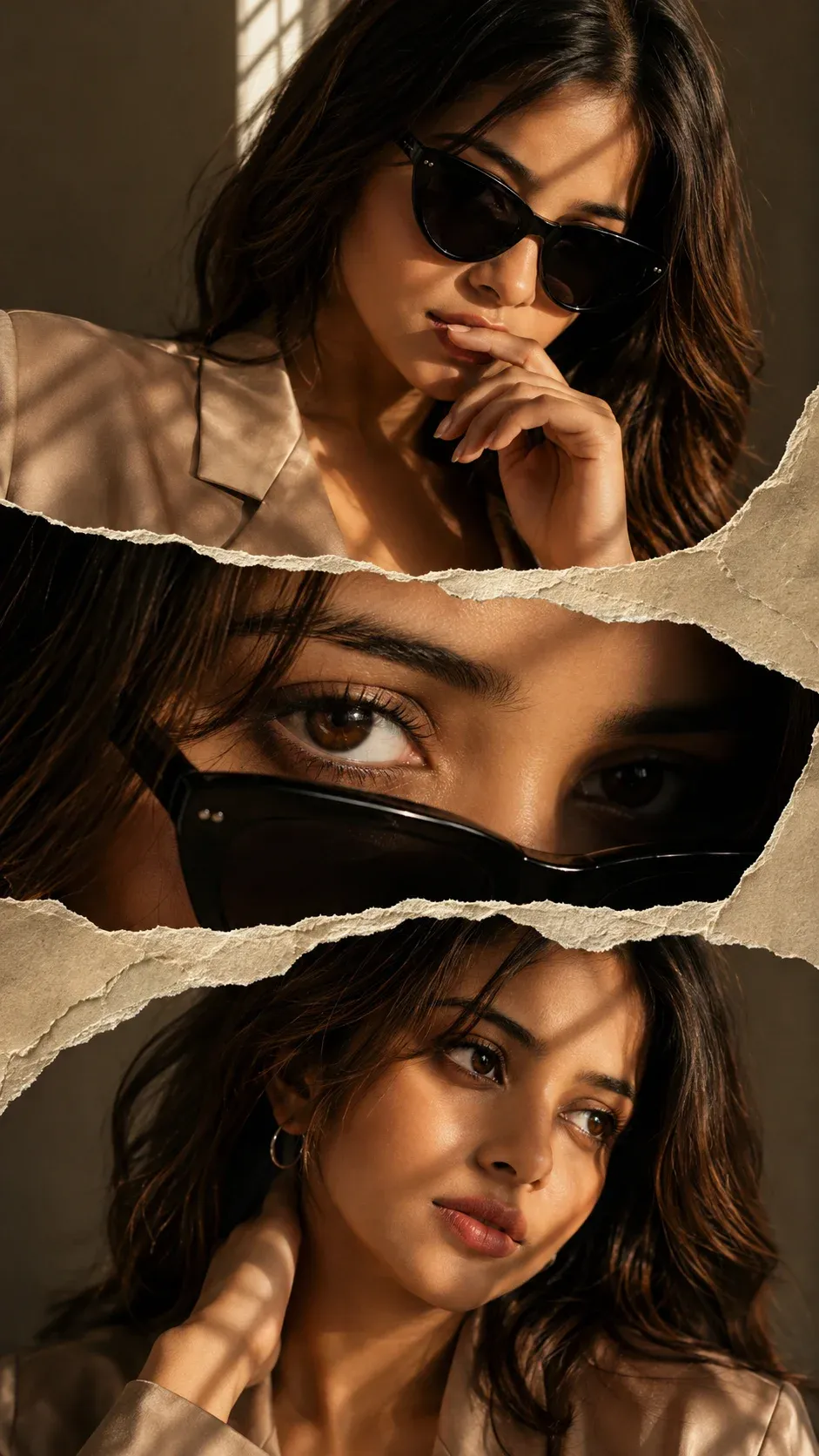
Golden sunlight and window shadows can give a three-panel portrait a luxury editorial finish. Keep the face consistent across each panel and use subtle variations in pose for a natural magazine-style sequence.
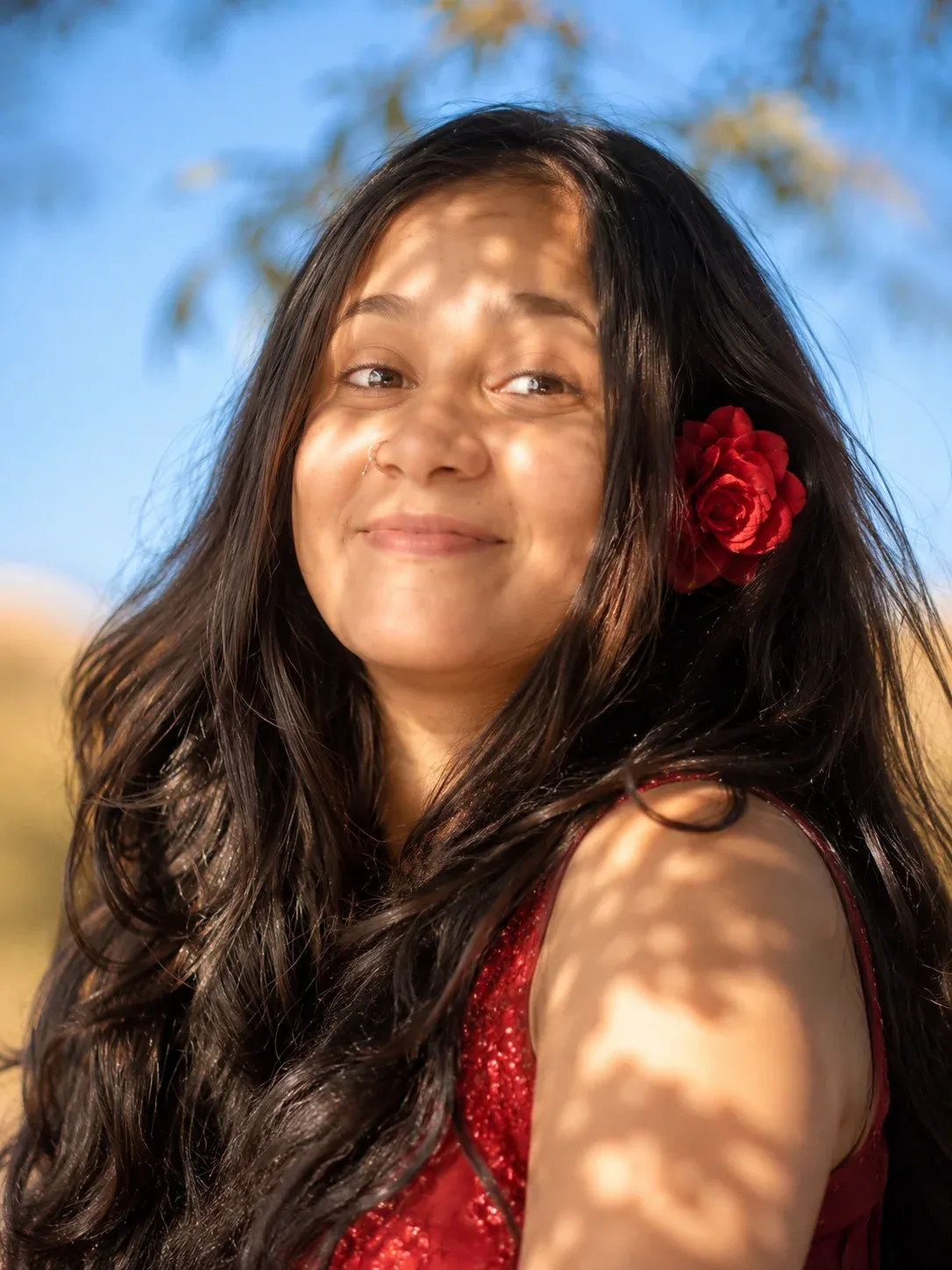
8. Romantic Outdoor Red Dress Portrait
A flowing red outfit, golden outdoor light, soft background blur, and a relaxed expression create a romantic portrait that feels natural rather than heavily edited. Keep the environment bright and believable.
9. Luxury Fashion Editorial Triptych
This triptych uses torn-paper layering, cinematic light, and magazine-inspired styling for a high-fashion appearance. The composition should feel dramatic while preserving realistic facial details and natural proportions.
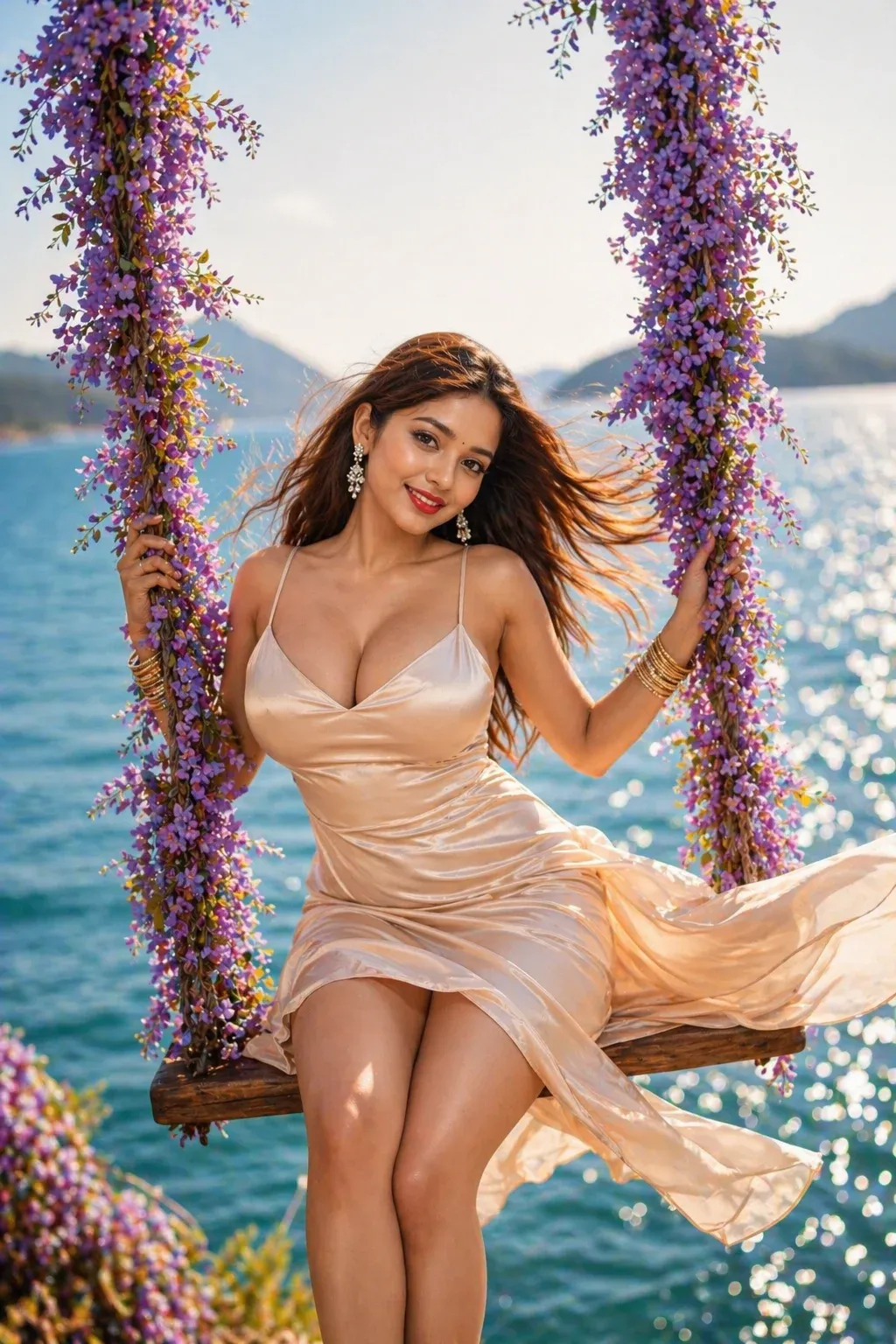
10. Joyful Ocean Swing Portrait
For a brighter lifestyle concept, place the subject near the sea with flowing movement, reflective water, and soft flowers. A joyful expression and natural sunlight help the image feel energetic and authentic.
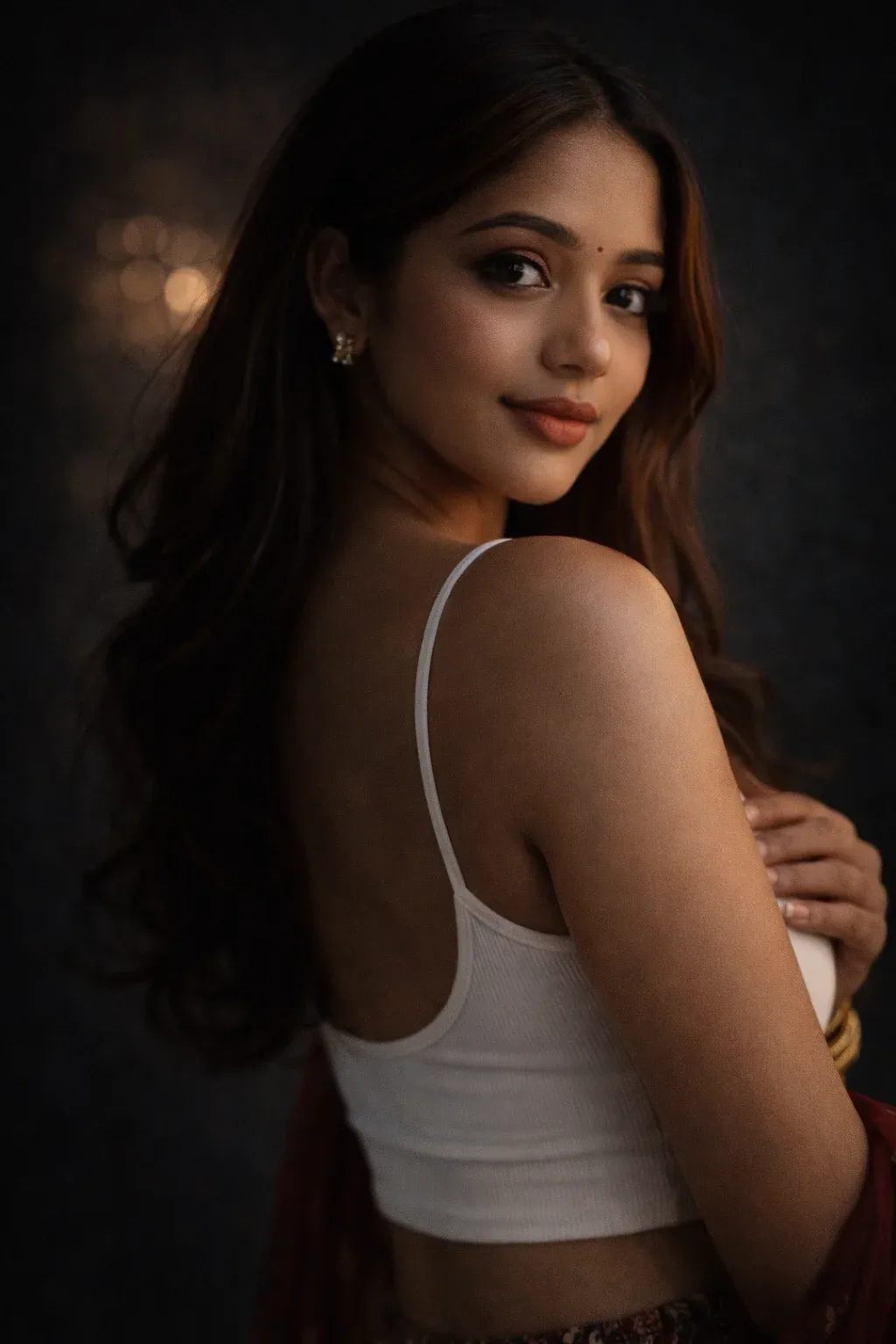
11. Rembrandt Style Studio Portrait
Classic Rembrandt lighting adds depth without relying on heavy effects. A dark, controlled studio background, soft directional light, and realistic camera detail can create a timeless professional portrait.
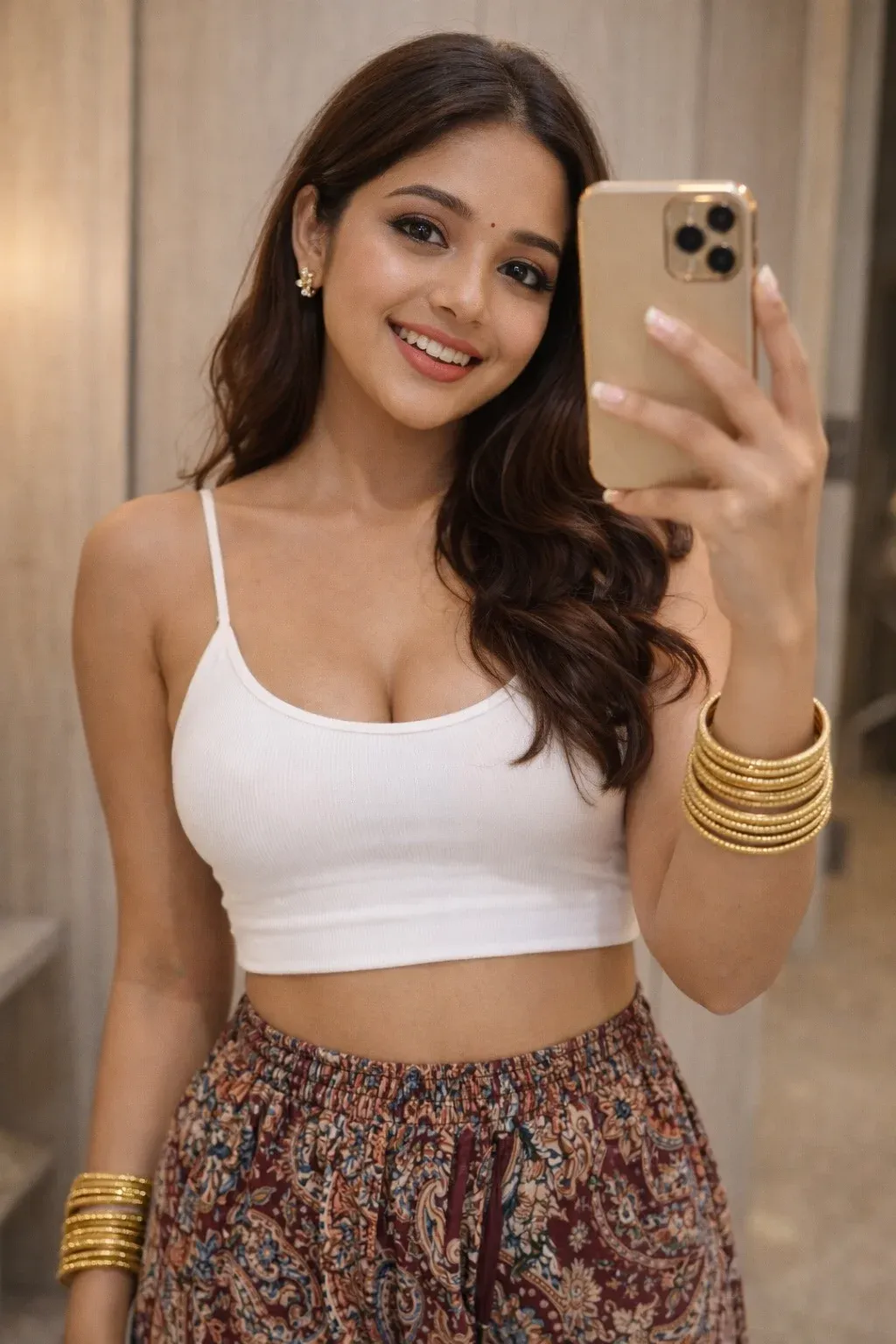
12. Modern Mirror Selfie Aesthetic
A modern mirror selfie works best when the room, clothing, phone, reflections, and skin tones remain believable. Use warm indoor light and restrained editing for an authentic lifestyle result.
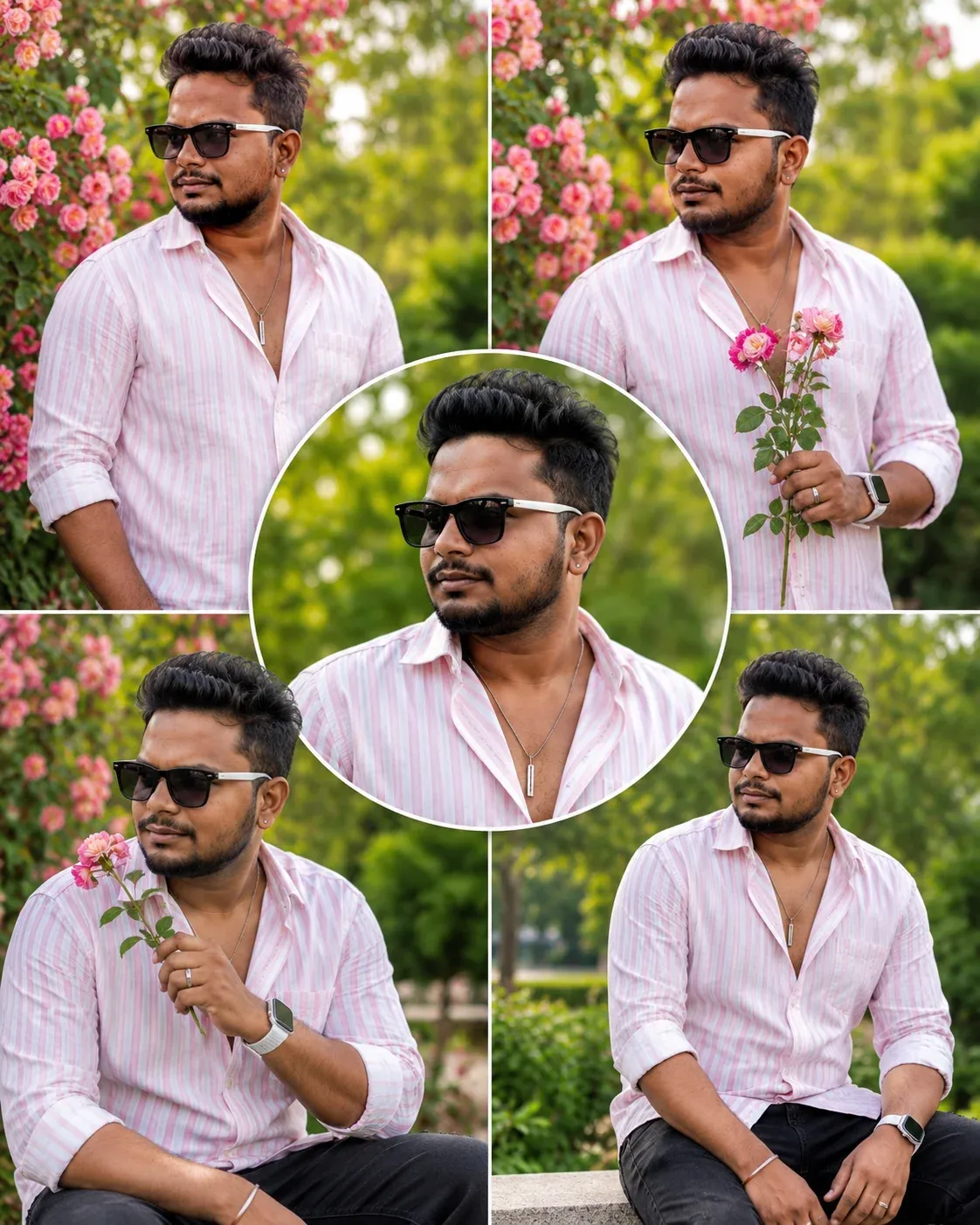
13. Stylish Outdoor Rose Portrait Collage
Combine several outdoor poses with roses, daylight, fashion details, and a coordinated collage. The result can feel vibrant and premium while still looking like a real lifestyle photoshoot.
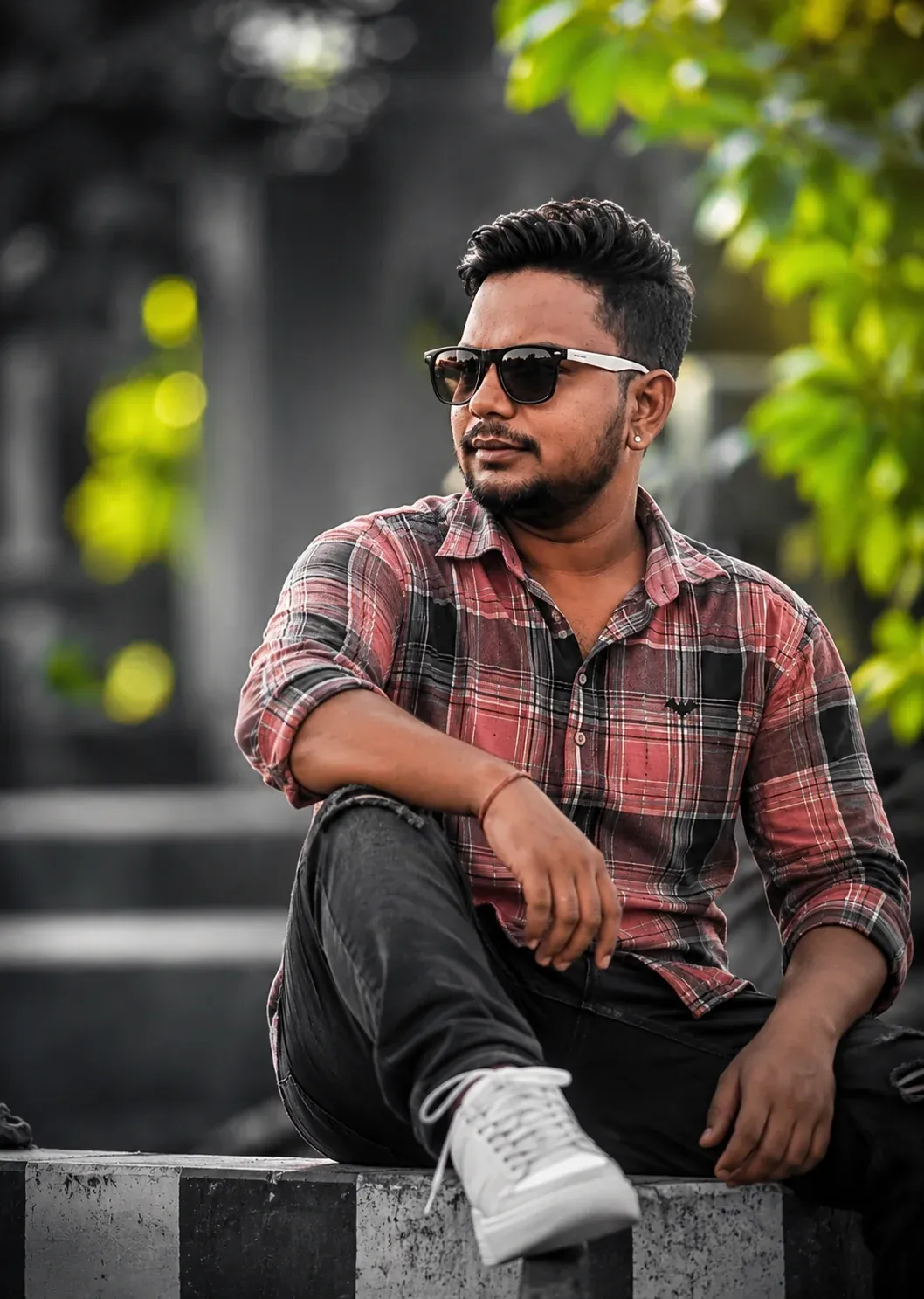
14. Neon Nature Fashion Portrait
Mix contemporary fashion with a dreamy nature setting, subtle neon accents, and cinematic bokeh. The strongest results keep the face natural while using color and light to create visual contrast.
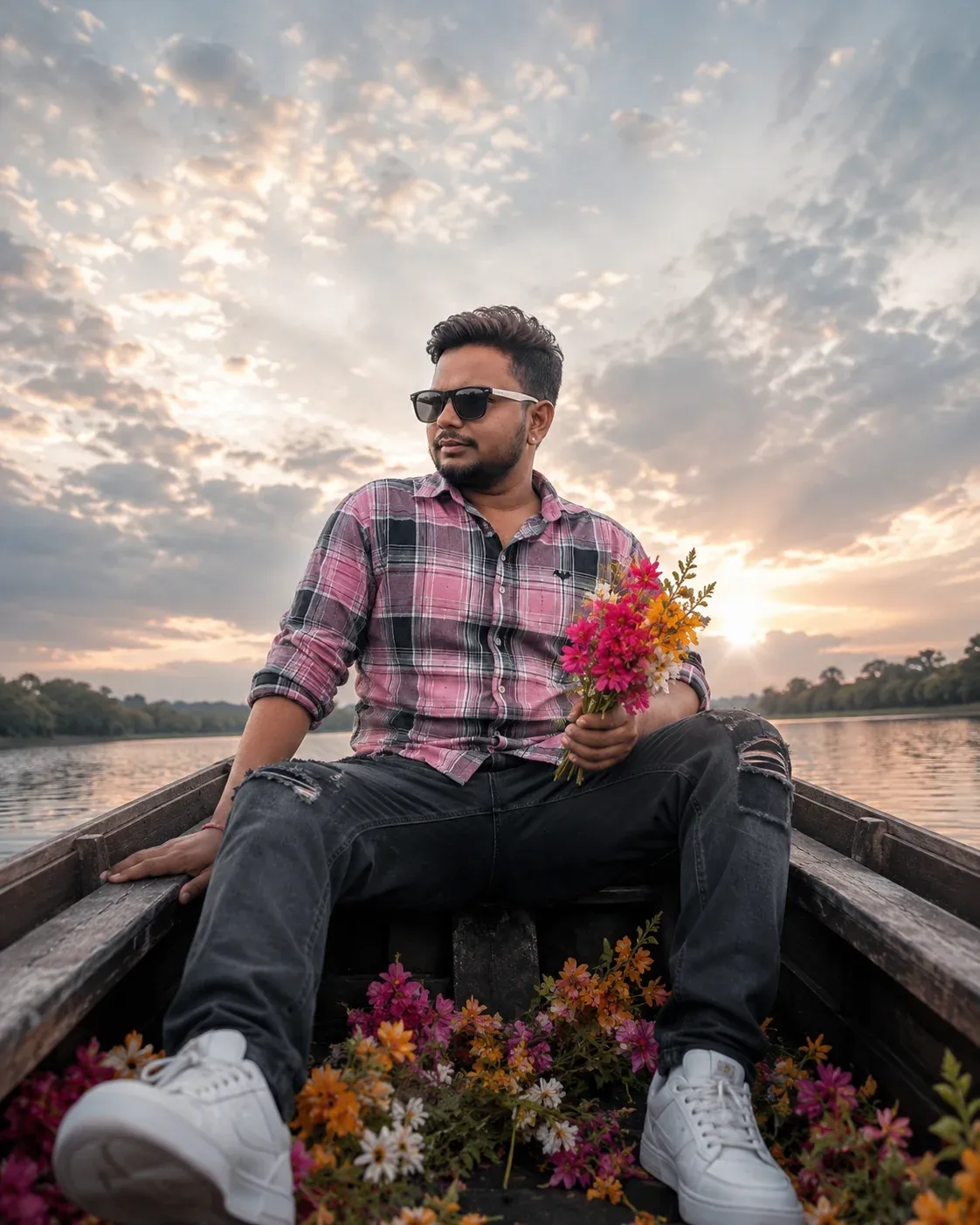
15. Cinematic Boat Lifestyle Portrait
A boat setting adds a premium travel mood to a portrait. Use natural water reflections, elegant styling, flowers, and warm light while keeping the person’s face and proportions consistent with the reference.
How Do Instagram AI Photo Prompts Work?
An AI photo prompt is a detailed visual instruction. It tells the image model what should change, what should remain consistent, and how the final scene should look.
Most useful prompts describe several elements:
- Subject: who or what appears in the image.
- Composition: portrait, close-up, collage, triptych, or full-body framing.
- Lighting: golden hour, studio, flash, window light, or soft daylight.
- Style: editorial, vintage, cinematic, minimalist, or lifestyle.
- Setting: the room, outdoor location, beach, boat, studio, or garden.
- Identity controls: instructions to keep the face and natural features consistent.
Combining these details gives the AI a clearer creative direction. You can then refine the result by changing one element at a time.
Best AI Tools for Instagram Photo Editing
Different AI tools have different editing and generation features. ChatGPT can help you develop or refine a detailed prompt, while compatible image tools can use that direction to edit or generate visuals. Always check the current features and usage limits of the tool you choose.
Frequently Asked Questions
1. What are Instagram trending photo prompts?
They are detailed AI instructions designed to create or edit photos in visual styles commonly used for Instagram content, such as cinematic portraits, collages, fashion edits, and lifestyle scenes.
2. Can ChatGPT create Instagram photo editing prompts?
Yes. ChatGPT can help turn a visual idea into a structured prompt with details for lighting, composition, clothing, setting, mood, and identity consistency.
3. Which Instagram photo editing styles are currently trending?
Popular AI-inspired styles include cinematic portraits, romantic couple collages, flash scrapbook edits, soft-glam portraits, traditional fashion scenes, editorial triptychs, and realistic lifestyle images.
4. Do I need photo editing experience to use these prompts?
No. Beginners can start with a clear reference photo and a copy-paste prompt. You may still need a few attempts to learn how your chosen AI tool responds to different instructions.
5. Can AI preserve my original facial features?
Many tools can preserve facial identity to some degree, but results vary. Adding clear identity instructions and using a high-quality reference photo can help, although perfect consistency is not guaranteed.
6. Are Instagram trending photo prompts free to use?
The prompt text itself can be used without buying a prompt pack, but the AI service you use may have free limits, paid features, or subscription requirements.
Final Thoughts
Instagram content is increasingly shaped by strong visual concepts, and AI prompts make it easier to test those ideas without starting every edit from scratch.
The best results usually come from a clear reference image, specific instructions, and small refinements after the first generation. You do not need to change every detail at once.
Pick one style from the list, test it with your own photo, and adjust the lighting, colors, setting, or wardrobe to match your feed.
Once you understand how each prompt element affects the result, you can create your own variations instead of relying on a single trend.