Childhood photo prompts let you combine a younger photo with a recent photo to create an emotional portrait about growth, memories, and the connection between your past and present self.
Black-and-white photography, simple studio settings, soft shadows, and cinematic framing can make the result feel timeless. A detailed prompt also helps guide the AI toward realistic expressions, proportions, clothing, and facial identity.
Whether you want a birthday memory, a quiet face-to-face portrait, or a creative before-and-after composition, these childhood photo prompts give you a simple starting point. Upload suitable reference photos, paste a prompt, and refine the result if needed.
ChatGPT Childhood Photo Prompts: Create Emotional AI Portraits
The following ideas focus on different ways to connect childhood memories with your current appearance. You can use the wording as a starting point and adjust the setting, clothing, age, or mood to match your own photos.
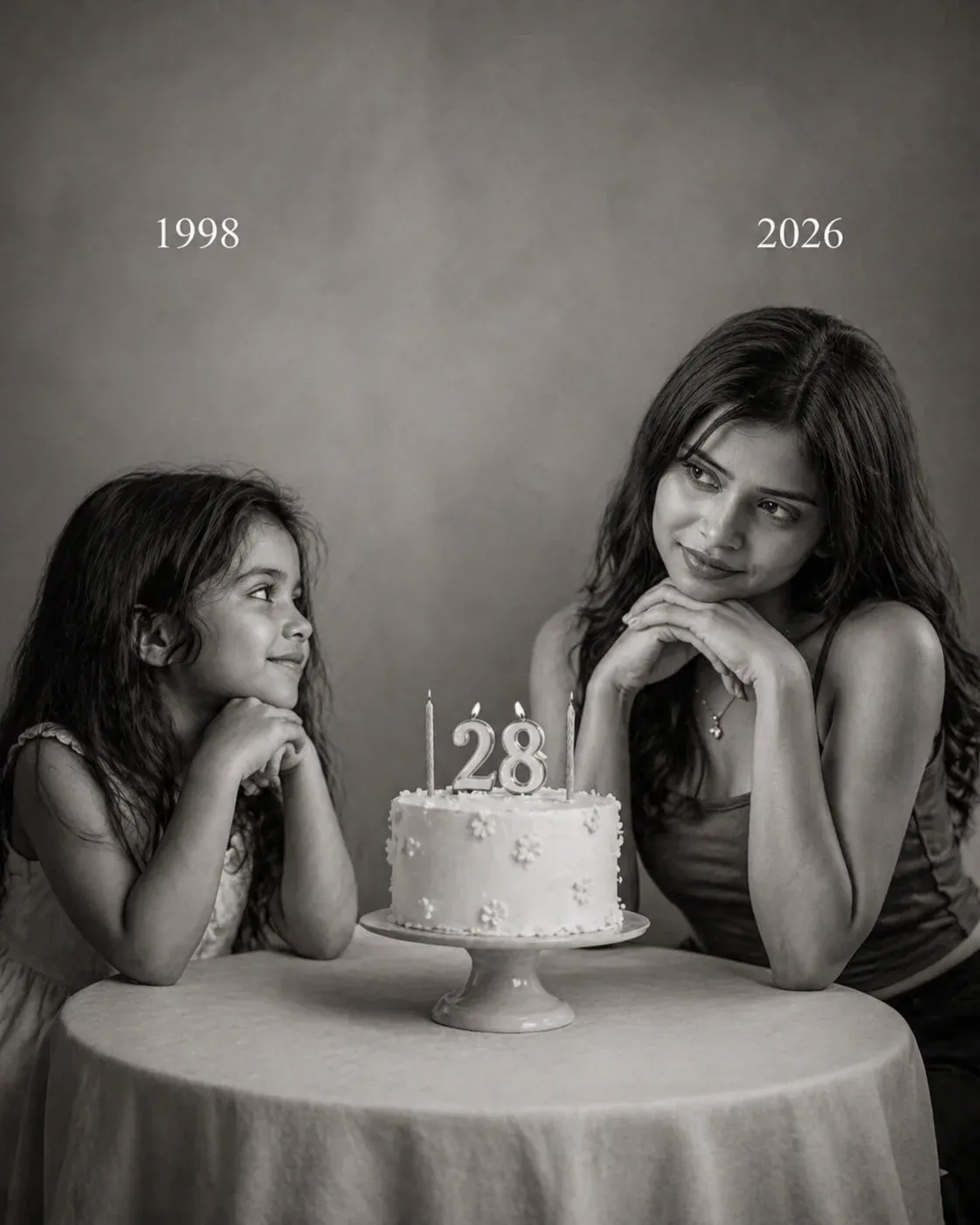
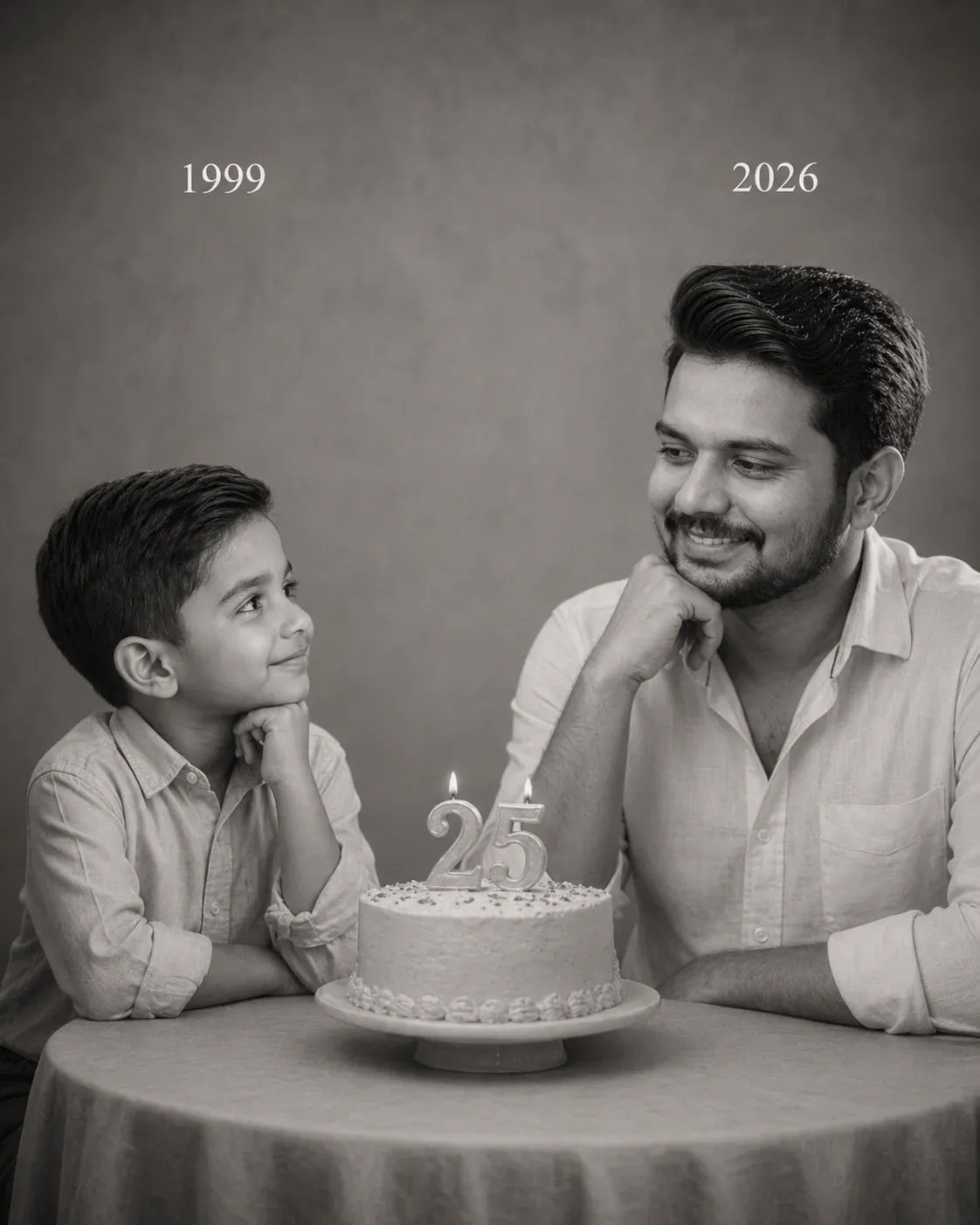
1. Emotional Childhood-to-Now Portrait with Birthday Story
This concept places your younger and present selves in a cinematic studio scene with a birthday cake and subtle year markers. The monochrome treatment keeps attention on the expressions and the story of growing up.
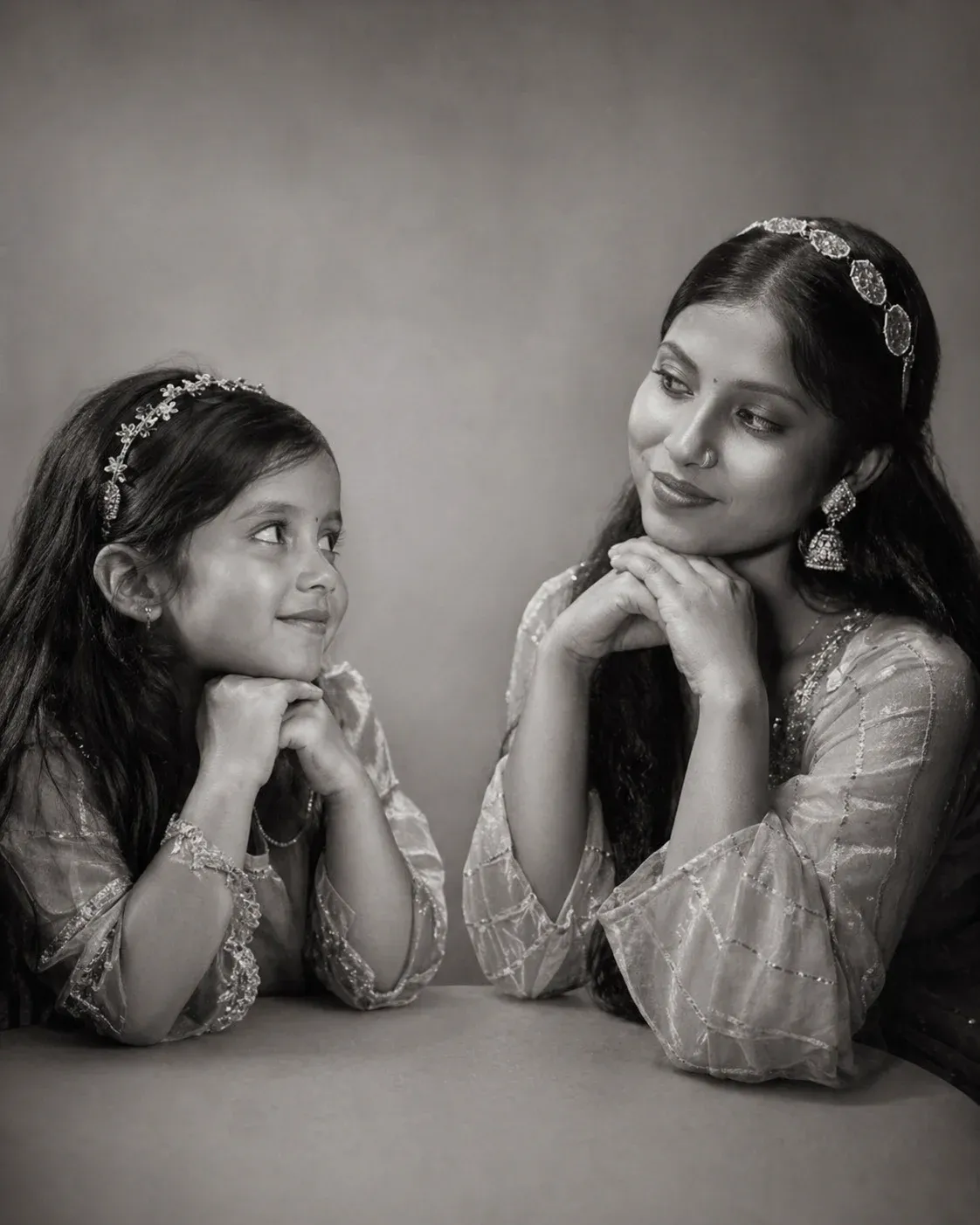
2. Minimal Emotional Childhood Connection Portrait
A minimal composition can make the emotional connection stronger. Use a plain background, soft light, and natural interaction so the younger and present versions remain the clear focus of the image.
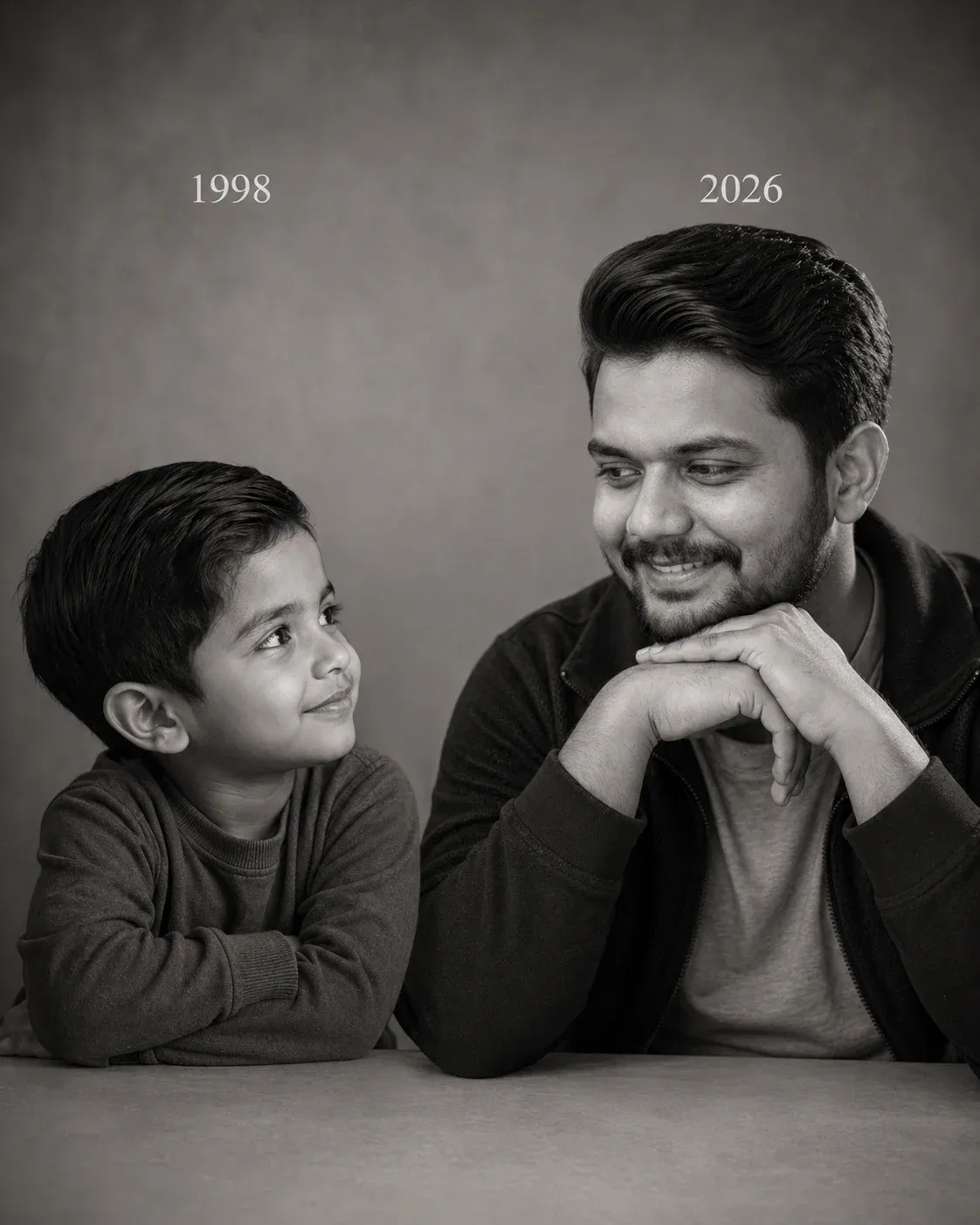
3. Highly Realistic Nostalgic Studio Portrait
This version emphasizes realistic photography, balanced studio light, and a refined monochrome finish. It works well when you want the final image to feel like a professionally photographed memory rather than a heavily stylized AI creation.
4. Mixed Style Childhood and Present Contrast Portrait
A mixed monochrome-and-color treatment creates a strong visual contrast. Keep the childhood side in black and white while allowing the present-day portrait to retain natural color, making the passage of time easy to see.
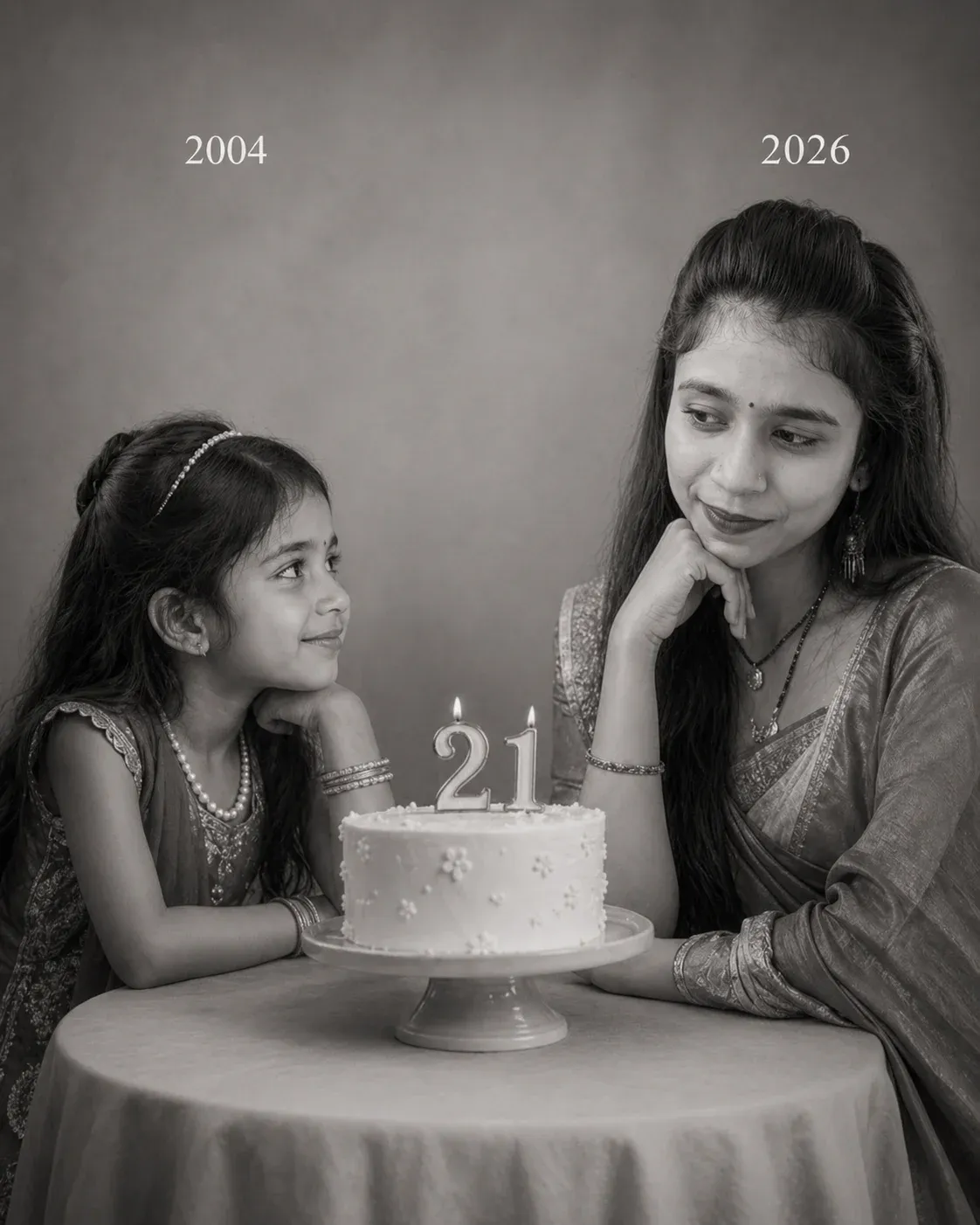
5. Birthday Milestone Childhood Reflection Portrait
This milestone concept uses a simple birthday setting to represent another year of growth. Keep the scene understated so the interaction between the younger and present versions remains the main storytelling element.
Frequently Asked Questions (FAQs)
What is a ChatGPT childhood photo prompt?
A ChatGPT childhood photo prompt is a detailed instruction that describes how an AI image tool should combine childhood and current reference photos into a specific visual composition.
How does a childhood photo prompt generator work?
It uses your uploaded reference images and written instructions to guide the AI on composition, lighting, poses, age differences, setting, and visual style. The final result depends on the quality of the references and the capabilities of the chosen tool.
Do I need editing skills to use these prompts?
No. You can start with a clear reference photo, paste the prompt into a compatible AI image tool, and review the generated result. Basic prompt adjustments can help when the first version needs changes.
Will my face and features stay the same?
AI tools can preserve facial identity to varying degrees, but exact consistency is not guaranteed. Clear reference images and explicit instructions to preserve facial features can improve the result.
Are these prompts really free to use?
The prompt text can be copied and adapted, but the AI service you choose may have free usage limits, paid features, or subscription requirements.
Which AI tools can I use with these prompts?
You can use compatible AI image generation or editing tools that accept reference photos and detailed text instructions. Available features vary by platform, so check the current capabilities of your chosen tool.
Final Words
Childhood photo prompts can turn two ordinary reference images into a visual story about time, memories, and personal growth. The most effective results usually come from clear photos and specific instructions.
You can start with a simple face-to-face portrait and then experiment with birthday scenes, monochrome photography, color contrast, or other meaningful settings. Small changes to lighting and composition can create very different results.
If you want a personal and nostalgic AI portrait, choose a childhood photo and a recent photo that clearly show your features. Then copy one of the prompts above and refine the details to suit your story.