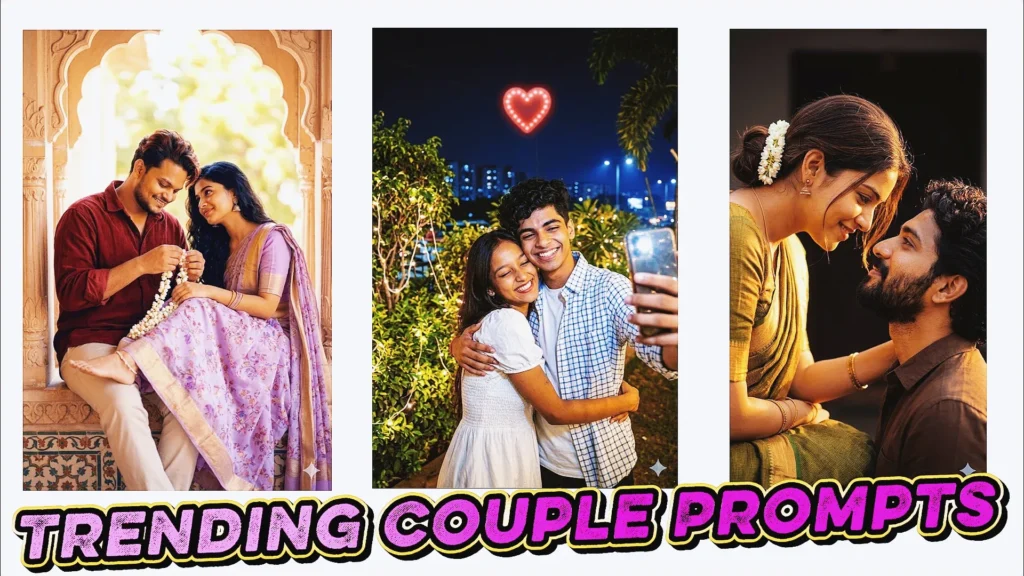
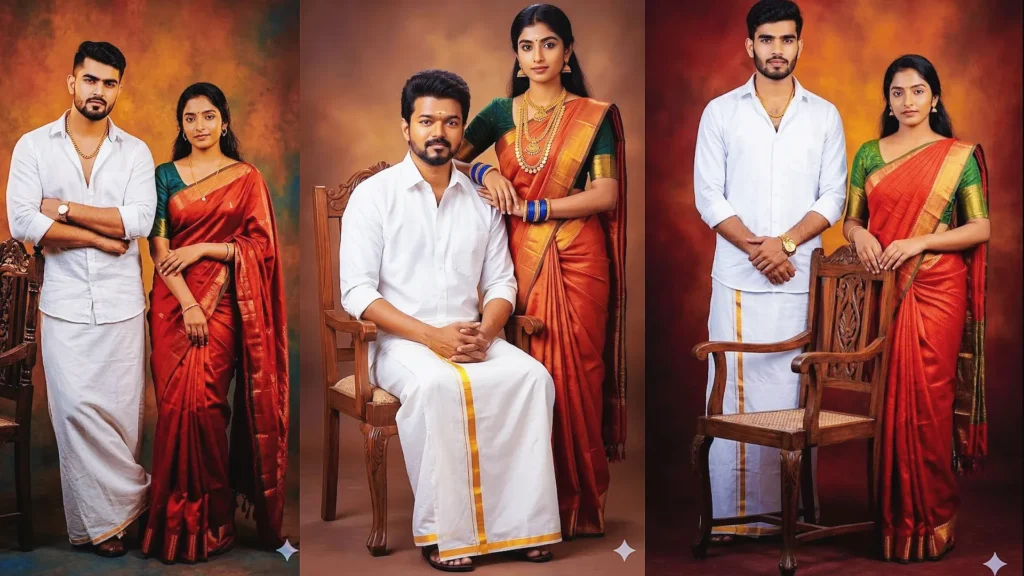
Google Gemini has made creative photo editing much easier because you can describe the look you want instead of adjusting every setting manually. A well-written Google Gemini AI photo editing prompt can guide the background, clothing, lighting, pose, camera style, mood, and overall finish while helping you keep the person recognizable.
From stylish portraits and fashion edits to couple scenes, family photos, devotional artwork, and playful character effects, the quality of the result depends heavily on the instructions you give Gemini. Specific prompts usually work better than short requests such as “make this photo beautiful.”
In this guide, I have rewritten the ideas into practical copy-and-paste prompts for 2026. You can use the examples as a starting point, then change the outfit, location, lighting, colors, or pose to create your own version.
How to Use Gemini AI Photo Editing Prompts
The basic process is simple. Start with a clear reference photo, then give Gemini one complete prompt at a time. If identity matters, explicitly ask the model to preserve the person’s facial features, age, skin tone, hairstyle, and natural proportions.
Open Google Gemini and start an image-editing conversation.
Upload a clear, high-quality reference photo.
Copy one prompt from this guide.
Paste the prompt into Gemini and generate the edit.
Review the face, hands, clothing, lighting, and background.
Ask for small corrections instead of rewriting everything if one detail needs improvement.
Trending Google Gemini AI Photo Editing Prompts for Stunning AI Images
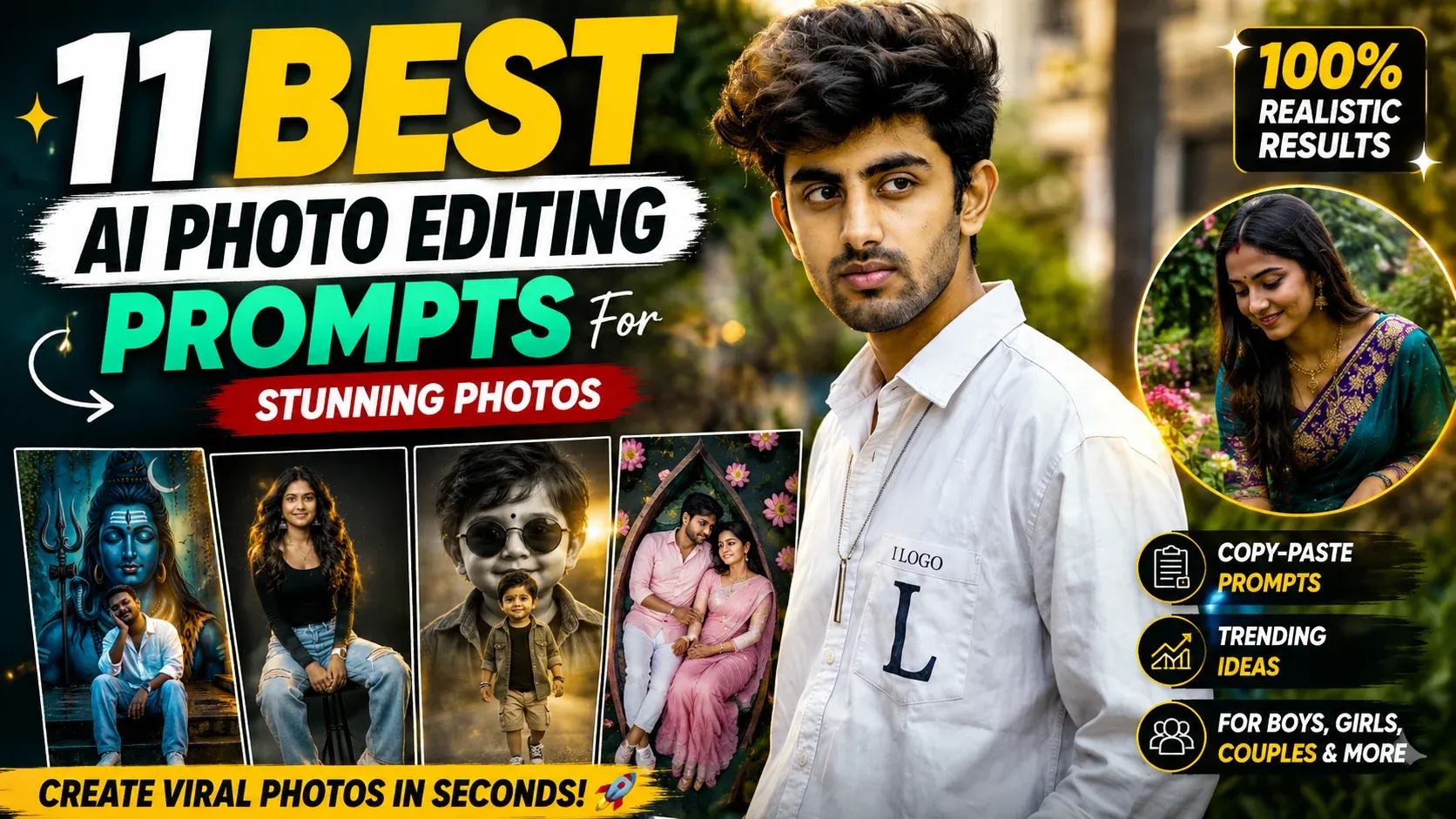
Below are different visual directions for girls, boys, couples, children, families, and creative edits. Each prompt is written to match the image idea beside it, so you can copy the prompt directly or customize it for your own photo.
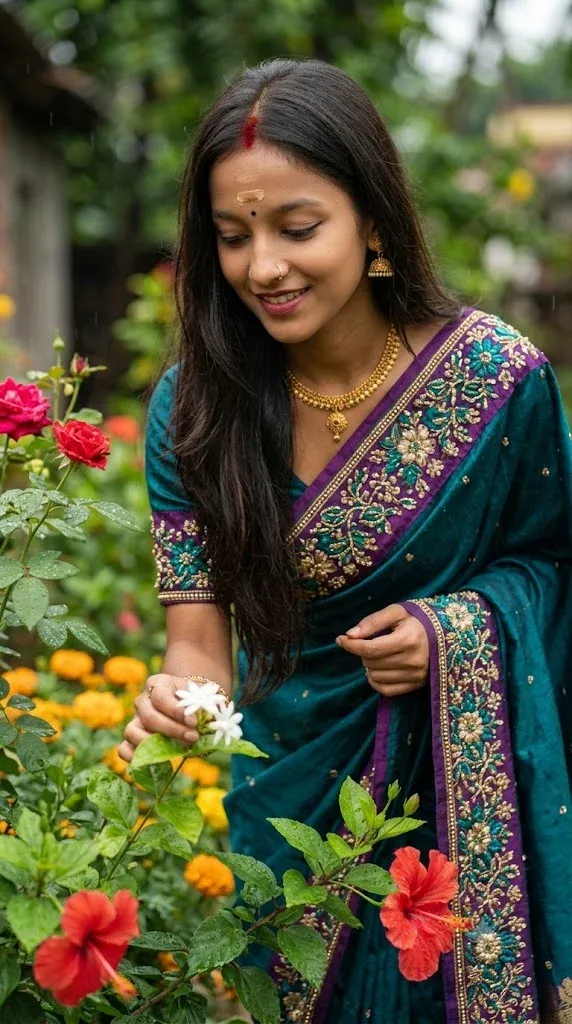
1. Luxury Saree Garden Portrait
Use this prompt when you want a traditional fashion portrait with a refined outdoor setting. The focus is on elegant saree styling, natural flowers, soft light, and realistic facial identity.
Create a photorealistic luxury Indian fashion portrait using the uploaded reference photo. Preserve the woman’s facial identity, age, skin tone, natural features, hairstyle, and body proportions. Dress her in an elegant premium saree with tasteful jewelry and place her in a beautiful garden filled with natural greenery and subtle flowers. Use soft golden-hour daylight, realistic fabric texture, natural skin detail, gentle background blur, balanced composition, and professional DSLR fashion photography. Keep the expression authentic, hands natural, and avoid facial distortion or excessive beauty filters.
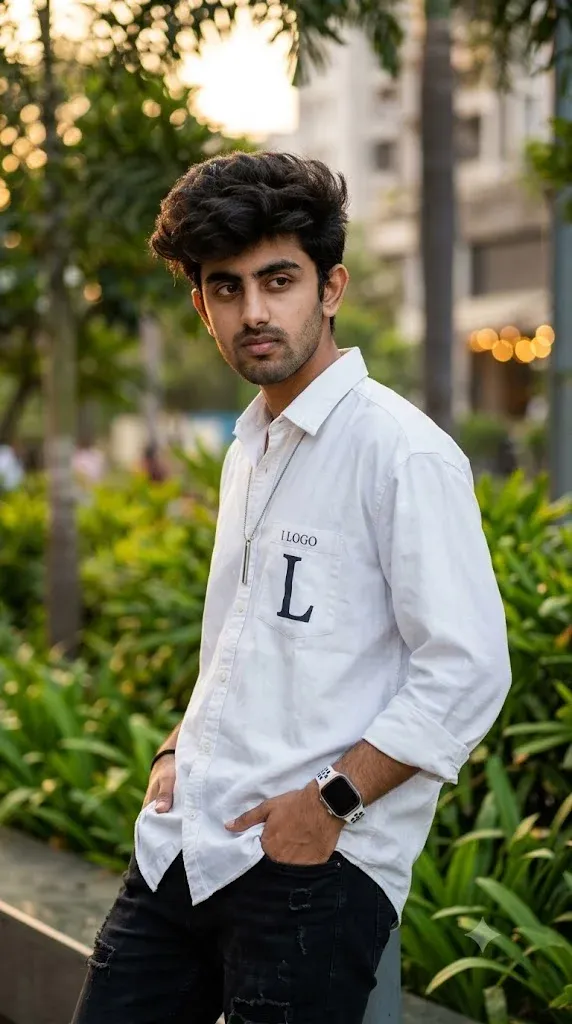
2. Stylish Outdoor Fashion Boy Look
This version is designed for a modern male portrait with an influencer-style finish. It keeps the edit realistic while adding stronger fashion, location, and camera direction.
Edit the uploaded reference photo into a stylish outdoor male fashion portrait. Preserve the subject’s exact facial identity, age, skin tone, hairstyle, and natural body proportions. Give him a modern casual outfit with clean styling and place him in an attractive urban outdoor location with subtle greenery and architectural depth. Use soft natural daylight, realistic skin and clothing texture, shallow depth of field, crisp professional-camera detail, natural shadows, and a confident but relaxed expression. Keep the face recognizable and avoid artificial skin smoothing or distorted hands.
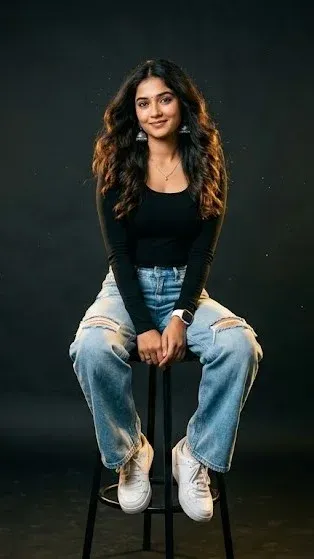
3. Premium Black Studio Portrait for Women
For a dramatic editorial result, use a dark studio environment with controlled lighting. This works particularly well for profile pictures and fashion-style portraits.
Transform the uploaded woman’s photo into a premium black-background studio portrait. Preserve her facial identity, age, skin tone, hairstyle, and natural proportions exactly. Style her in an elegant modern outfit with refined fashion details. Use a deep charcoal-to-black studio background, soft directional key light, subtle rim light, realistic skin texture, controlled highlights, natural shadows, and a high-end magazine photography finish. Keep the expression natural and confident, with realistic hands and clothing folds. Do not change her identity or add excessive retouching.
4. Luxury Fashion Studio Portrait for Men
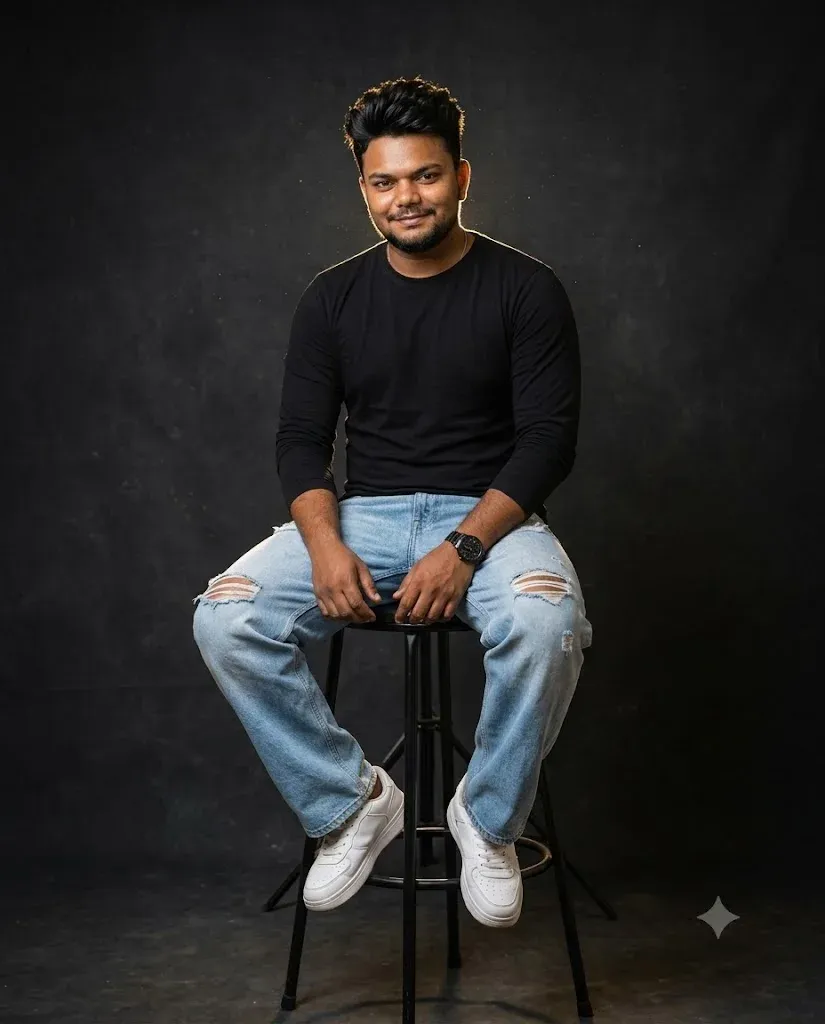
This prompt turns a normal male photo into a polished studio fashion portrait. It is useful when you want premium clothing detail, clean lighting, and a professional profile-photo look.
Create a high-end studio fashion portrait from the uploaded male reference photo. Preserve his facial identity, age, skin tone, hairstyle, facial structure, and body proportions. Dress him in a sophisticated modern outfit with premium fabric and tailored styling. Use a clean luxury studio background, soft cinematic key lighting, subtle shadow falloff, realistic clothing texture, natural skin detail, and professional editorial-camera quality. Keep his expression relaxed and confident, with realistic hands and believable anatomy. Avoid changing his face or adding unnecessary accessories.
5. Luxury LED Mirror Selfie Transformation
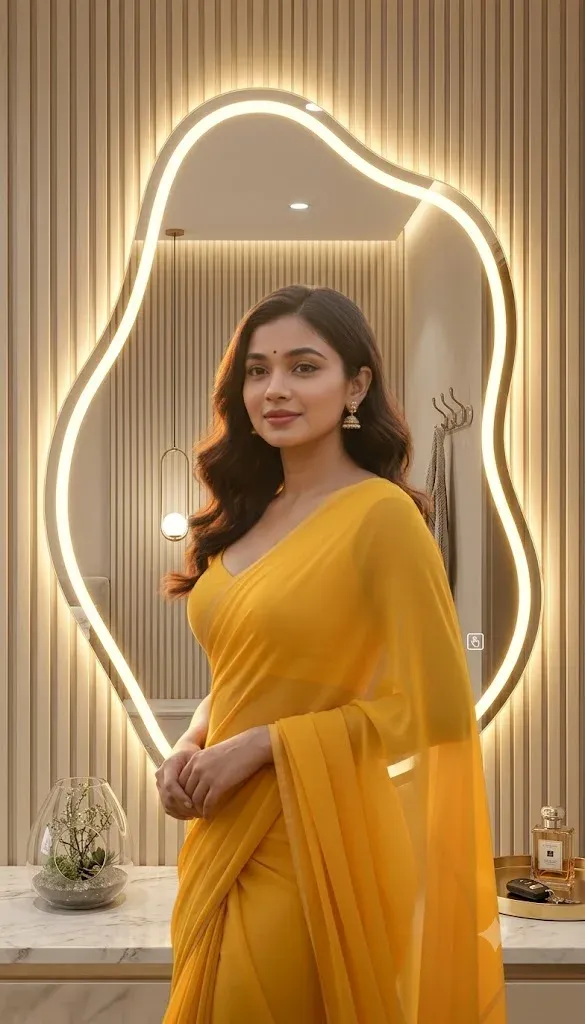
A mirror selfie can be given a more polished atmosphere without losing its casual character. This version focuses on realistic LED lighting, reflections, and a modern luxury interior.
Edit the uploaded mirror selfie into a polished luxury interior portrait while keeping the original person recognizable. Preserve facial identity, age, skin tone, hairstyle, body proportions, and natural expression. Keep the mirror-selfie composition and phone visible, but upgrade the surroundings to a stylish modern room with elegant LED lighting, clean surfaces, and subtle luxury details. Use realistic reflections, believable phone-camera exposure, soft highlights, natural shadows, authentic skin texture, and a premium lifestyle-photography finish. Do not reshape the face or body.
6. Divine Lord Shiva Wall Portrait
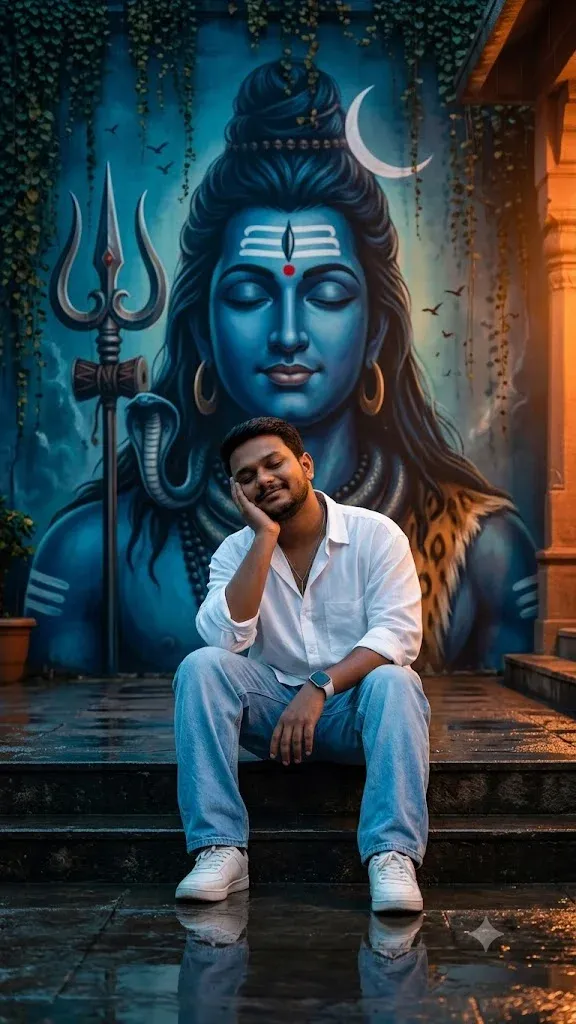
For a devotional edit, the prompt should clearly separate the person from the spiritual artwork. This helps Gemini create a respectful scene while keeping the reference subject recognizable.
Create a respectful devotional portrait using the uploaded reference photo, with a beautifully detailed Lord Shiva-inspired spiritual artwork displayed as the main background element. Preserve the person’s facial identity, age, skin tone, hairstyle, and natural proportions. Place the subject in a calm temple-inspired environment with subtle incense atmosphere, warm lamps, stone textures, and cinematic golden lighting. Keep the devotional imagery dignified and culturally respectful, with realistic skin, clothing, shadows, and depth. Avoid altering the person’s face or creating exaggerated supernatural effects around the subject.
7. Golden Hour Krishna Temple Scene
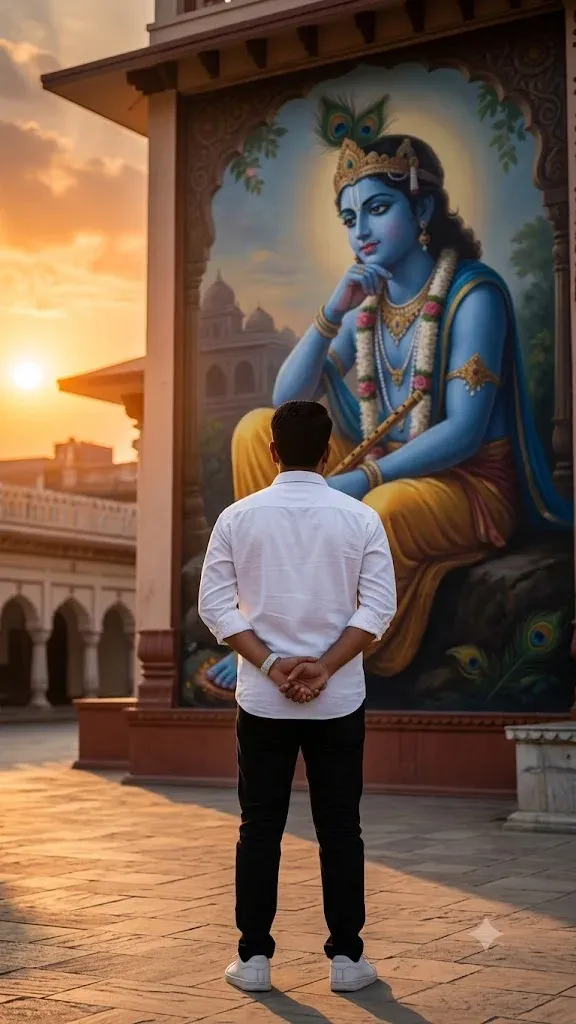
This idea combines a peaceful temple environment with warm sunset light. It is suited to devotional portraits that should feel cinematic but still natural.
Turn the uploaded reference photo into a peaceful cinematic temple portrait inspired by a Krishna devotional setting. Preserve the subject’s real facial identity, age, skin tone, hairstyle, and natural proportions. Place the person near a traditional temple courtyard at golden hour with warm sunlight, subtle architectural details, soft atmospheric depth, and tasteful devotional elements. Use realistic clothing and skin texture, natural shadows, gentle lens depth, and a calm emotional mood. Keep the spiritual setting respectful and avoid changing the person’s face or adding distracting fantasy effects.
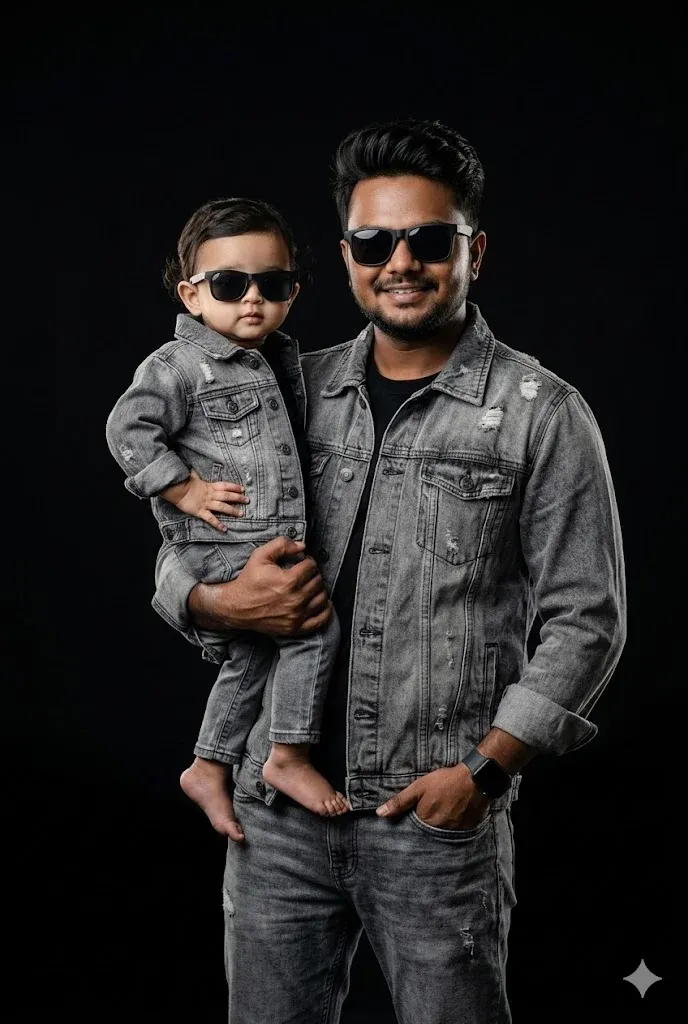
8. Stylish Father and Daughter Studio Photoshoot
Family portraits benefit from clear instructions for both people. This prompt focuses on identity preservation, natural interaction, and a professional studio finish.
Create a warm professional father-and-daughter studio portrait using the uploaded reference photos. Preserve both people’s facial identities, ages, skin tones, hairstyles, and natural proportions. Keep the father and daughter together in a comfortable, affectionate pose with genuine expressions. Dress them in coordinated but age-appropriate outfits and use a clean premium studio background with soft cinematic portrait lighting. Add realistic skin texture, natural hands, believable clothing folds, subtle depth of field, and polished family-photography quality. Keep the interaction wholesome and natural without changing either person’s identity.
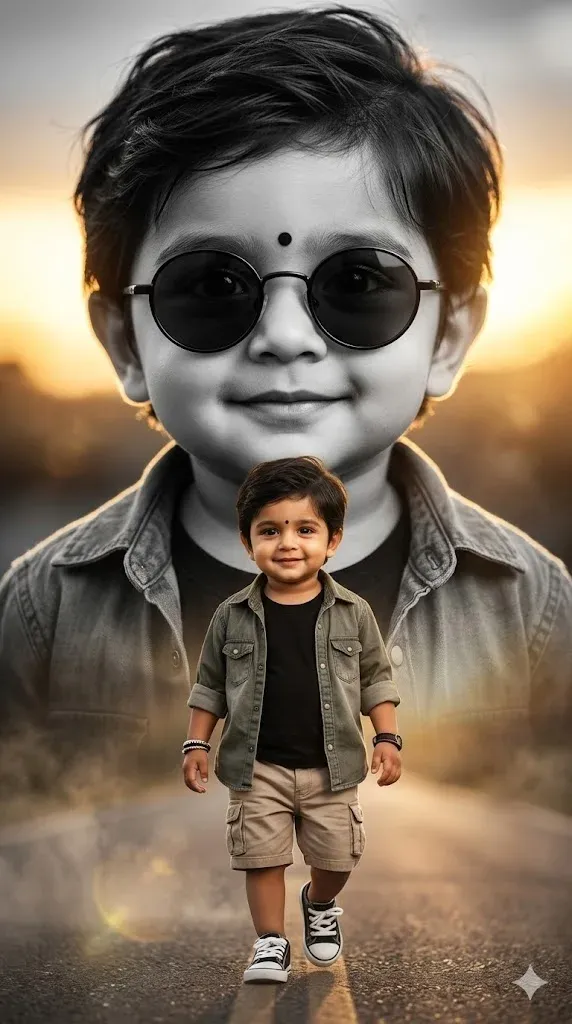
9. Luxury Double Exposure Toddler Portrait
This creative child portrait uses a controlled double-exposure effect rather than changing the child’s identity. Keep the effect subtle so the result still feels like a polished photograph.
Create a tasteful editorial portrait of the child in the uploaded reference photo. Preserve the child’s facial identity, age-appropriate appearance, skin tone, hair, and natural proportions. Add a subtle artistic double-exposure effect using a softly blended secondary silhouette or environmental texture, while keeping the child’s main face clear and realistic. Use a premium neutral studio background, soft directional light, realistic skin and clothing texture, gentle film grain, and high-end family photography quality. Keep the image wholesome, age-appropriate, and free from facial distortion.
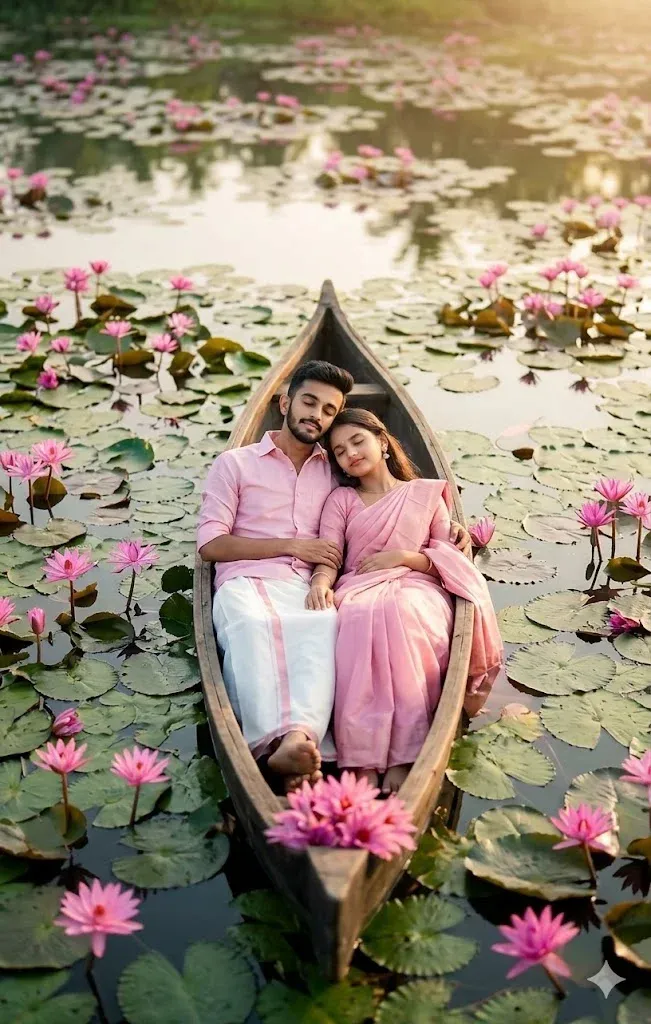
10. Romantic Lotus Pond Couple Scene
For romantic couple edits, describe both people, their interaction, and the environment separately. This helps Gemini maintain a believable composition instead of blending the two faces together.
Create a romantic photorealistic couple portrait using the uploaded reference photos of both partners. Preserve each person’s facial identity, age, skin tone, hairstyle, and natural proportions. Place the couple together in a small traditional boat on a peaceful lotus pond surrounded by soft greenery and blooming lotus flowers. Give them a natural affectionate pose and genuine expressions. Use warm early-evening light, realistic water reflections, gentle cinematic depth, detailed clothing, natural hands, and professional romantic photography. Keep both faces clear and recognizable and avoid exaggerated effects.
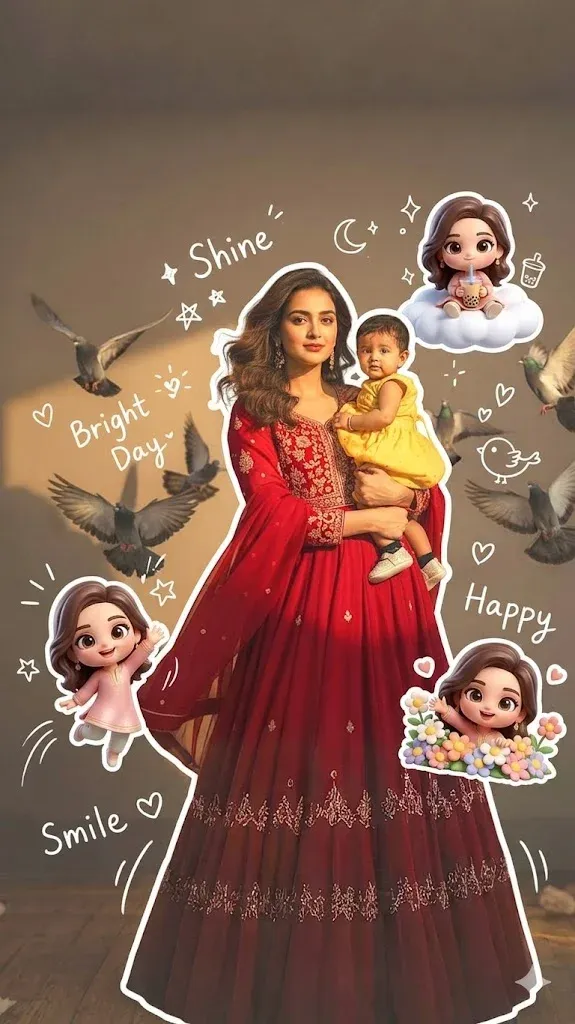
11. Cute Chibi Character Photo Effect
Not every Gemini edit needs to be photorealistic. This playful option turns a regular portrait into a cute illustrated scene while keeping the original person recognizable.
Transform the uploaded portrait into a cute polished chibi-style illustration while preserving the person’s recognizable facial features, hairstyle, clothing identity, and overall pose. Add small 3D chibi companion characters and playful hand-drawn doodle accents around the subject, using a clean pastel environment and soft studio-like lighting. Keep the main face clear, friendly, and recognizable, with neat proportions for the illustrated style, smooth but detailed rendering, subtle shadows, and a premium social-media artwork finish. Avoid clutter and do not introduce unrelated characters.
Common Mistakes Beginners Make
Using a prompt that is too short or vague.
Changing too many visual elements at once.
Forgetting to describe the background and lighting.
Leaving clothing or pose details unclear.
Not asking Gemini to preserve identity when it matters.
Using blurry or low-quality reference photos.
Adding too many conflicting styles to one prompt.
FAQs
What are Google Gemini AI photo editing prompts?
They are written instructions that tell Gemini how you want an uploaded image edited or transformed. A prompt can describe the subject, background, clothing, lighting, pose, camera style, mood, and other visual details.
How do I use a Google Gemini AI photo editing prompt?
Upload your reference photo in Gemini, copy one complete prompt, paste it into the conversation, and generate the image. If something is incorrect, give Gemini a focused follow-up instruction for that specific detail.
Can Gemini edit an existing photo?
Gemini can support image editing and transformation workflows, but the exact capabilities can change over time. When using a reference photo, clear instructions about identity, composition, and the requested changes can help produce a more consistent result.
Is Google Gemini AI photo editing free?
Google offers Gemini access with free and paid options, and image features or usage limits can vary by account, region, and current Google product availability. Check your Gemini account for the features available to you.
Final Words
The best Google Gemini AI photo editing prompts give the model enough direction to understand the desired result without creating a confusing list of instructions. Clear descriptions of identity, clothing, lighting, background, pose, and camera style can make a major difference in the final image.
Use these examples as starting points rather than fixed formulas. You can change the location, outfit, colors, mood, or camera angle while keeping the identity-preservation instructions when you want the person to remain recognizable.
Try one prompt at a time, compare the results, and make small adjustments until the image matches your idea. As Gemini’s image capabilities continue to develop, learning how to describe a visual clearly will remain one of the most useful skills for creating better AI-edited photos.