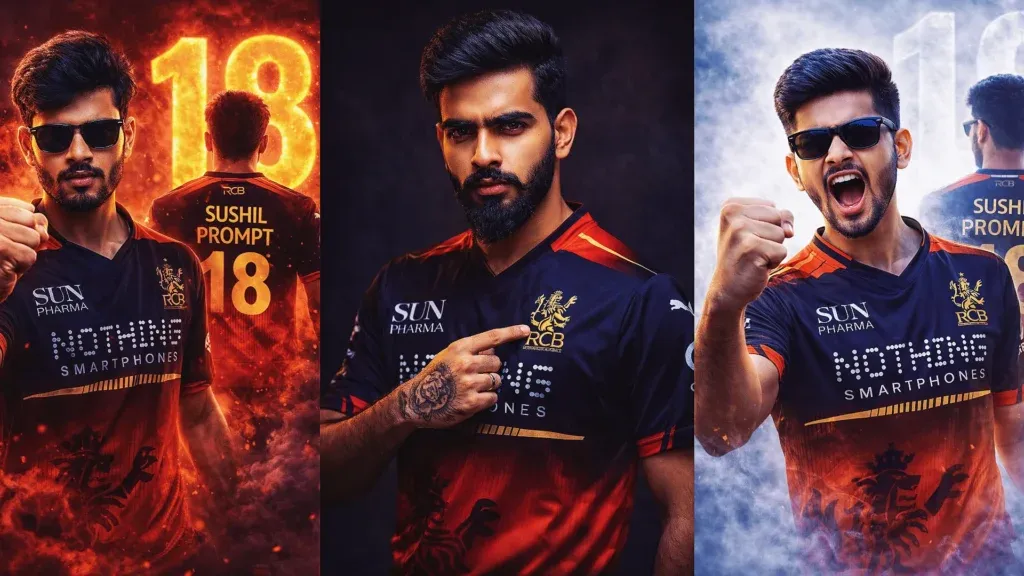
RCB fan posters have become a popular way to turn a normal portrait into a dramatic cricket-themed visual. With a well-written RCB ChatGPT prompt, you can guide an AI image tool toward a polished stadium, jersey, or championship-style design.
The key is giving the tool enough visual direction. Mention the jersey, pose, lighting, stadium setting, mood, camera style, and important details you want preserved. That usually gives you more control than a short instruction such as “make an RCB poster.”
Below, you’ll find practical RCB prompt ideas for celebration scenes, trophy moments, studio portraits, jersey edits, and social-media-ready fan posters.
What is an RCB Chat GPT Prompt?
An RCB ChatGPT prompt is a detailed instruction that tells an AI image tool how you want a Royal Challengers Bengaluru-themed image to look. It can describe the outfit, pose, setting, lighting, camera style, and overall mood.
Instead of using a basic instruction such as “make an RCB poster,” you can build a structured prompt around details like:
- Jersey design, colors, and visible details
- Pose, expression, and body position
- Stadium, dressing room, or celebration background
- Lighting, smoke, fireworks, and atmosphere
- Realistic photography, cinematic, or poster styling
A more specific prompt gives the image model clearer visual direction. If you are using a personal photo, also ask the tool to preserve the person’s recognizable facial features and natural proportions.
The examples below show how you can turn these ideas into ready-to-copy RCB photo prompts.
Why RCB Prompts Are Trending in 2026
Cricket fan content works especially well on visual platforms because a familiar jersey, dramatic stadium, and personal portrait can quickly become a shareable graphic. AI tools make it easier to create these concepts without advanced design software.
Here’s why RCB jersey prompts are useful for creators:
- Fans can create personalized cricket-themed portraits.
- Instagram posts, reels, and stories benefit from strong visuals.
- AI image tools make poster-style edits accessible to beginners.
- Detailed prompts allow you to test several creative directions quickly.
RCB Prompt ChatGPT for Cinematic IPL Poster (Ultra Realistic 8K Design)
Use these RCB prompt ideas when you want a cinematic cricket poster rather than a simple jersey edit. For the most consistent result, upload a clear reference photo and describe the face, clothing, pose, environment, and lighting you want.
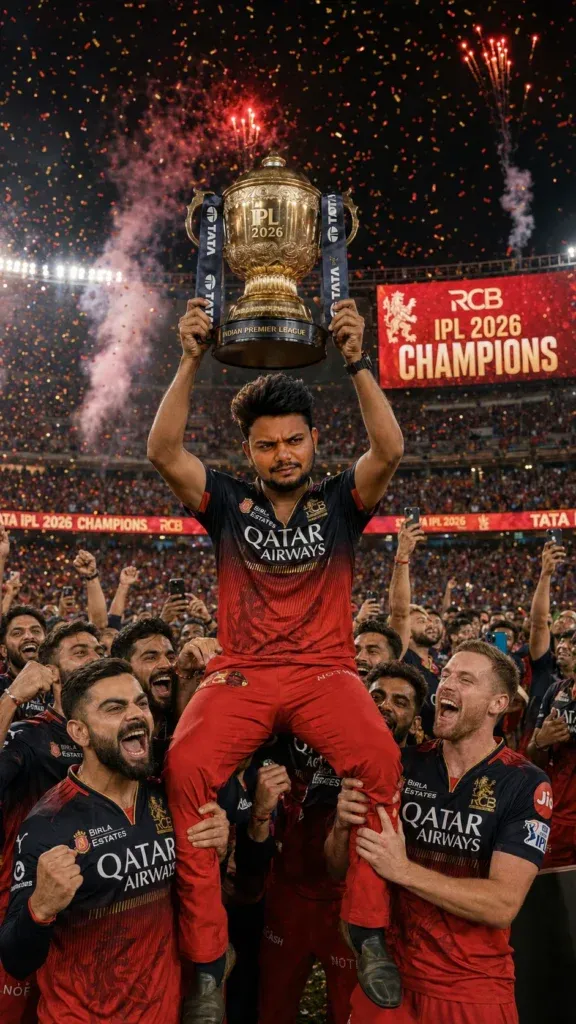
1. Standing Above the Team with the Trophy
Create a dramatic championship scene with the subject celebrating above the squad while holding the trophy inside a packed stadium. Add fireworks, falling confetti, powerful floodlights, cheering supporters, and realistic sports-photography details. Keep the subject’s face natural and recognizable while making the scene feel like a major cricket celebration.
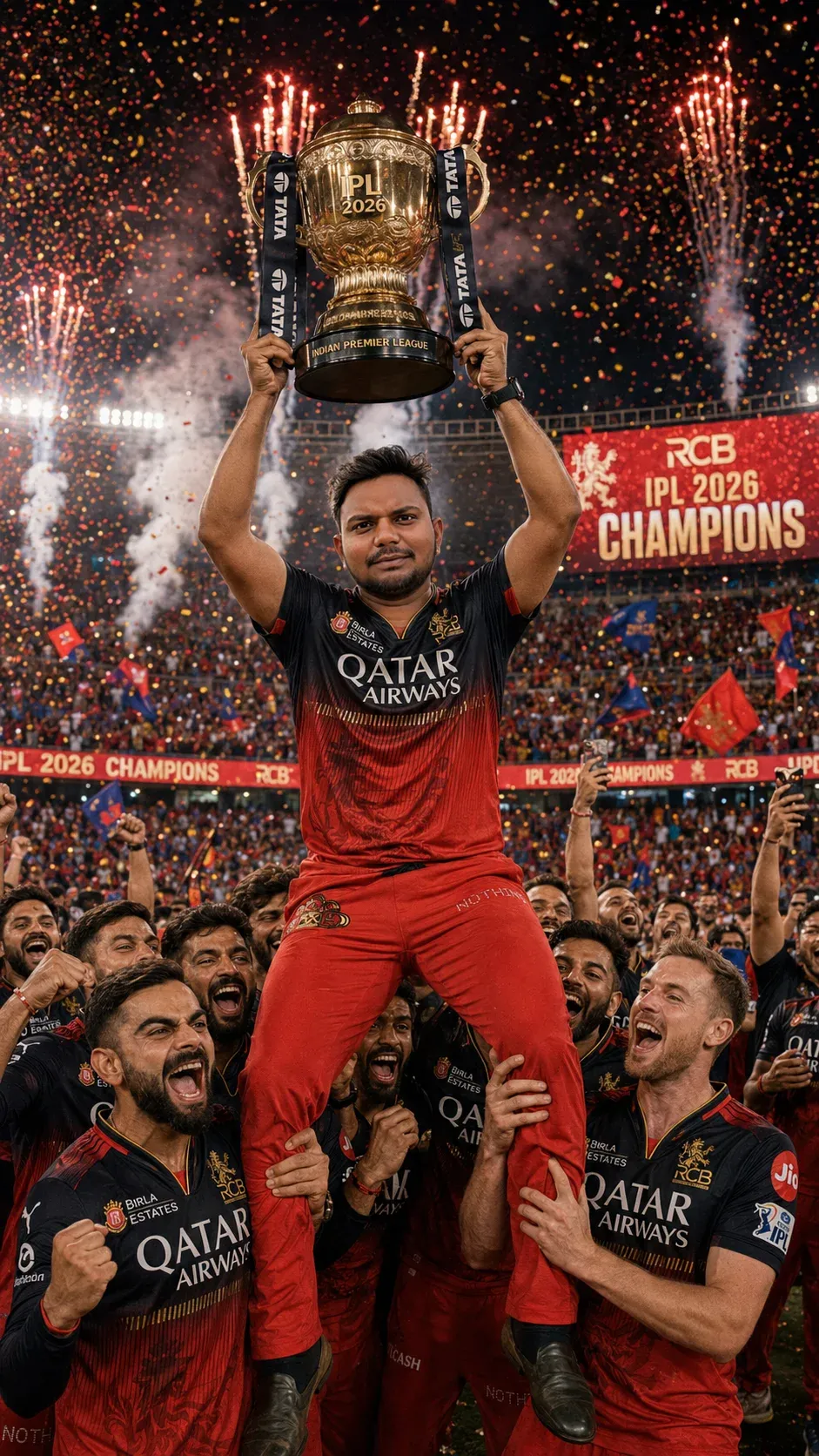
2. Emotional Trophy Hug on the Presentation Stage
Turn the moment after a big win into an emotional presentation-stage portrait. Focus on the trophy, the embrace, the expressions, and the stadium atmosphere. Warm highlights mixed with stadium lighting can make the scene feel more personal while keeping the final image realistic.
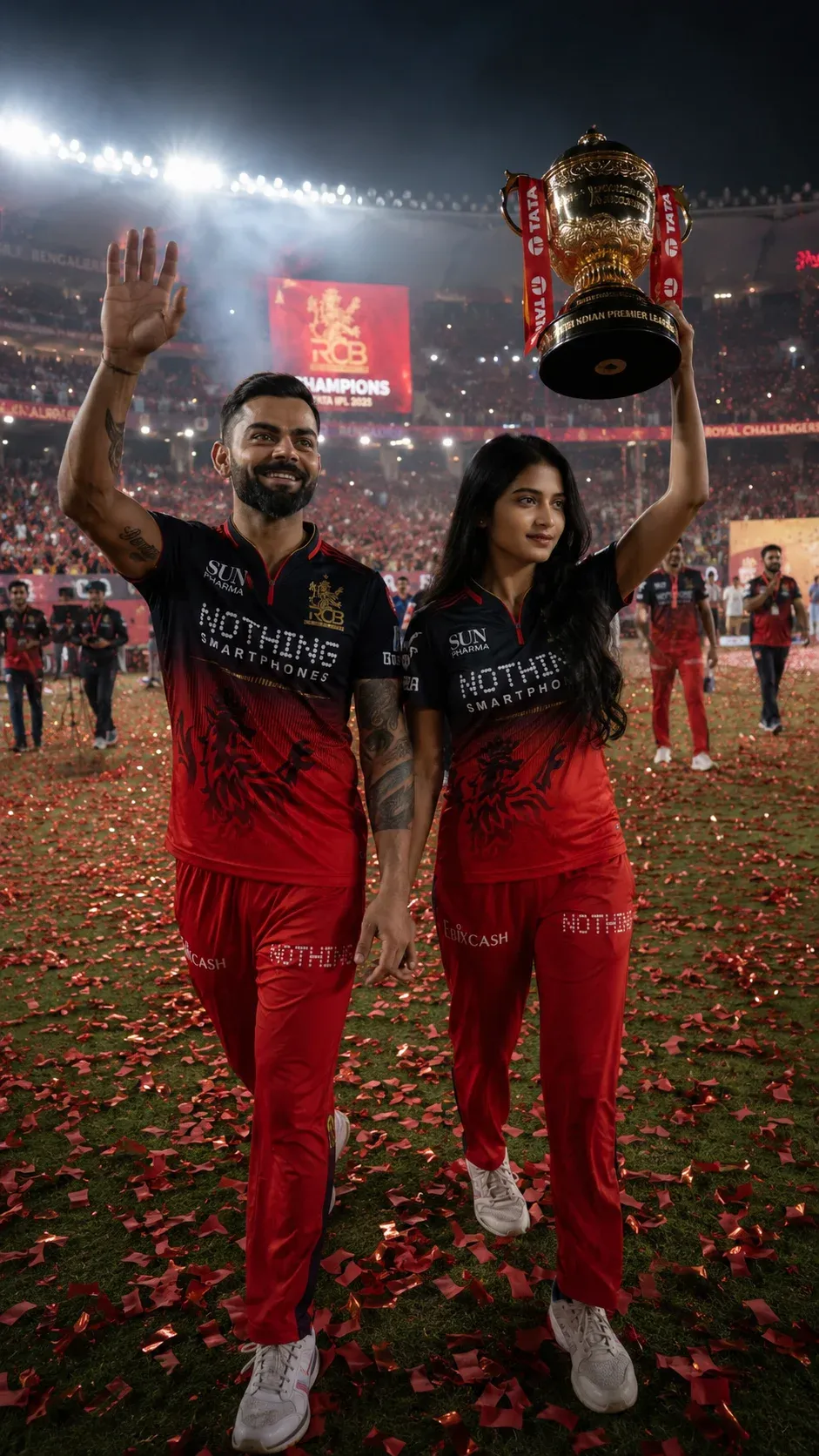
3. Victory Walk Across the Stadium
A victory walk gives the poster a confident, cinematic feel. Show the subject moving across the field with the trophy while supporters celebrate behind them. Use a wide stadium background, strong rim lighting, and realistic crowd depth so the person remains the visual focus.
4. Dressing Room Championship Celebration
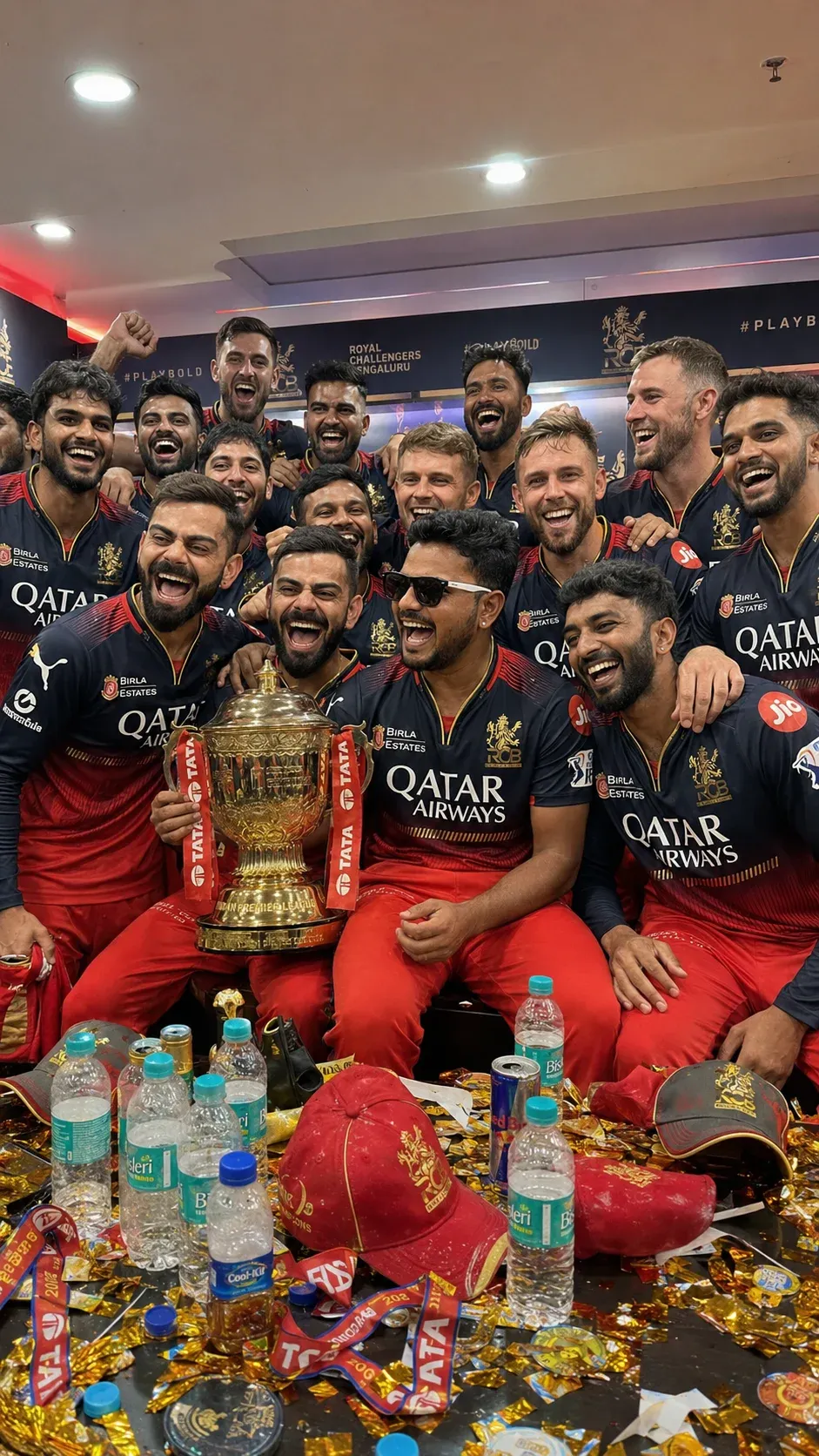
For a more casual result, move the celebration into the dressing room. Include teammates, medals, the trophy, scattered celebration details, and genuine smiles. The scene should feel energetic but believable, like a candid photograph taken immediately after a memorable match.
5. Holding the Trophy with Tears of Joy
This concept centers on emotion. Keep the subject close to the camera with the trophy clearly visible and the background slightly softer. Confetti, gentle highlights, and subtle tears or a joyful expression can communicate the feeling without making the image look artificial.
6. Facing the Crowd on the Boundary Line
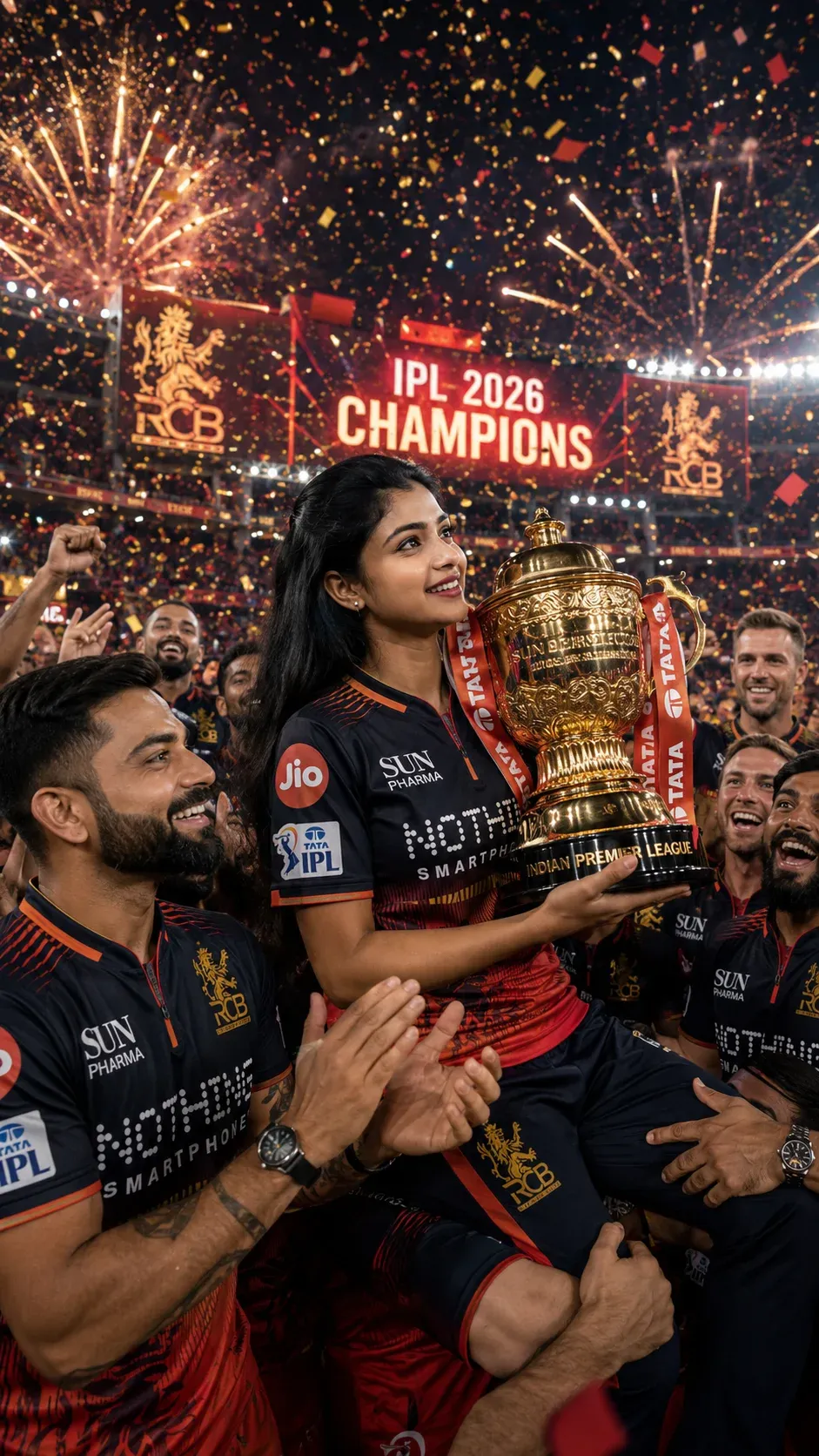
Use the boundary line as the setting for a wide celebration shot. The subject can face the supporters with arms open while banners, lights, and a large crowd fill the background. Keep enough space around the person for a strong social-media poster layout.
7. Championship Selfie with the Squad
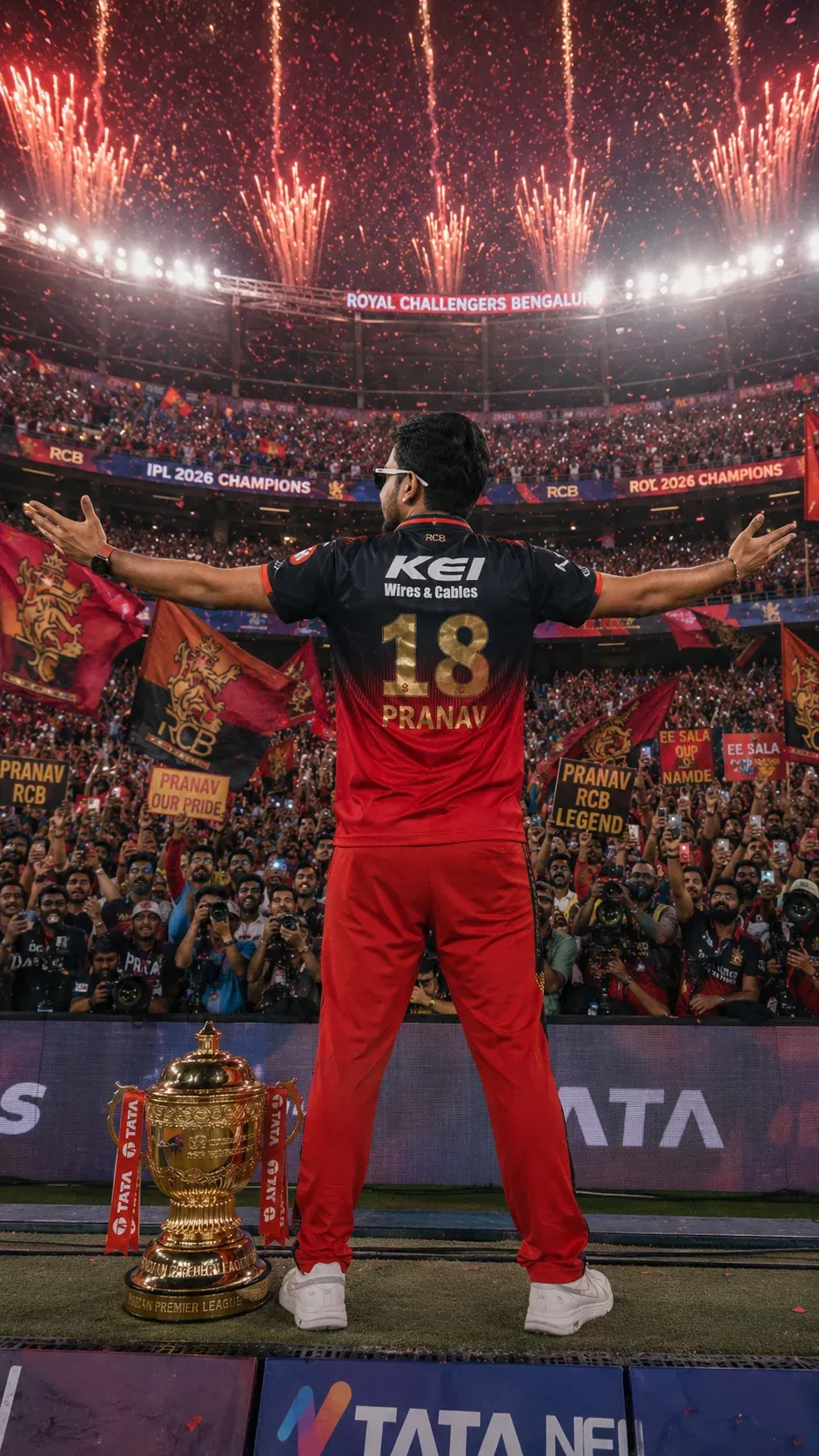
A squad selfie feels more personal and social-media friendly. Keep the camera angle slightly wide so the main subject, teammates, medals, and trophy all fit naturally into the frame. Avoid excessive effects so the final result still resembles a real celebration photo.
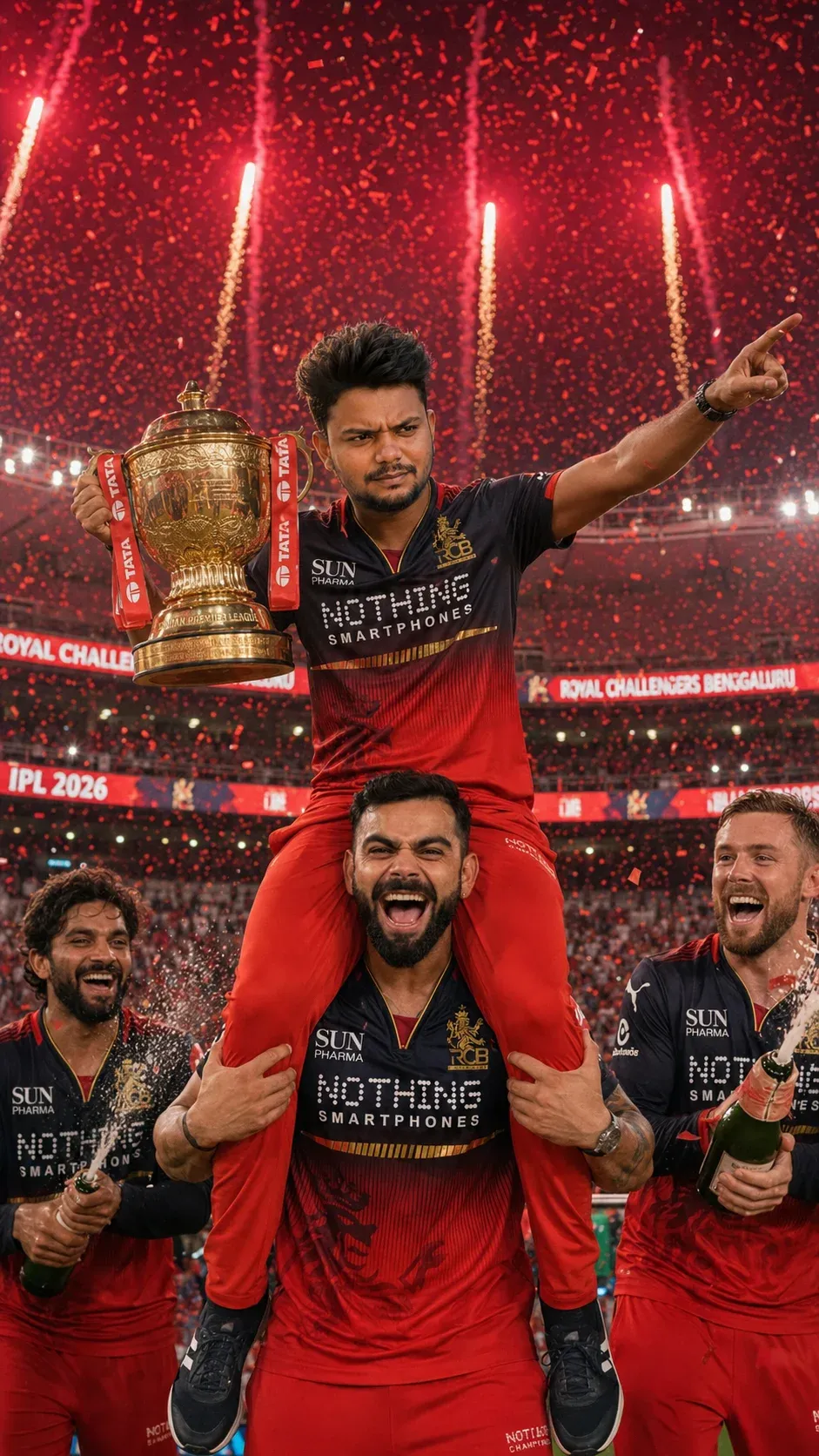
8. Celebrating on a Player’s Shoulders
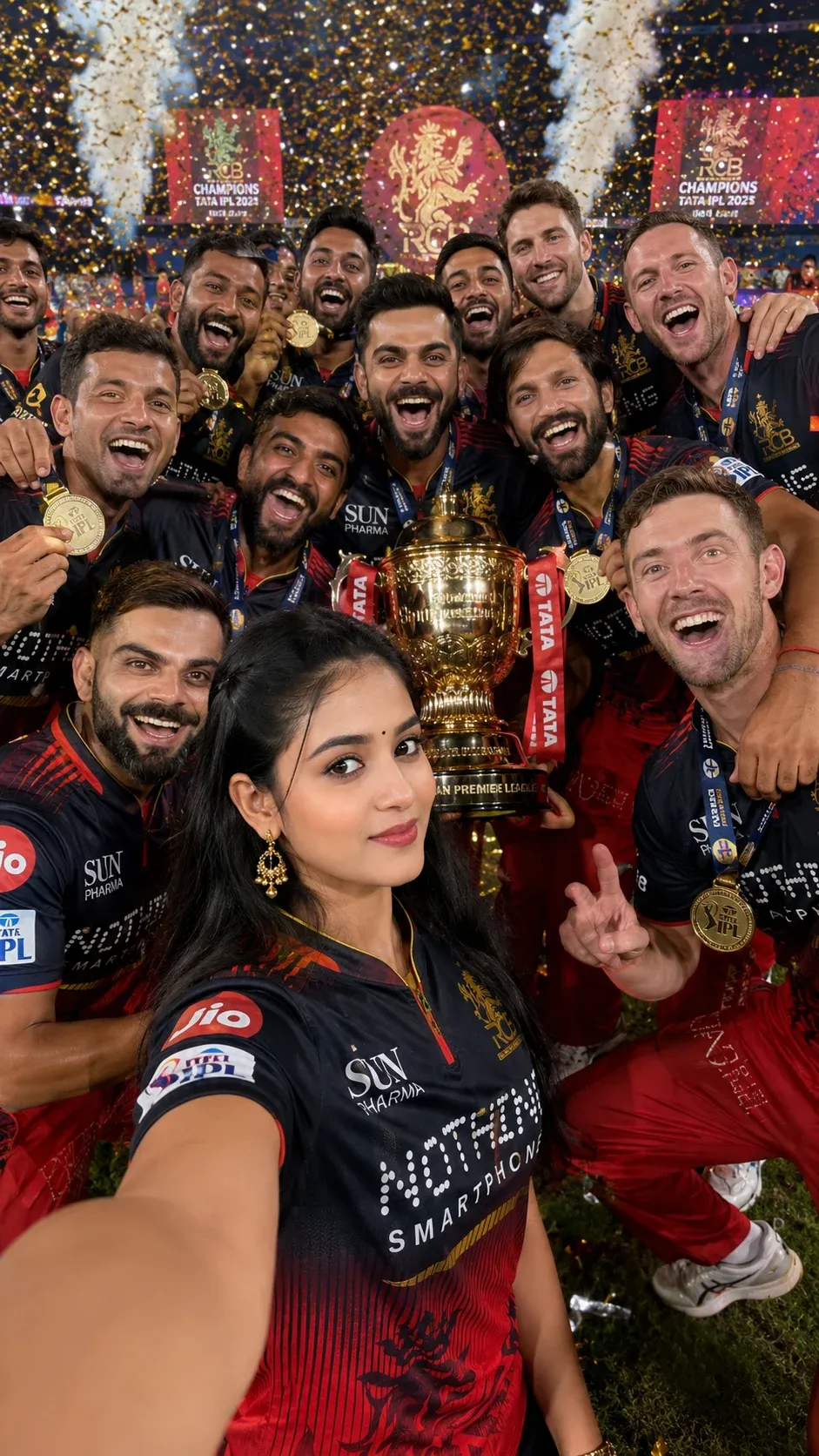
This is a high-energy composition designed for a bold fan poster. Show the subject being lifted during the celebration, with the trophy, teammates, confetti, and supporters creating layers behind them. Keep body proportions realistic and make sure hands and faces are clearly rendered.
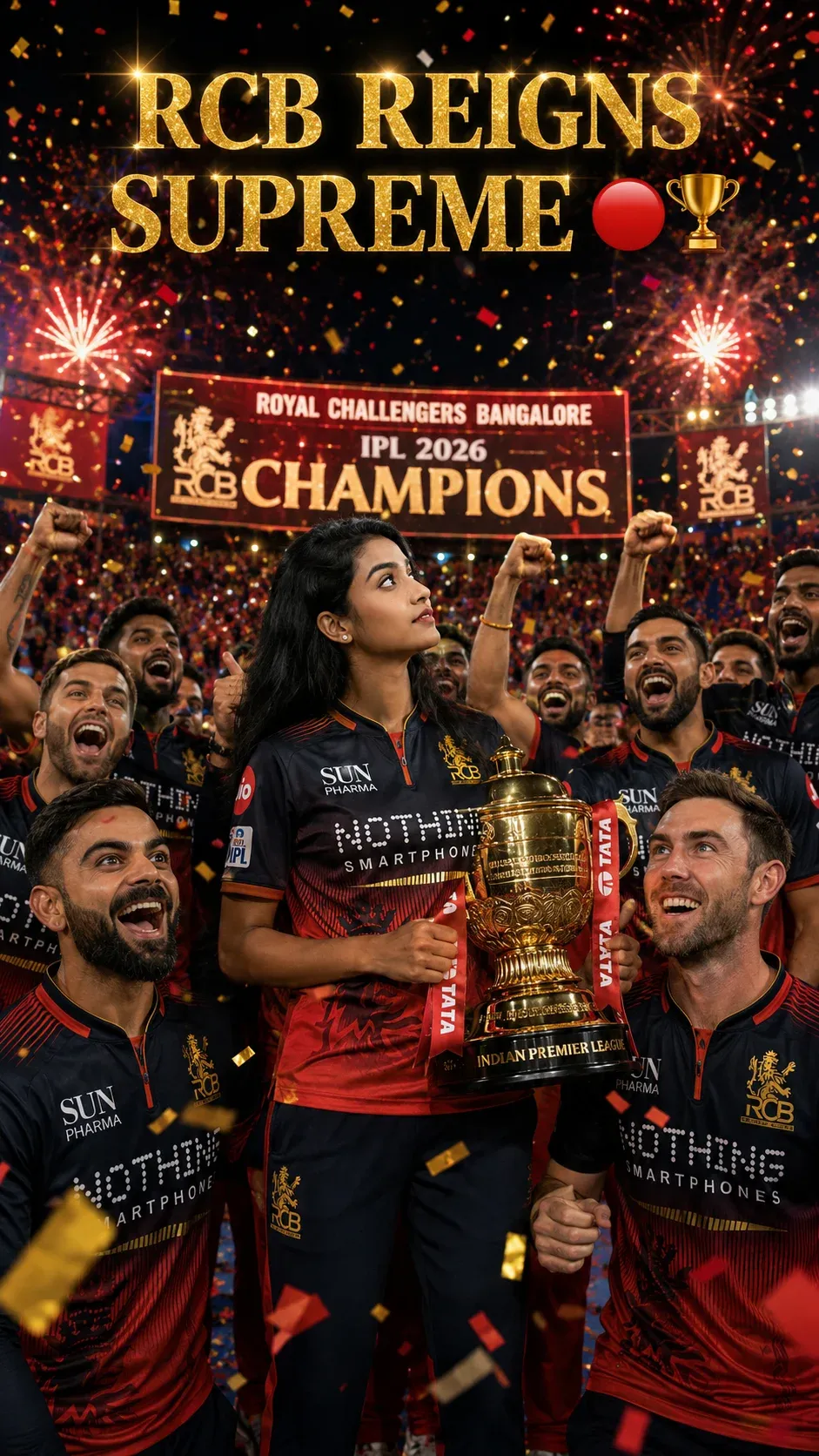
9. Center Stage Trophy Celebration
For a classic winner-poster look, place the subject at the center of the presentation stage. Let the trophy and the main figure receive the strongest light, while teammates and supporters create depth behind them. Fireworks can be added as a background element without overpowering the portrait.
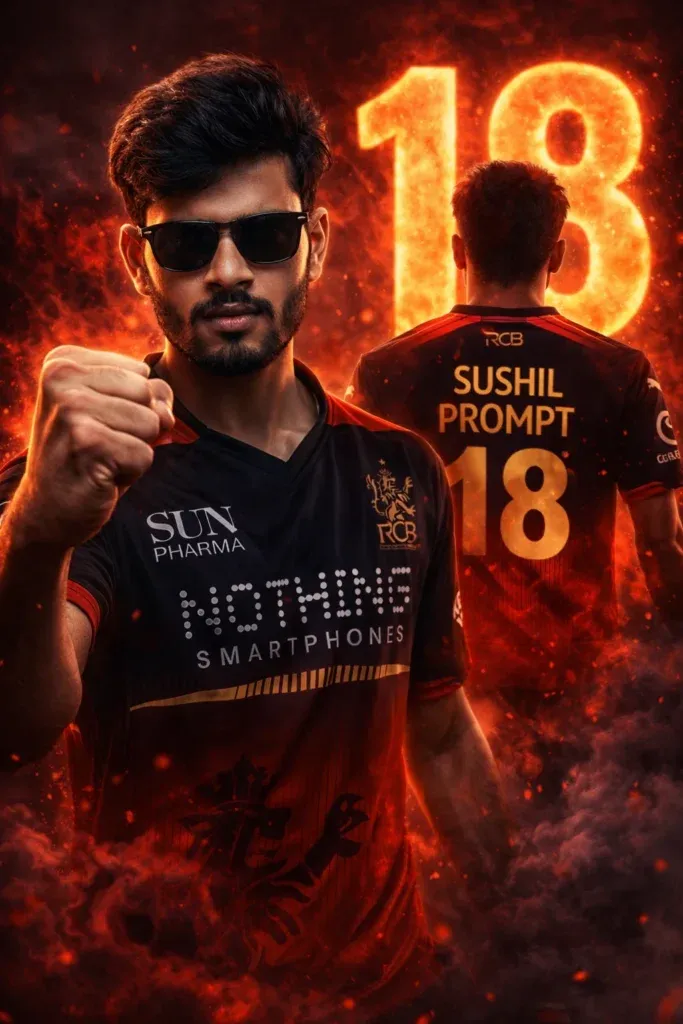
10. Ultra Realistic IPL Style
This style combines a dramatic front portrait with a secondary back-view composition. Use red smoke, strong rim lighting, and clean jersey typography to create a modern sports poster. The effect works particularly well when the subject’s face remains sharp and the background stays controlled.
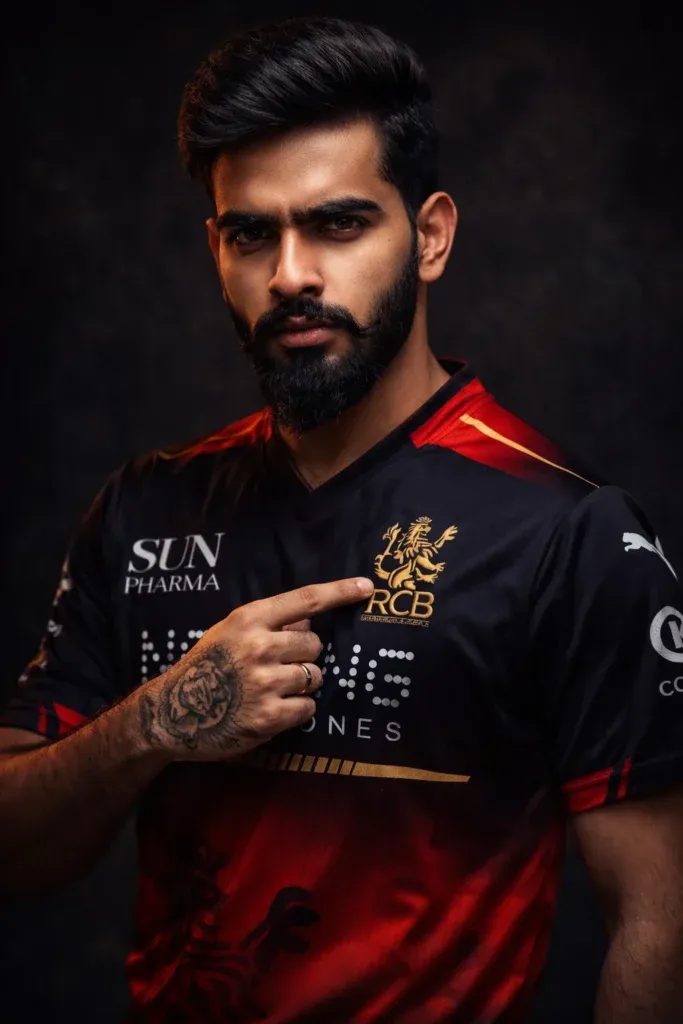
11. RCB Studio Portrait Prompt ChatGPT
A studio setup gives you more control over the face and jersey. Use low-key lighting, a clean dark background, and a subtle spotlight on the subject. This approach is useful when you want a polished sports portrait without a busy stadium scene.
12. RCB Double Pose IPL Poster Prompt (2026 Jersey)
The double-pose layout lets one image show both the front and back of the jersey. A stadium-inspired background and controlled typography can make it look like a professional promotional poster. Keep the two poses consistent so the final composition feels intentional.
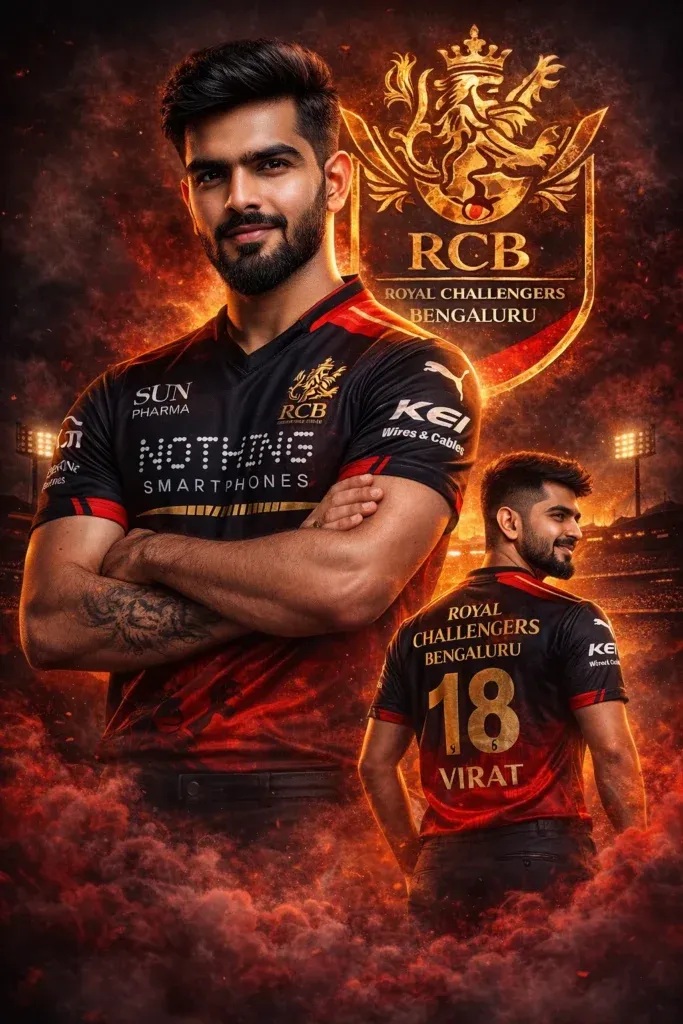
13. RCB 3D Illusion Fan Poster Prompt
For a more creative fan edit, use a layered composition with a main portrait in front and a faded secondary view behind it. Add controlled smoke and depth rather than filling the entire frame with effects. This creates a strong 3D-style illusion while keeping the face readable.
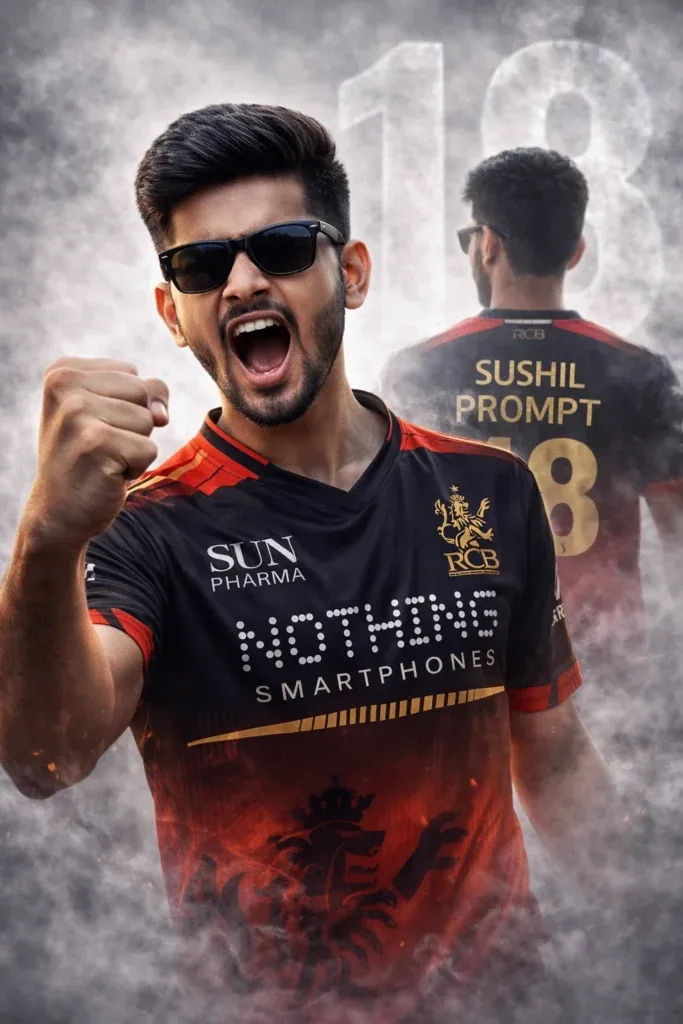
14. RCB Double Exposure Clean Poster Prompt
A clean double-exposure design is a good option when you want something stylish without a crowded background. Blend the portrait with a subtle secondary silhouette, soft stadium lighting, and minimal graphic elements. Keep the overall design balanced so the jersey and face remain clear.
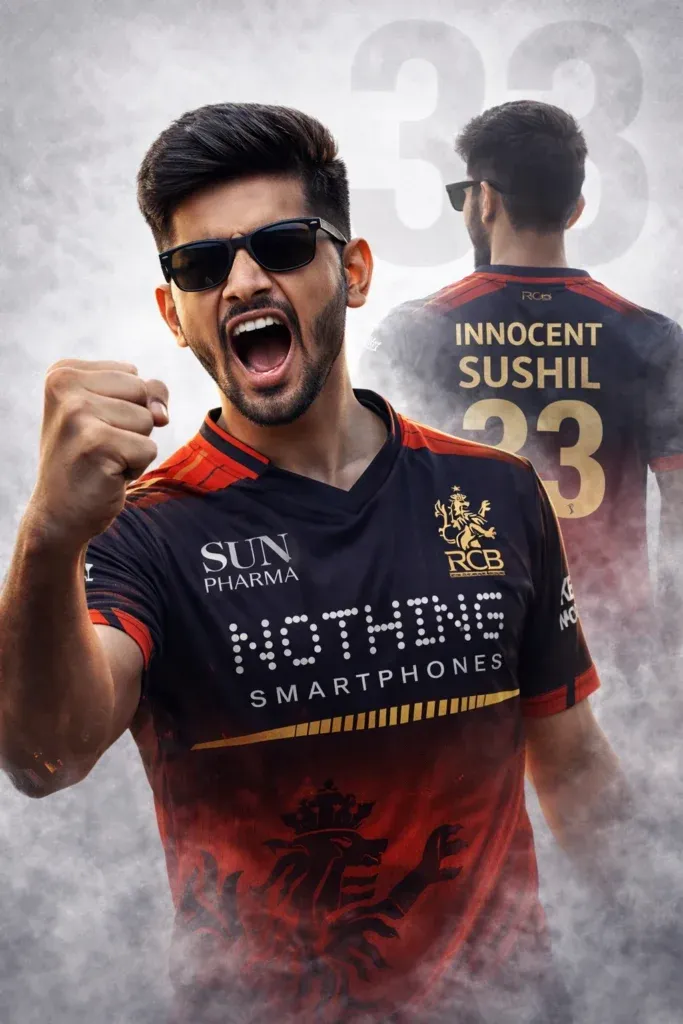
How to Use RCB Prompts
Using these prompts is simple. Choose the concept that matches the poster you want, then adjust the clothing, pose, background, or mood to fit your photo.
- Pick any RCB prompt from above.
- Open your preferred AI image tool.
- Upload a clear reference photo with good lighting.
- Paste the prompt and add any personal changes.
- Generate the image and review the face, hands, jersey, and background.
- Regenerate with more specific instructions if an important detail looks wrong.
❓ Frequently Asked Questions
What is an RCB ChatGPT prompt?
An RCB ChatGPT prompt is a detailed instruction for creating RCB-themed AI images. It can describe the jersey, pose, stadium, lighting, camera style, and overall poster design.
How do I use an RCB jersey prompt in ChatGPT?
Upload a clear reference photo, paste the RCB jersey prompt, and explain which parts of the image should stay consistent. You can also specify the pose, background, lighting, and jersey style you want.
Which AI tools work best for RCB prompt generation?
You can adapt these prompts for AI image tools that accept detailed text instructions and reference images. The exact result will vary by tool, model, reference image, and the level of detail in your prompt.
Why does my face change when using RCB prompts?
Face changes can happen when the reference photo is unclear or the prompt gives the model too much freedom. Use a sharp, front-facing image and add instructions such as “preserve facial identity,” “keep natural facial features,” and “do not alter the face.”
Can I create an RCB jersey photo with my own picture?
Yes. If your image tool supports reference-image editing, you can upload your own photo and describe the jersey, pose, background, and lighting. Always review the result for facial, hand, and clothing details before sharing it.
Pingback: RCB Gemini Prompts: 9 Jersey and Fan Poster Ideas