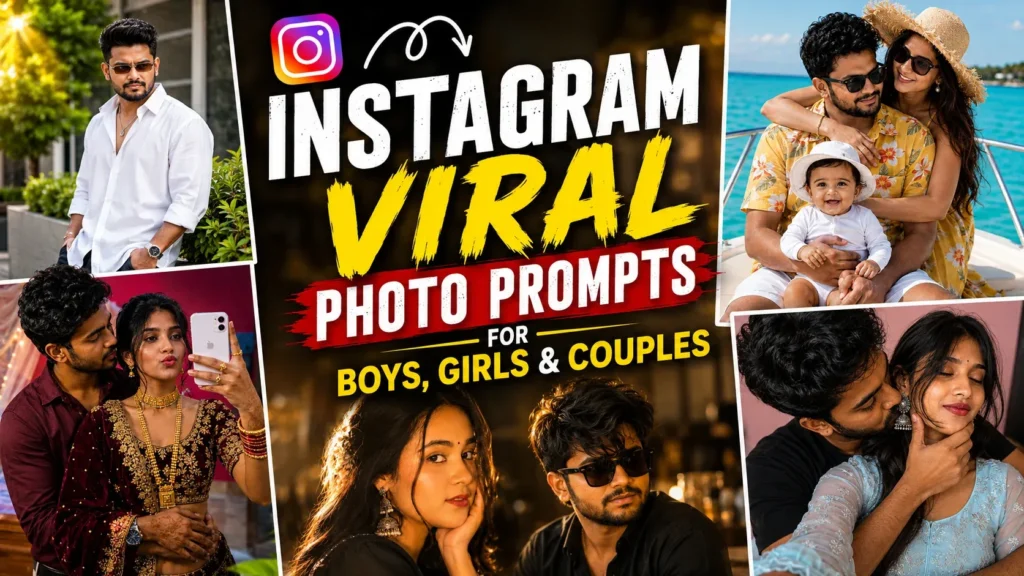
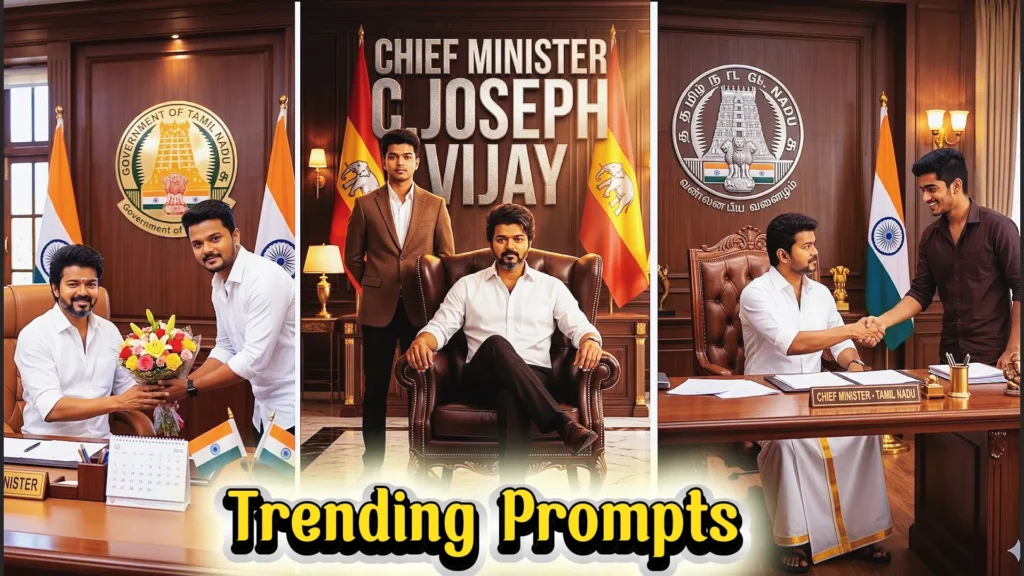
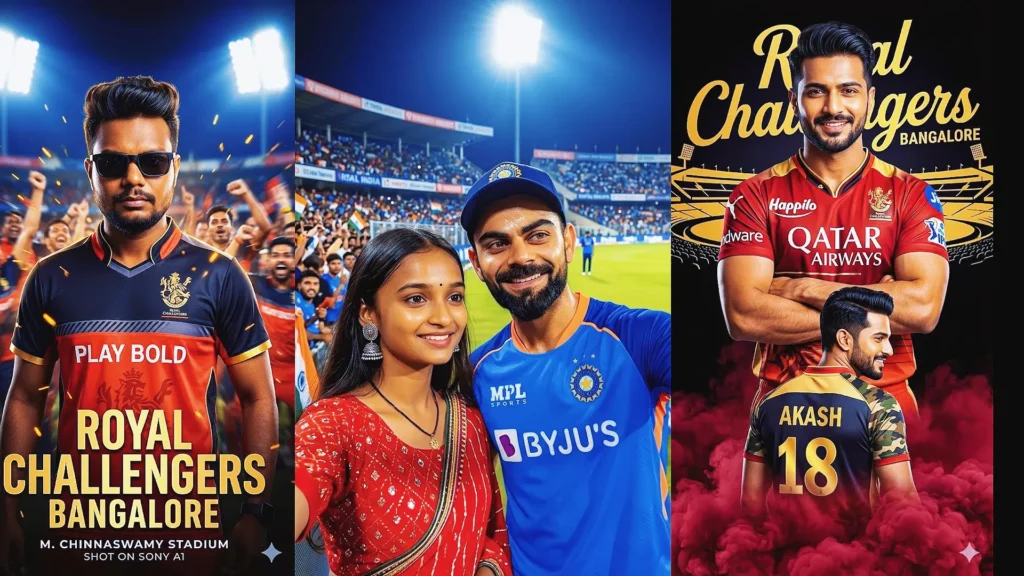
Creating polished AI photos is easier when your prompt clearly explains the subject, setting, lighting, clothing, mood, camera style, and important facial details. Gemini can turn a short idea into a detailed visual concept, while a more specific prompt gives you greater control over the result.
If you are looking for Gemini photo making prompts, this collection brings together copy-and-paste ideas for portraits, boys, girls, couples, fashion looks, scrapbook edits, and creative photo transformations.
Use these examples as starting points, then adjust the outfit, background, lighting, pose, or camera style to match your own photo. For edits using a reference image, clearly ask Gemini to preserve the person’s recognizable facial features and natural proportions.
Whether you are creating a profile picture or a creative social post, the strongest prompts are specific without becoming confusing. Keep the main visual idea clear and add only the details that improve the scene.
If you want more focused ideas, explore our Google Gemini AI photo editing prompts, Gemini AI retro style couple photo prompts, Gemini couple romantic prompts, and AI hairstyle prompt ideas for men.
Why are Gemini Photo Making Prompts So Popular?
Gemini photo prompts are useful because they give you a repeatable way to describe a visual idea. Instead of explaining every detail from scratch, you can start with a prepared prompt and customize it for your own photo.
Common uses include:
- Instagram profile photos
- WhatsApp DP images
- Facebook and Pinterest visuals
- Realistic AI portraits
- Couple photo edits
- Fashion and lifestyle portraits
- Scrapbook collages
- Cinematic photo concepts
- Creative background changes
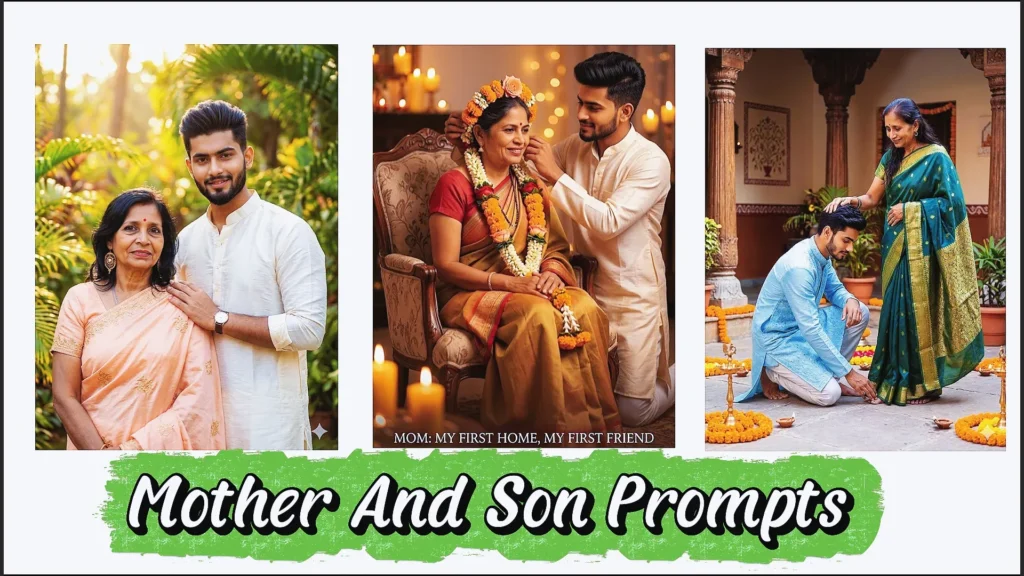
- Traditional and festive portraits
The main advantage is control. You can describe the camera look, lighting, pose, clothing, environment, and mood instead of relying on a vague one-line request.
How to Use Gemini Photo Making Prompts
Using a prepared Gemini prompt is straightforward. Open Gemini, add a reference image when your edit requires one, and paste the prompt into the conversation.
- Open Gemini and start an image task when the feature is available to your account.
- Upload your reference photo when you want to edit an existing image.
- Copy one of the prompts below.
- Paste the prompt and clearly describe what should stay unchanged.
- Generate the image and review the result.
- Refine lighting, background, clothing, pose, or camera details if needed.
Gemini Photo Making Prompts (2026) | Free Copy & Paste Gemini AI Photo Prompts
Here are 15 Gemini photo making prompts covering cinematic portraits, couples, scrapbook designs, traditional fashion, realistic edits, and lifestyle photography. Copy a prompt, add your preferred details, and use it as a starting point for your next image.
1. Dreamy Golden Hour Portrait
Build a warm portrait around soft sunset light, natural skin texture, gentle hair highlights, and a shallow background blur. This style works well when you want a polished DSLR-inspired portrait without making the result look overly artificial.
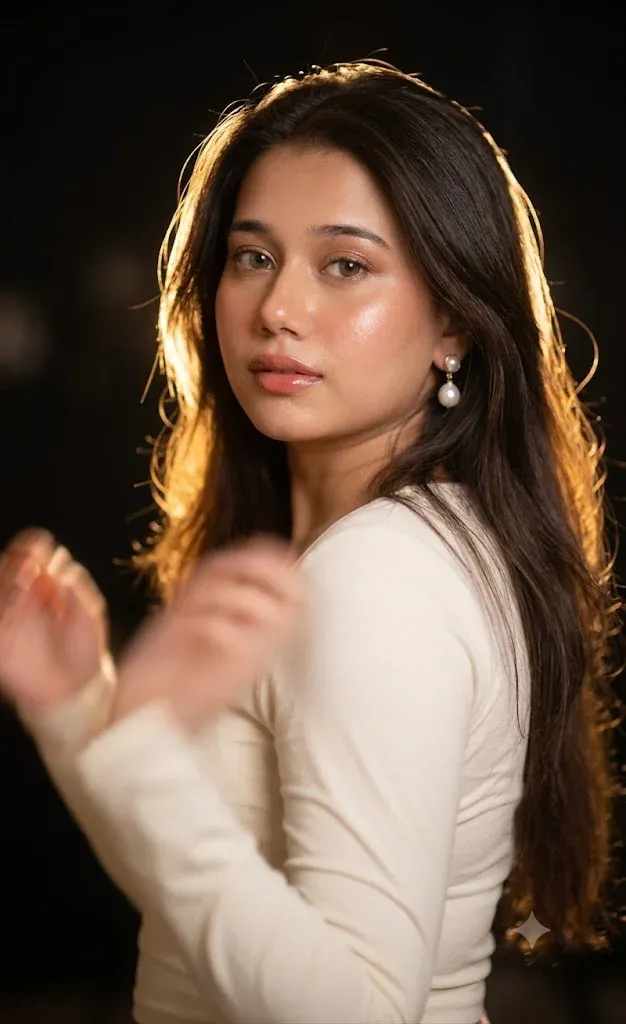
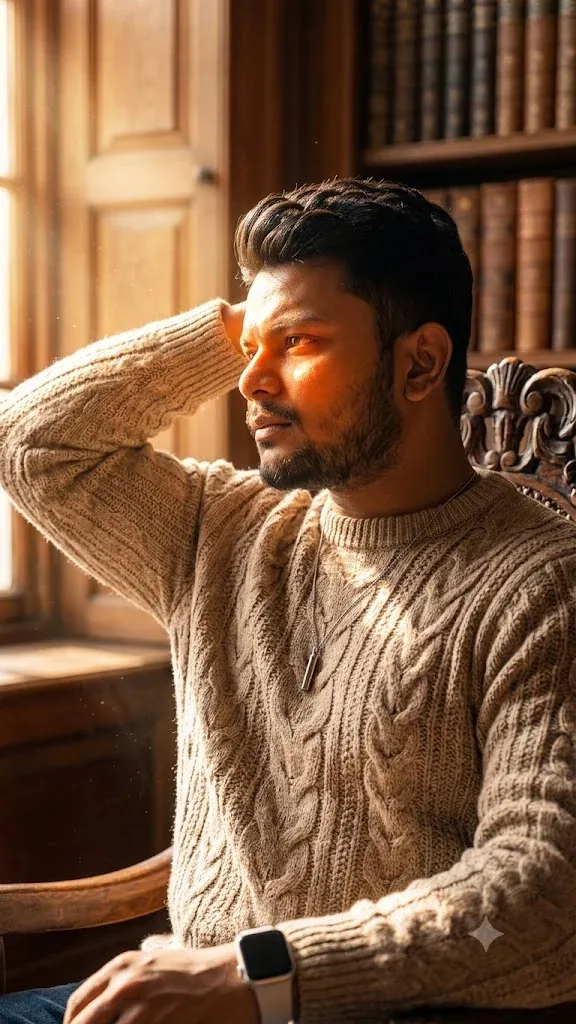
2. Cinematic Sunlight Side Pose
A side-facing pose becomes more striking when the light comes from one direction. Ask for realistic facial proportions, soft outdoor shadows, natural clothing texture, and a gently blurred background for a cinematic portrait.
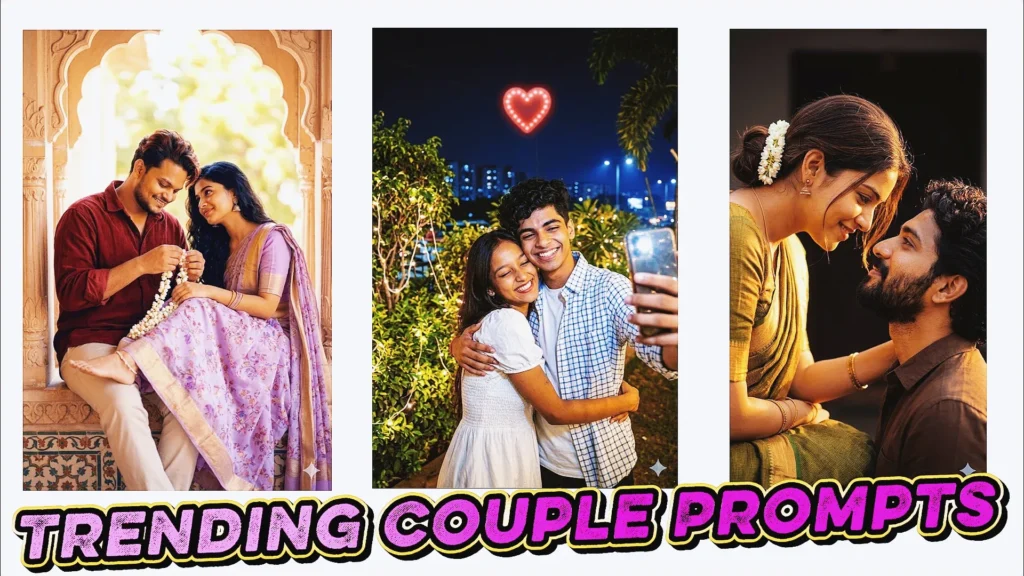
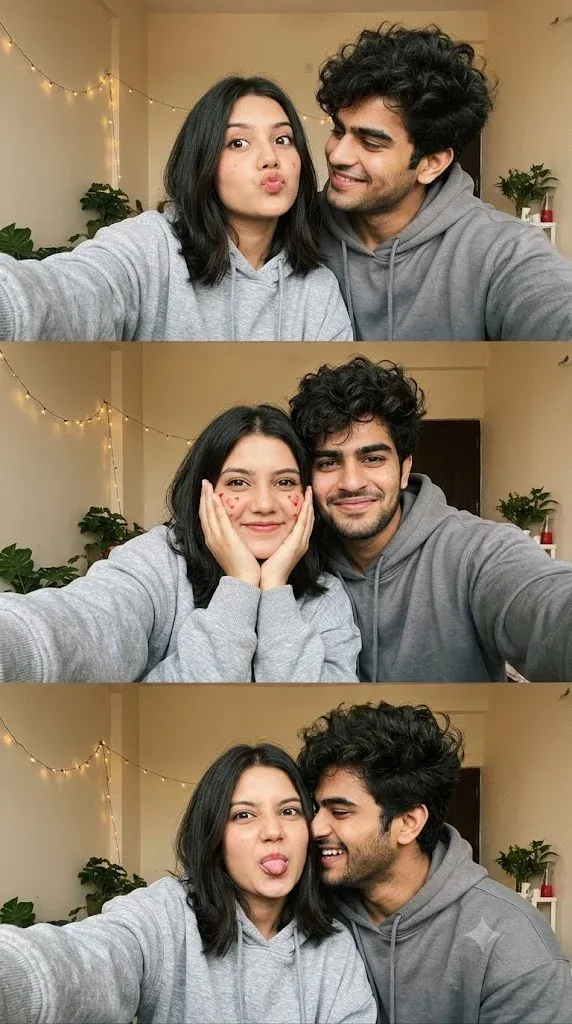
3. Cute Couple Selfie Collage
For a couple collage, describe the number of panels, expressions, setting, and relationship between the poses. Keeping facial identity consistent across every panel helps the final layout feel like one connected memory.
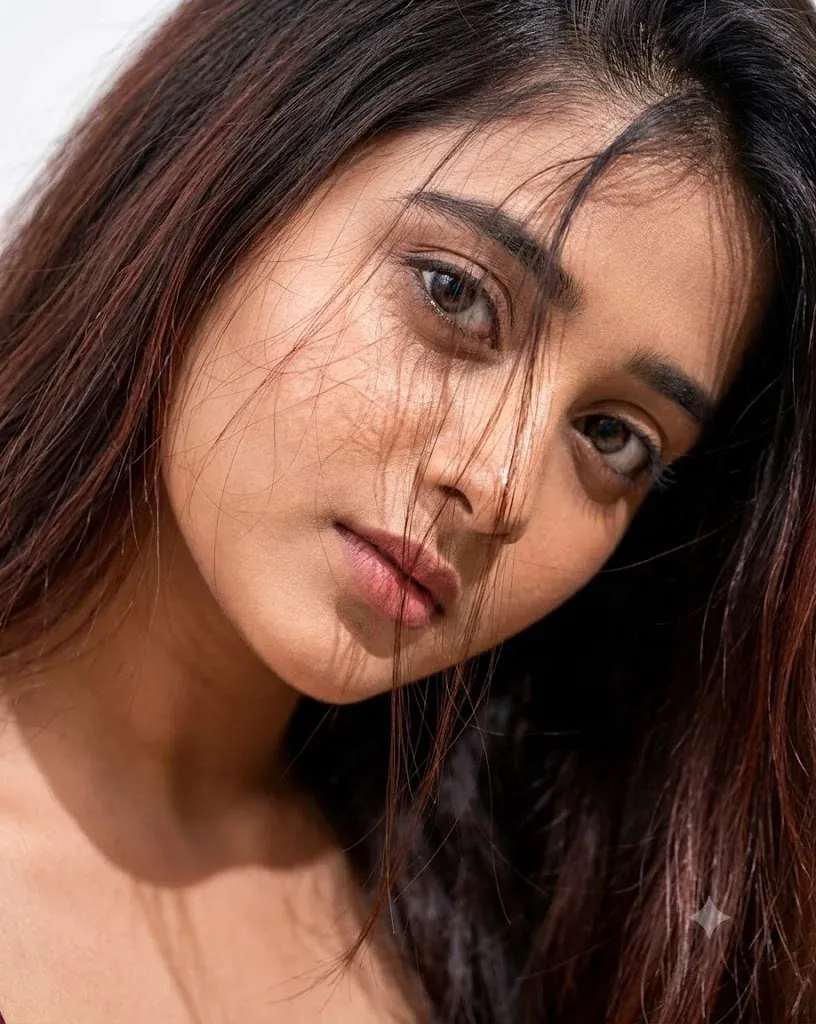
4. Artistic Close-Up Beauty Portrait
A close-up portrait benefits from precise instructions about skin texture, hair strands, eye detail, makeup, and lighting. Ask for natural texture rather than excessive smoothing so the result remains photographic.
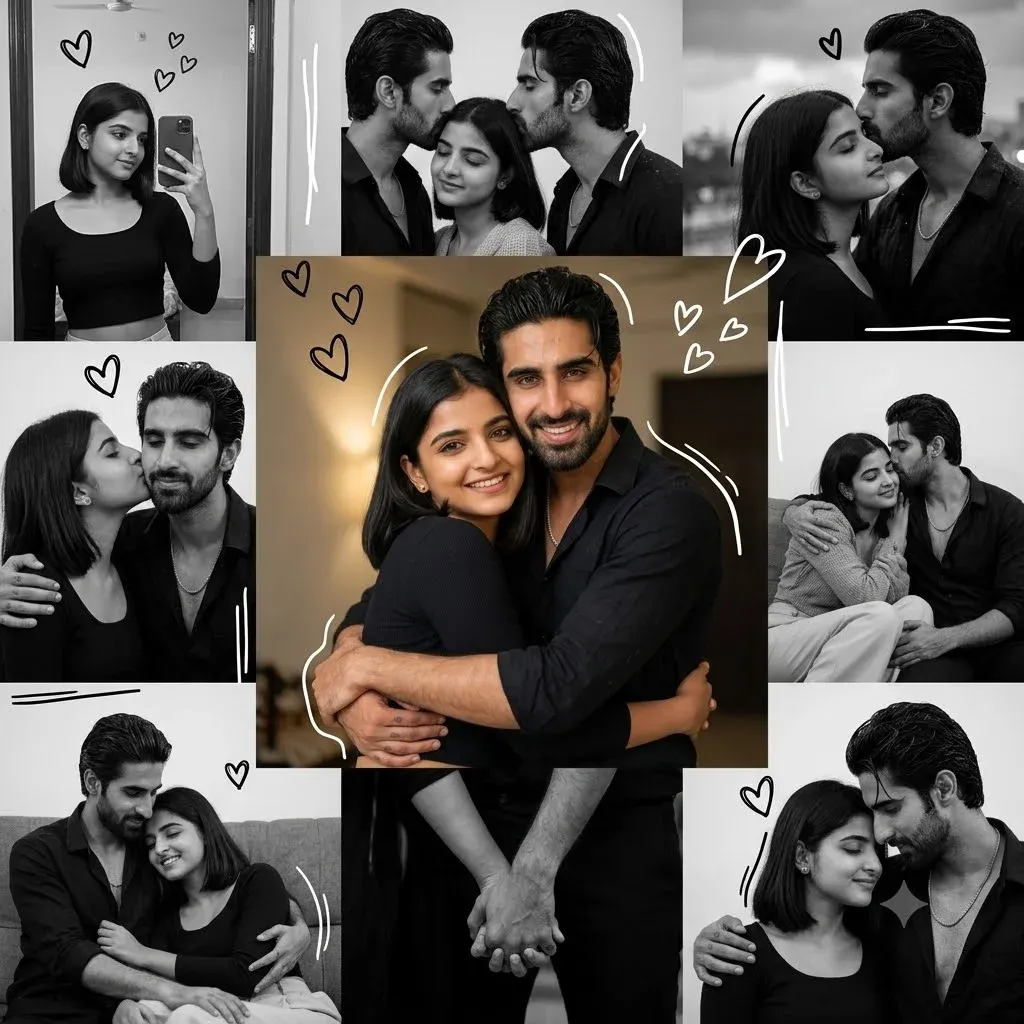
5. Romantic Scrapbook Couple Collage
Scrapbook edits combine photographs with paper textures, decorative details, and several emotional moments. Keep the palette consistent and tell Gemini to preserve both people’s recognizable features throughout the collage.
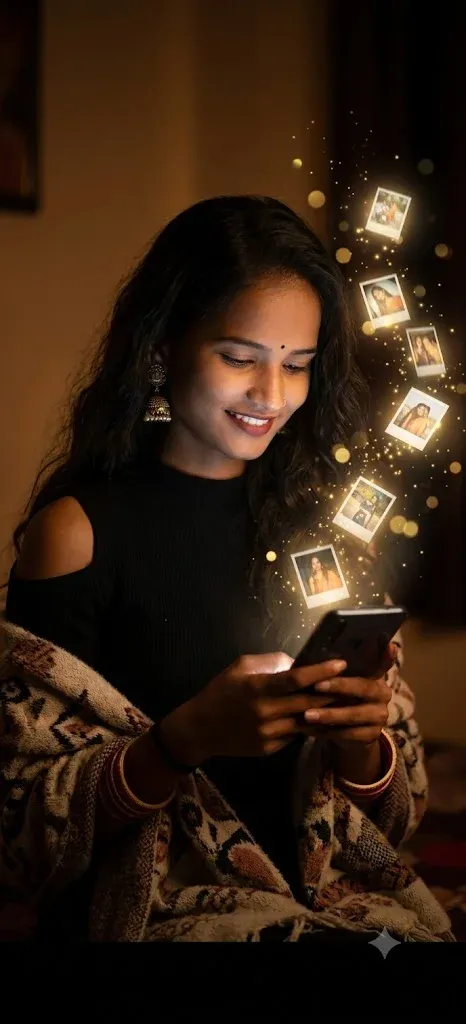
6. Magical Memories from a Smartphone
This concept mixes a normal portrait with a fantasy effect. Describe the phone, floating photographs, glow, shadows, and surrounding environment so the magical elements still feel integrated with the original scene.
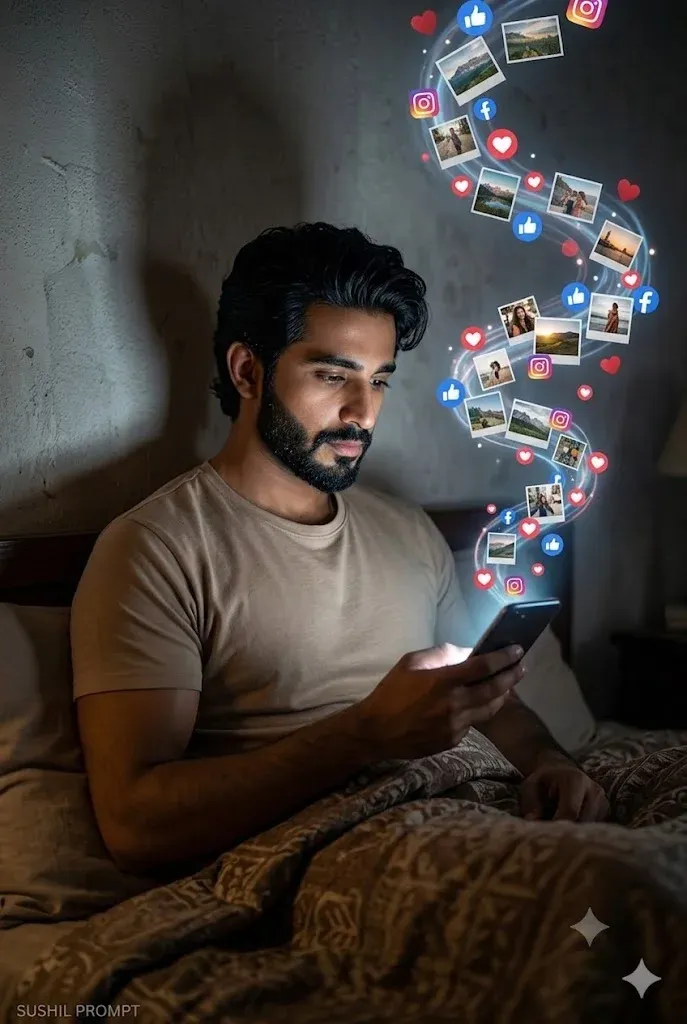
7. Nighttime Social Media Magic
A dark indoor scene can look cinematic when the main light source is clearly defined. Use realistic shadows, controlled highlights, and subtle phone glow instead of making every part of the frame equally bright.
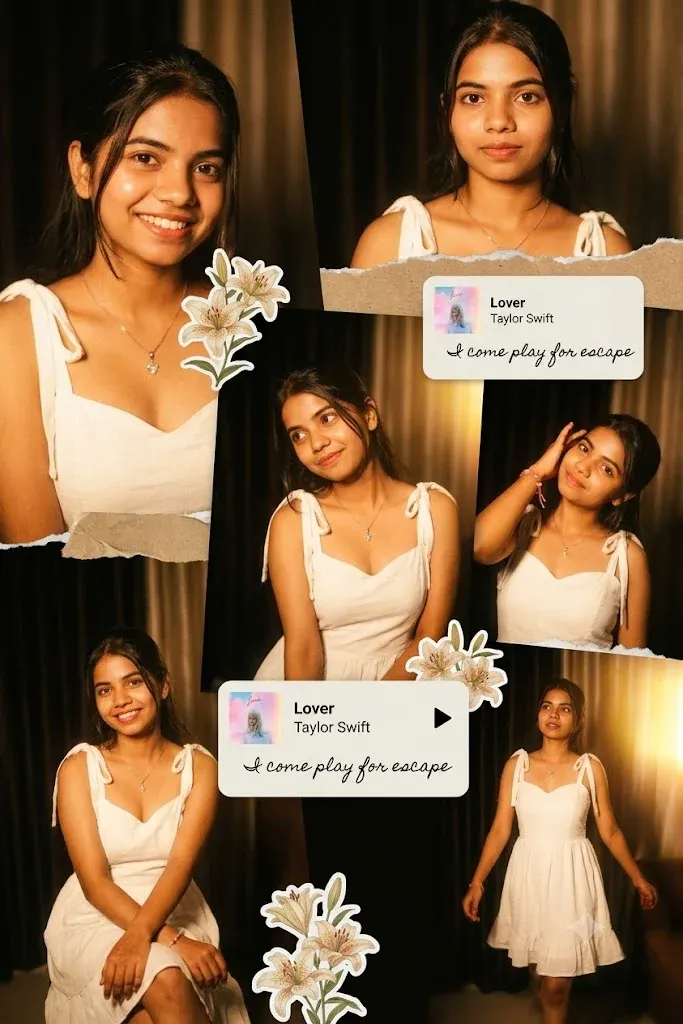
8. Aesthetic Vintage Scrapbook Design
Vintage scrapbook images work well with layered prints, warm neutrals, floral details, paper edges, and gentle shadows. Mention the material of each layer when you want a more convincing handmade appearance.
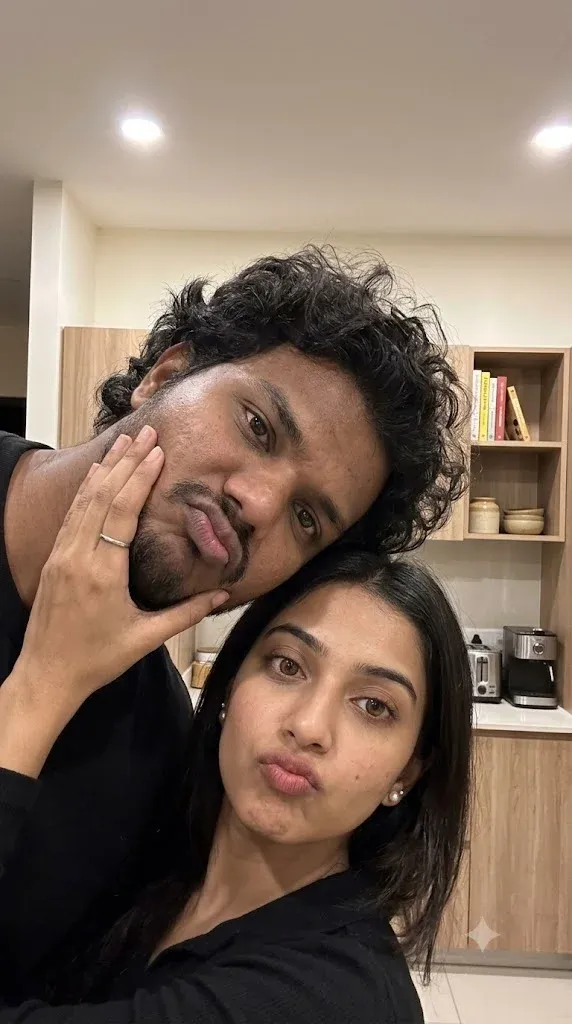
9. Cozy Indoor Couple Selfie
For a believable couple selfie, avoid overly perfect poses. Ask for natural expressions, realistic smartphone perspective, soft room lighting, and small imperfections that make the photo feel like an everyday memory.
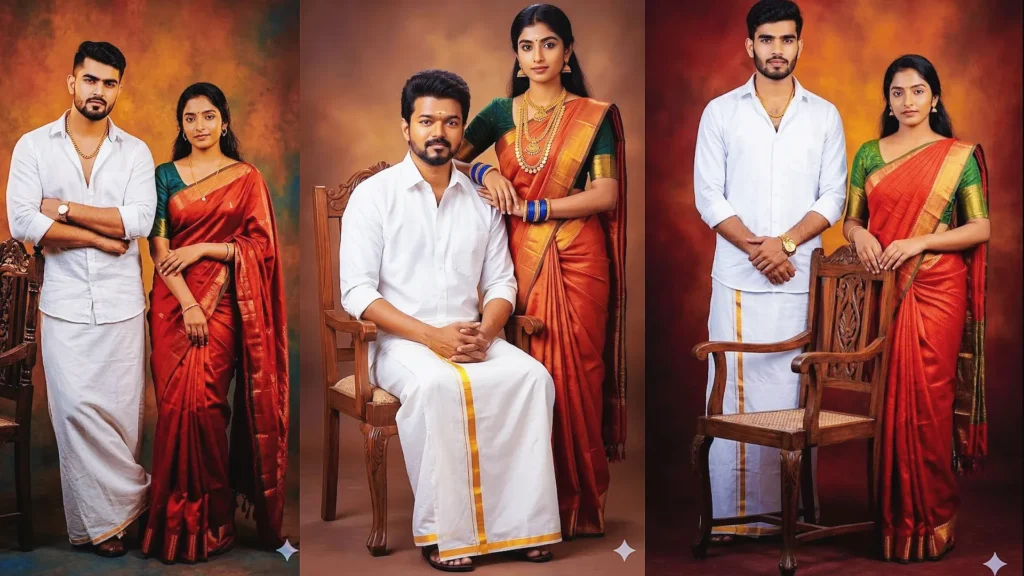
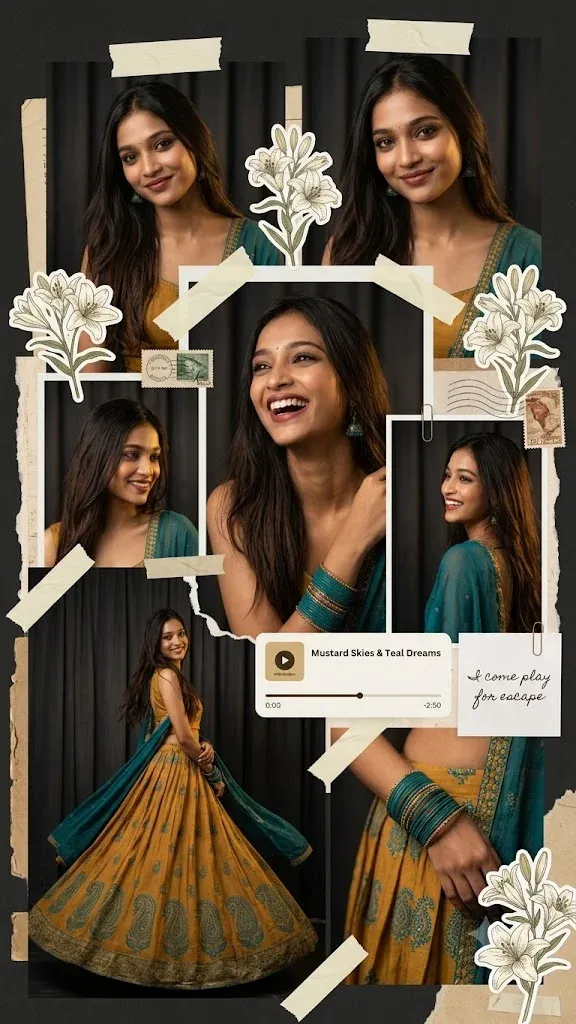
10. Traditional Ethnic Scrapbook Portrait
Traditional outfits can be combined with modern scrapbook styling without losing cultural details. Specify the clothing, accessories, floral decoration, lighting, and color palette so the composition stays cohesive.
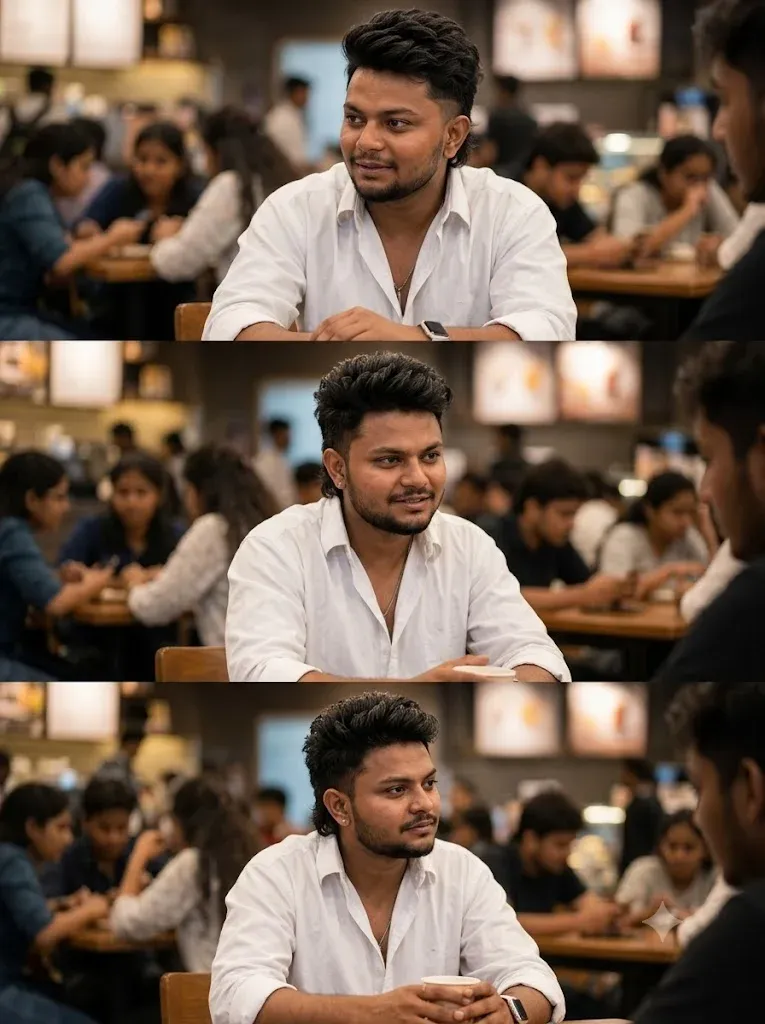
11. Realistic Café Photo Replacement
When replacing a person in an existing scene, the prompt should focus on perspective, light direction, body position, scale, shadows, and background depth. These details help the inserted subject look naturally placed rather than pasted into the frame.
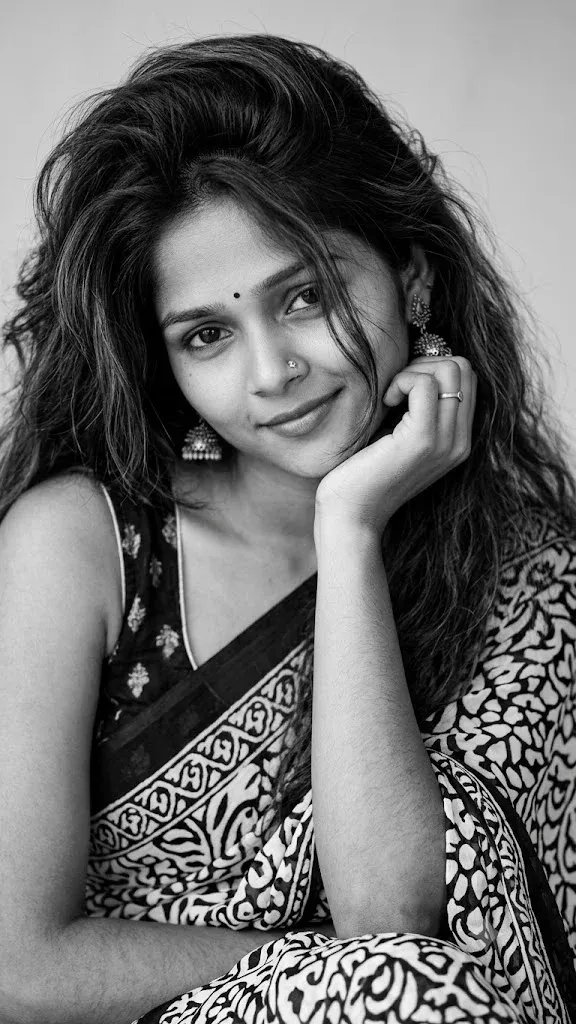
12. Elegant Black & White Saree Portrait
Black-and-white portraits depend on contrast, texture, and lighting. Mention the saree, accessories, hair, expression, and directional light, then ask for natural skin texture and a refined editorial finish.
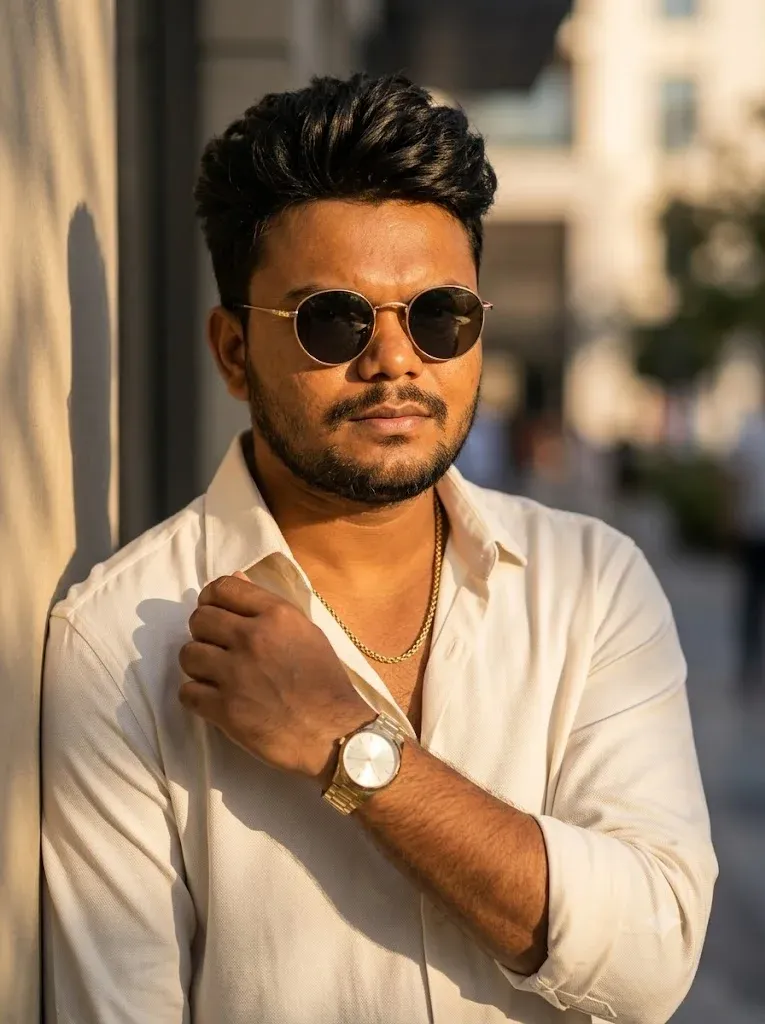
13. Luxury Gangster Portrait
A cinematic gangster-inspired portrait can focus on fashion, confidence, sunglasses, dramatic light, and premium color grading without relying on exaggerated effects. Keep the environment realistic for a stronger photographic result.
14. Romantic Mirror Selfie
Mirror selfies need believable reflections and natural body proportions. Tell Gemini to keep the phone, mirror, clothing, faces, and room perspective consistent so the finished couple portrait looks like a genuine lifestyle photograph.
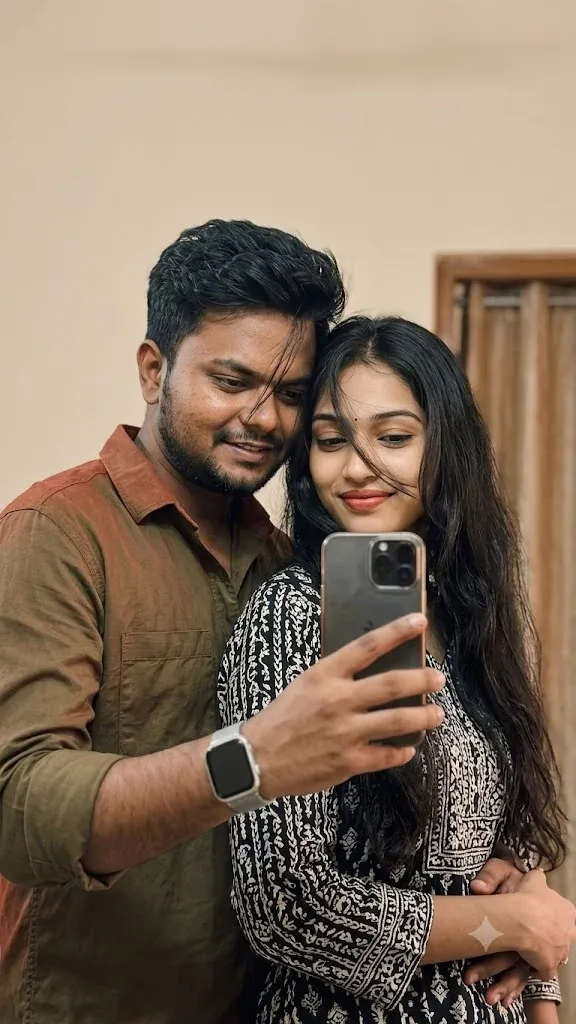
15. Luxury Restaurant Fashion Portrait
For an upscale restaurant portrait, describe the interior, outfit, accessories, pose, and warm ambient lighting. A restrained color palette and realistic shadows help the image feel like a professional fashion photograph rather than a digital illustration.

Gemini Photo Making Prompt for Boys
For male portraits, useful prompt details include the outfit, location, camera angle, lighting direction, expression, and overall mood.
Popular ideas include:
- Gangster-inspired fashion portrait
- Business and formal portrait
- Luxury lifestyle scene
- Street-fashion photo
- Hoodie portrait
- Gym or fitness portrait
- Royal-inspired editorial look
- Car photoshoot
- Motorcycle portrait
- Rainy cinematic photography
For a natural result, ask for realistic proportions, believable clothing folds, natural skin texture, and lighting that matches the environment.
Gemini Photo Making Prompt for Girls
Female portraits can be customized through fashion, makeup, hairstyle, location, lighting, and pose. Keep the requested details specific while allowing the model enough room to create a natural composition.
Trending styles include:
- Saree photoshoot
- Traditional Indian look
- Black dress portrait
- White dress aesthetic
- Sunset photography
- Luxury café portrait
- Beach photography
- Floral portrait
- Princess-inspired editorial edit
- Fashion photography
Gemini AI Photo Editor Prompt
Gemini can also be used for supported image-editing tasks. A useful editing prompt clearly states what should change and what should remain untouched.
Popular editing requests include:
- Change an outfit
- Replace a background
- Improve lighting
- Add a cinematic atmosphere
- Preserve recognizable facial features
- Improve image clarity
- Create a collage
- Change hairstyle
- Remove an unwanted person
- Replace selected objects
When editing a personal photo, clearly state which facial features, pose, clothing details, or important objects should remain unchanged. This reduces unnecessary changes to the original image.
Tips for Writing Better Gemini Prompts
A strong image prompt usually answers a few simple questions: who is in the image, what are they doing, where are they, what are they wearing, how is the scene lit, and what photography style should be used?
- Camera type or photography style
- Lens or depth of field
- Lighting direction
- Color grading
- Background and environment
- Clothing and accessories
- Pose and body language
- Facial expression
- Overall visual mood
- Desired image quality
For example:
Instead of saying:
Create my photo.
Try saying:
Ultra-realistic cinematic portrait of a young man wearing a beige sweater during golden hour, 85mm DSLR photography style, warm directional sunlight, shallow depth of field, realistic skin texture, soft bokeh background, natural facial expression, balanced colors, and detailed photographic finish.
Small visual details can make a prompt much easier for an image model to interpret.
Why Detailed Prompts Generate Better AI Images
An image model has to interpret your words and translate them into visual elements. Specific instructions give it more information about composition, lighting, clothing, environment, and mood.
Professional-looking prompts often mention:
- Lens type
- Lighting direction
- Mood
- Clothing texture
- Environment
- Camera style
- Color palette
Detailed does not mean complicated. The goal is to describe the important visual elements clearly without adding unrelated instructions.
Frequently Asked Questions
Is Gemini AI free for photo generation?
Gemini availability and image features can vary by account, region, product version, and current Google limits. Check the features available in your own Gemini account before starting a project.
Can I copy and paste Gemini prompts?
Yes. You can copy a prepared prompt, paste it into Gemini when image generation or editing is available, and then adjust the details for your reference photo.
Can Gemini edit existing photos?
Supported Gemini image features can be used for edits such as changing backgrounds, adjusting visual details, or creating variations. Available editing capabilities may differ by account and product version.
Which prompts work best for boys?
Cinematic portraits, street-fashion looks, hoodie portraits, luxury lifestyle scenes, car photoshoots, and golden-hour photography are useful starting points. Choose the style that matches the subject and intended platform.
Which prompts work best for girls?
Fashion portraits, scrapbook collages, traditional Indian outfits, floral scenes, sunset photography, and cinematic lifestyle edits provide flexible starting points for many creative photo concepts.
Final Thoughts
Gemini photo making prompts can turn a simple visual idea into a more detailed AI image concept. The key is to describe the subject, setting, lighting, pose, clothing, and photography style clearly.
The 15 ideas above cover portraits, couples, scrapbook layouts, traditional fashion, cinematic scenes, and realistic editing concepts, so you can start with a style that fits your next project.
Experiment with one detail at a time. Changing the lighting, camera angle, background, or outfit can produce a noticeably different result while keeping the main concept intact.