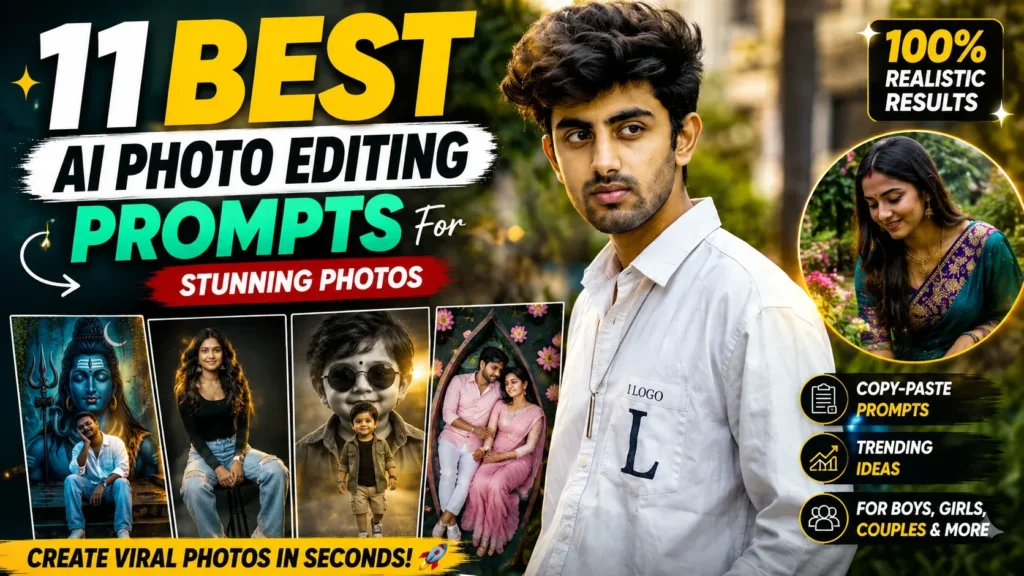
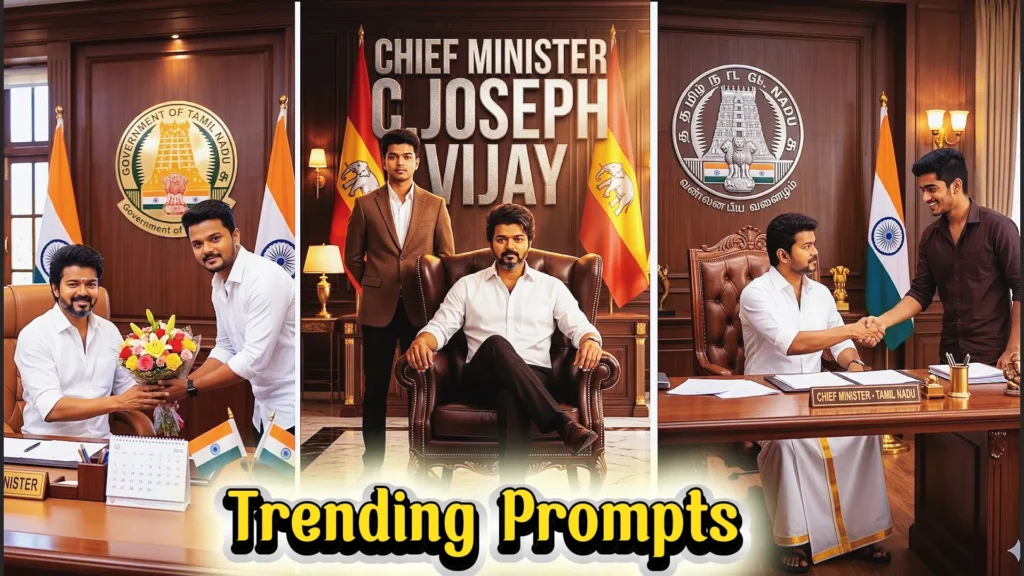
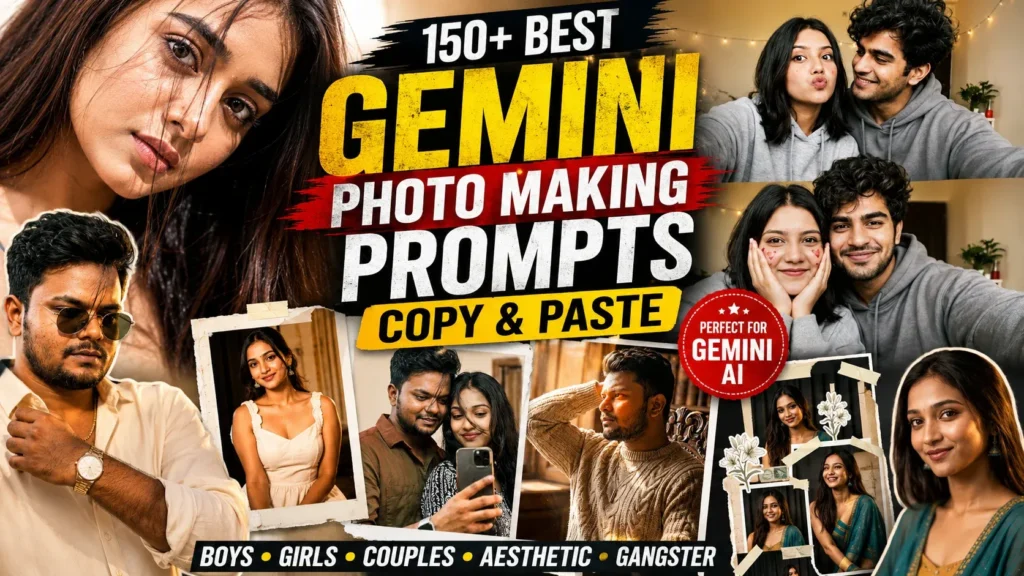
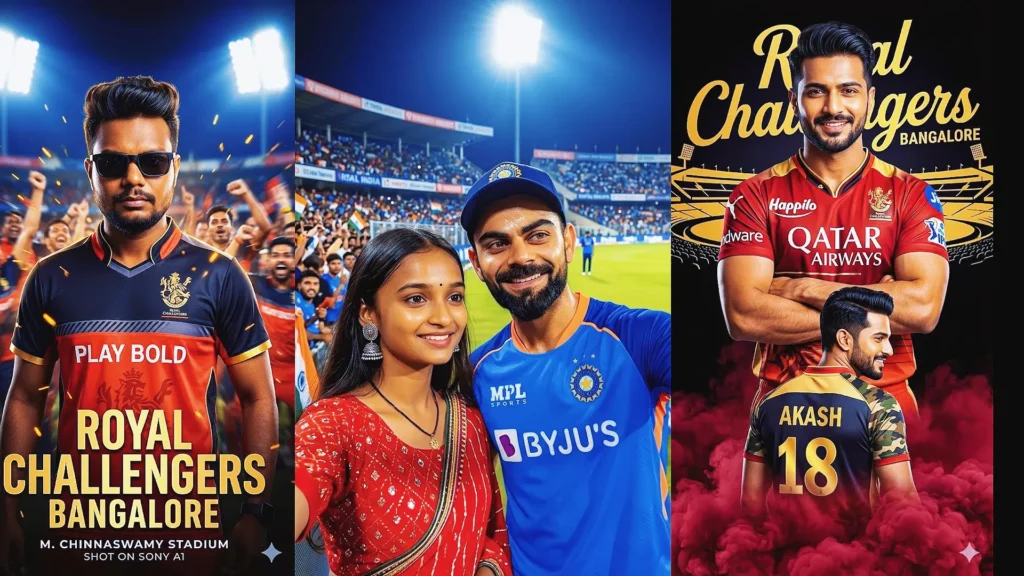
Instagram viral photo prompts make it easier to turn ordinary photos into polished social-media visuals. Instead of relying on complicated editing software, you can describe the look you want and let an AI image tool handle the creative transformation.
These prompts can be adapted for boys, girls, couples, families, travel photos, fashion portraits, and creative close-ups. A clear reference photo plus specific instructions usually gives you better control over the final result.
In this guide, you’ll find updated Instagram photo prompt ideas for 2026, along with practical tips for getting realistic faces, natural lighting, believable clothing, and cleaner compositions.
Why Are AI Photo Prompts Trending?
AI photo prompts are popular because they let creators describe a visual idea in plain language. A single prompt can guide the outfit, location, pose, lighting, camera style, and mood without requiring advanced editing skills.
- Quick to customize
- Easy to reuse with different photos
- Useful for portraits and lifestyle content
- Suitable for Instagram posts, Reels, and profile pictures
- Helpful for testing different visual styles
The quality of the result still depends on the reference photo, the image model, and how clearly the prompt describes the desired scene.
Instagram Viral Photo Prompts (2026) | 17 Trending ChatGPT Photo Editing Prompts
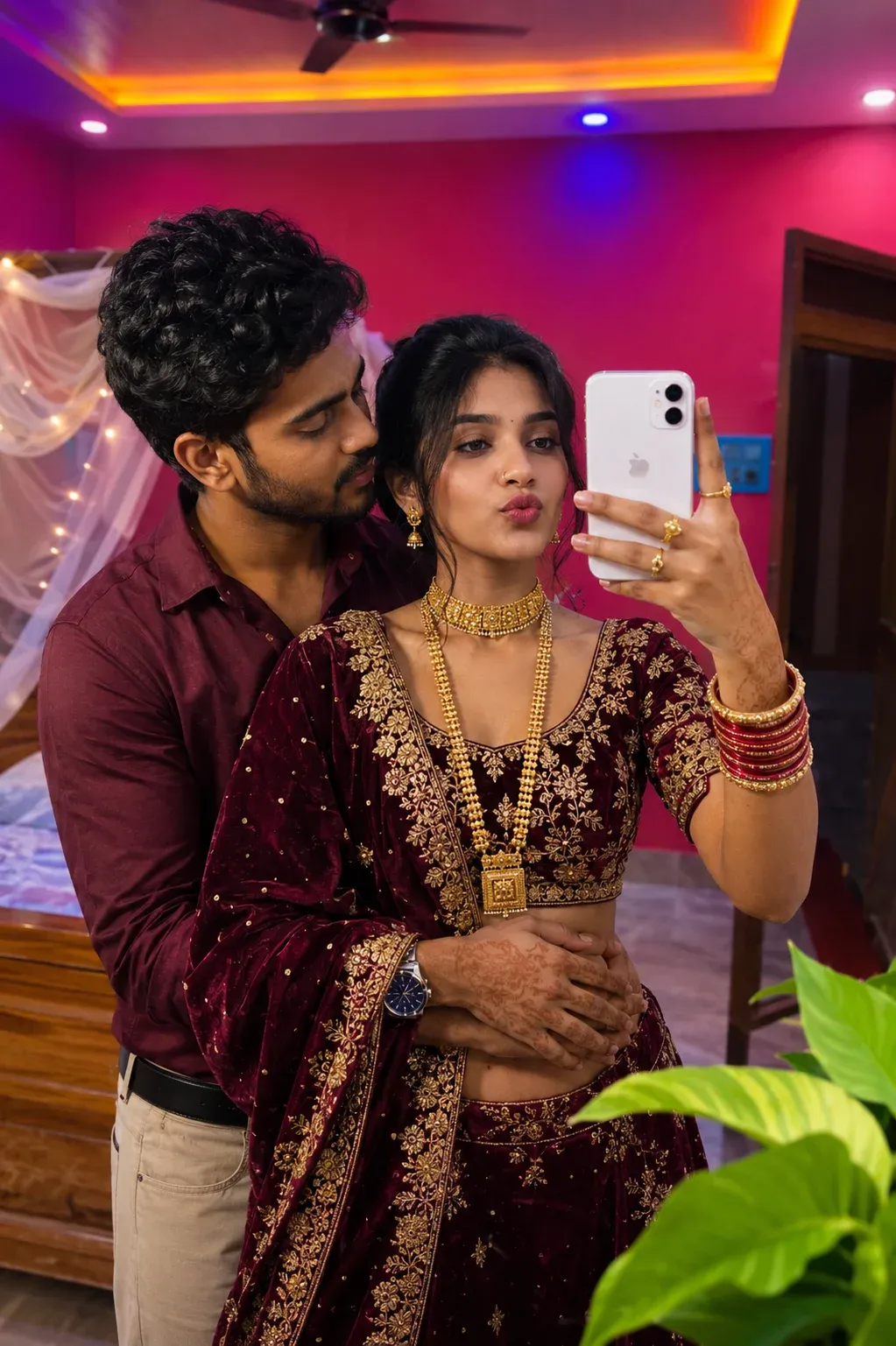
1. Royal Mirror Selfie Look
Create a luxurious mirror selfie with elegant styling, realistic facial details, soft indoor lighting, and a refined background. Keep the pose natural and make the mirror reflection believable. This works well for fashion, festive, and lifestyle portraits.
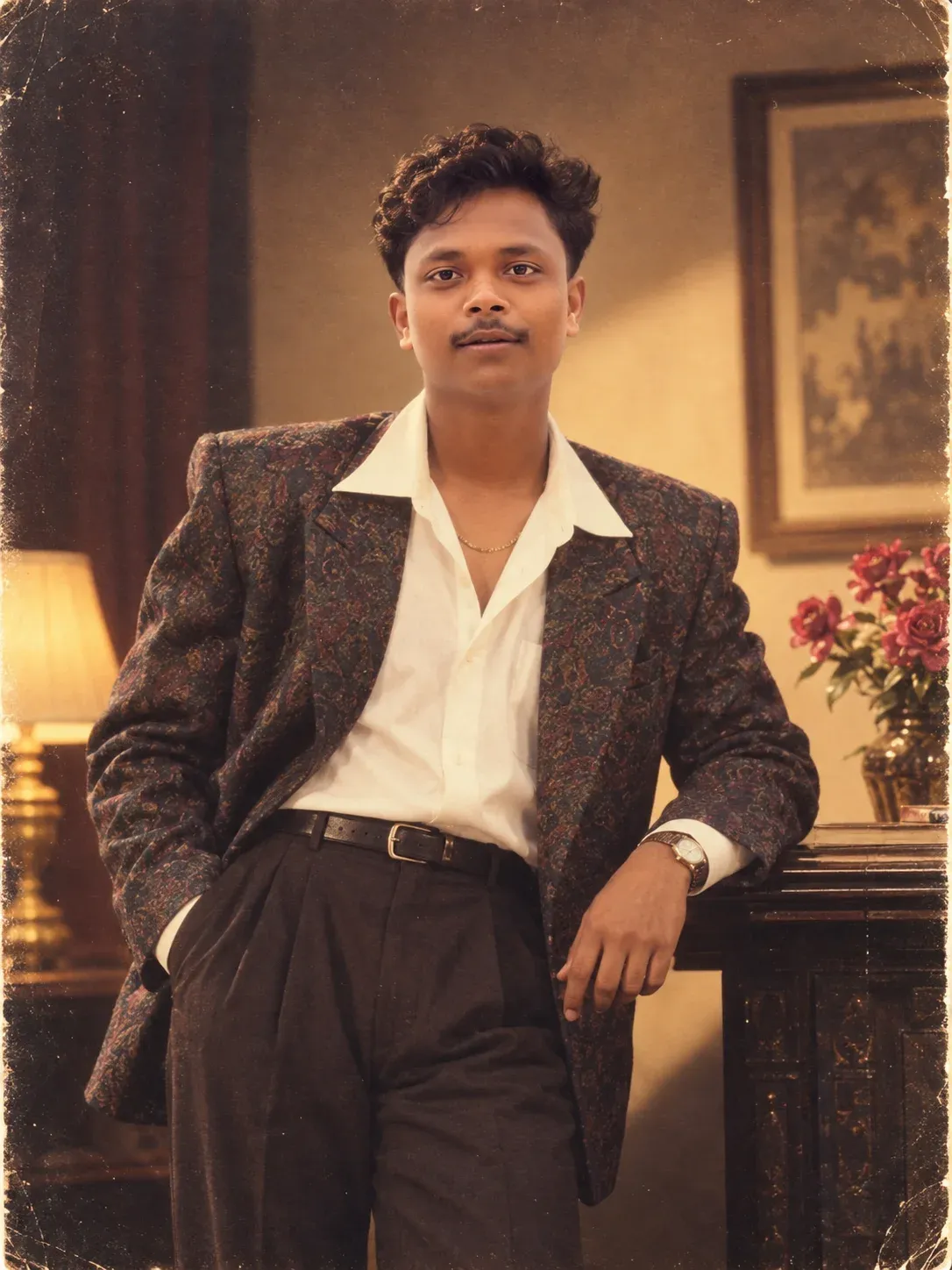
2. Elegant Glamorous Studio Portrait
Give the portrait an old-school studio mood with polished fashion, soft film grain, warm highlights, and controlled shadows. The goal is a believable retro photograph rather than an overly artificial filter.
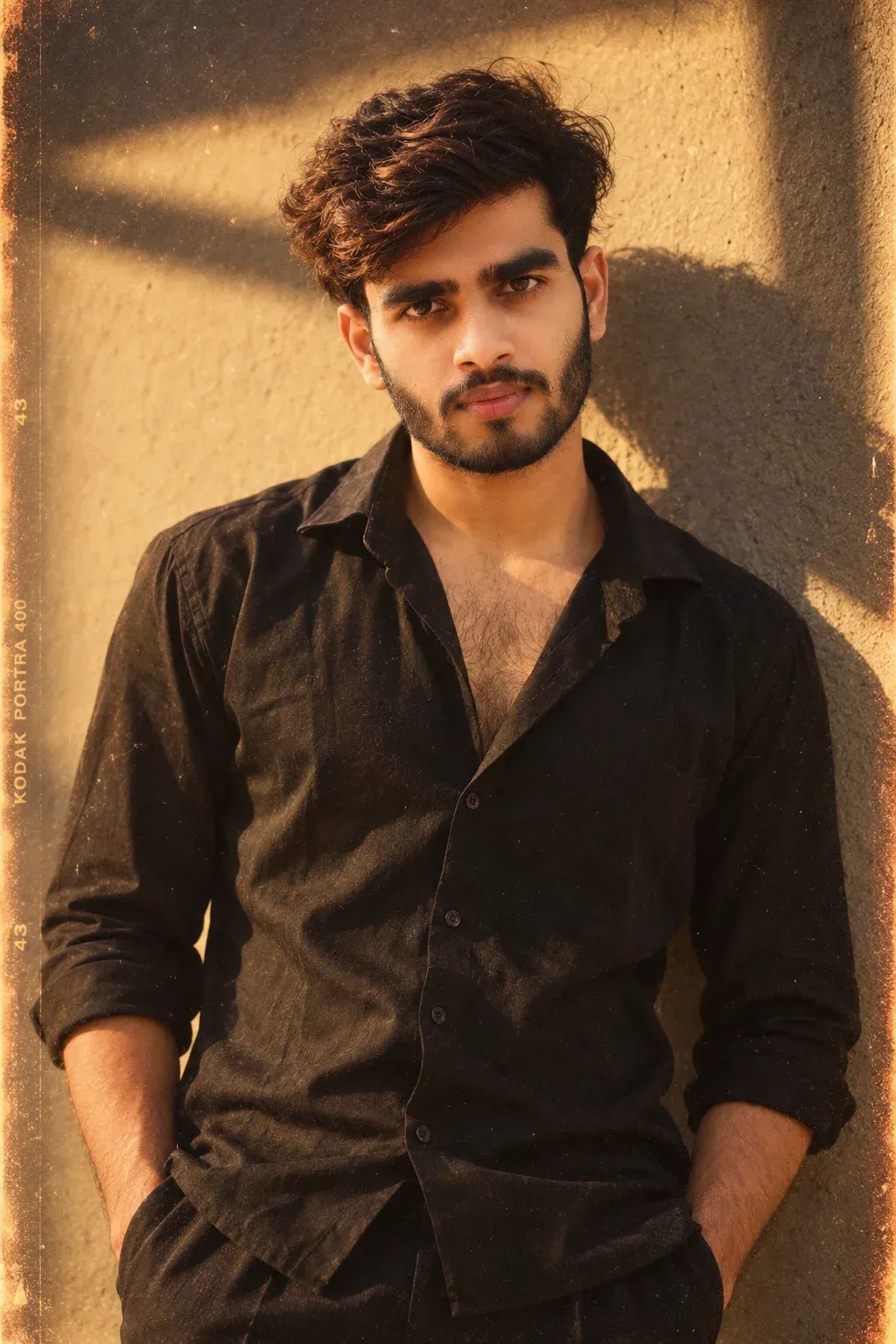
3. Moody Cinematic Portrait for Men
Use warm directional light, a simple dark outfit, natural hair, and subtle analog grain for a relaxed cinematic portrait. Keep the face sharp while allowing the background to fall softly out of focus.
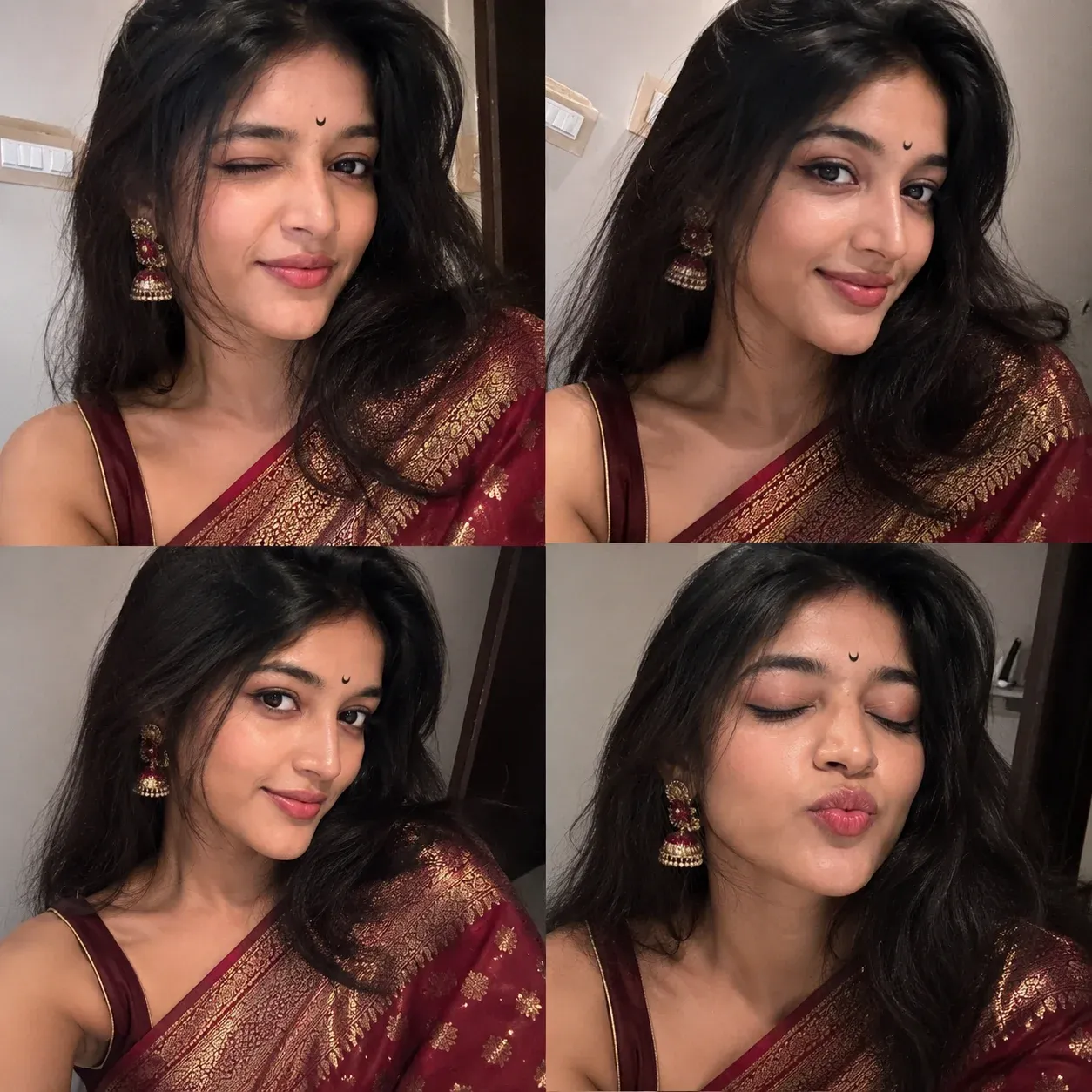
4. Four-Frame Selfie Collage
Create four coordinated selfie frames with slightly different expressions and angles. Keep the person consistent across every frame, use realistic smartphone lighting, and maintain the feel of a genuine social-media collage.
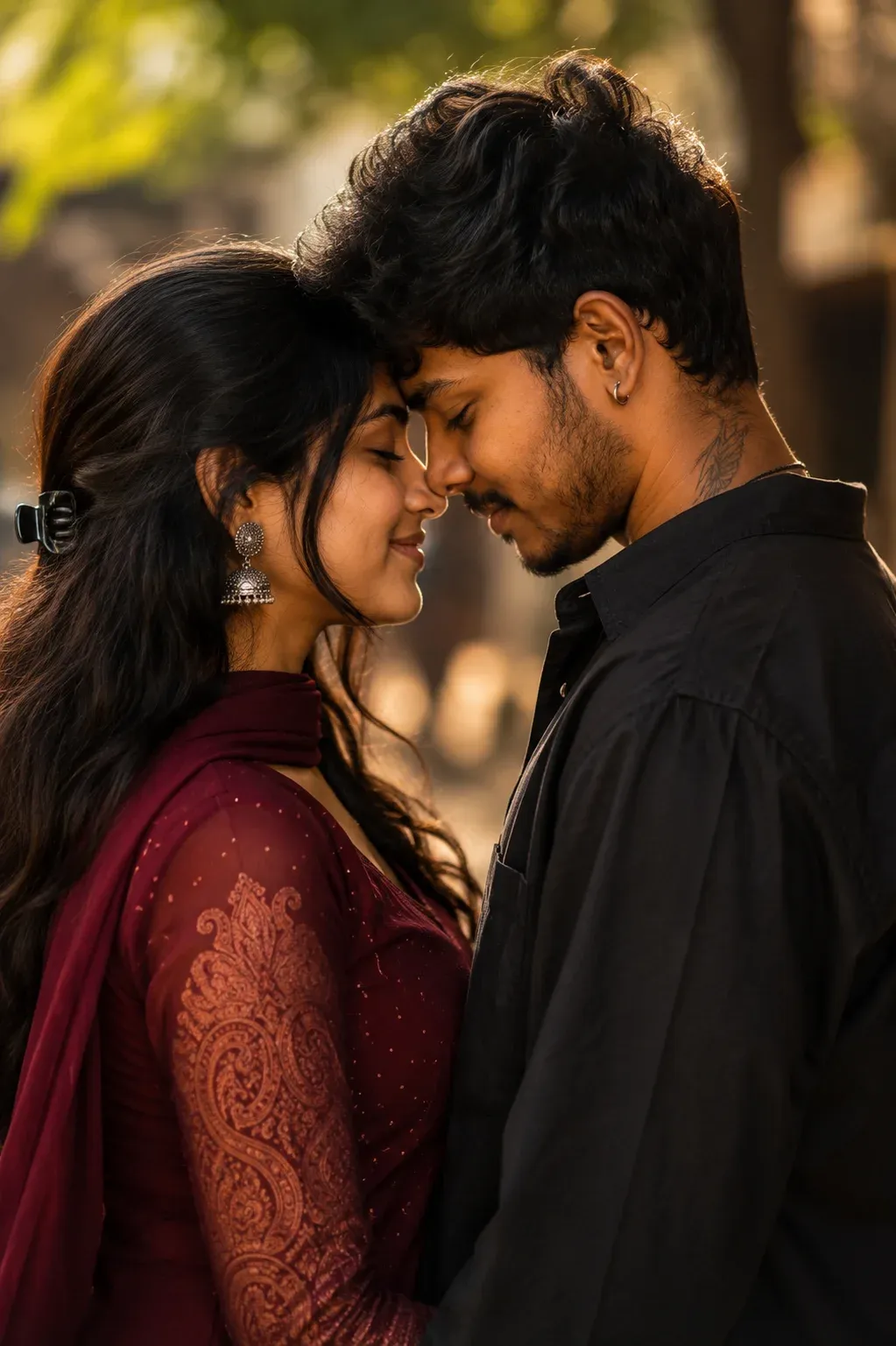
5. Romantic Golden Hour Moment
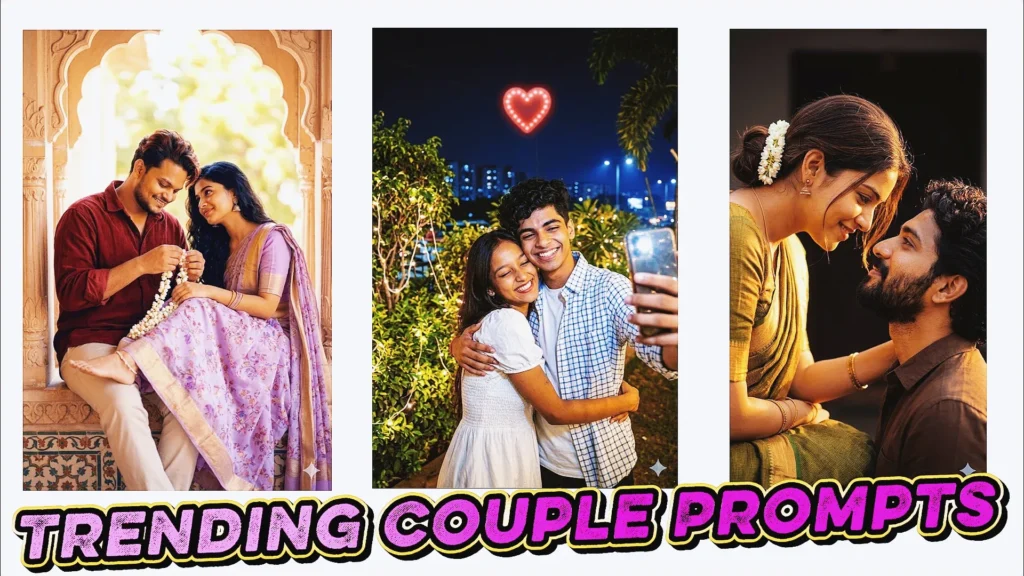
Build a warm couple portrait around soft sunset light, natural eye contact, and relaxed body language. Keep both faces recognizable and use the background to add depth without distracting from the couple.
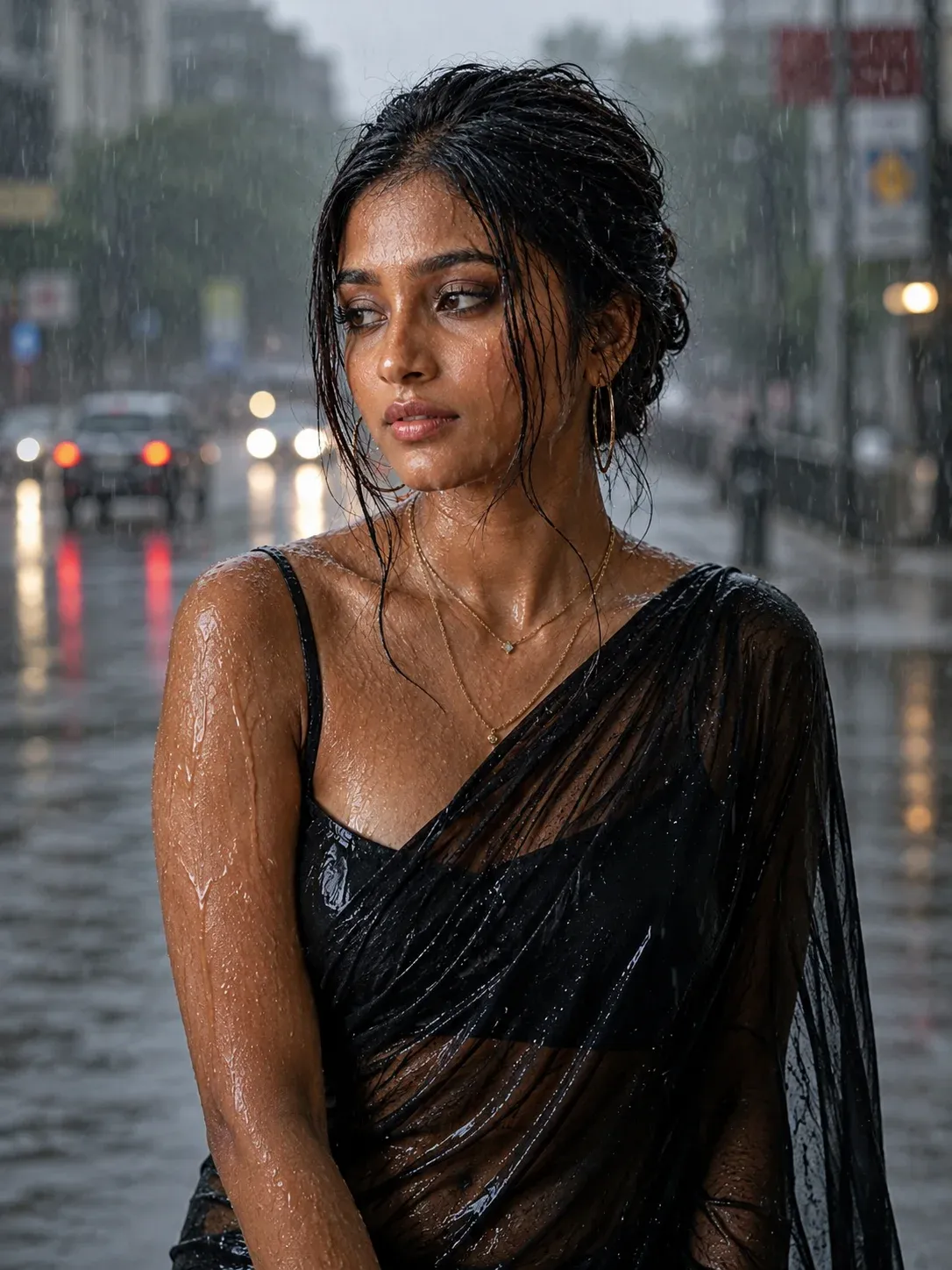
6. Rainy Street Mood
Use wet streets, reflected lights, falling rain, and a cinematic city background to create an emotional portrait. Keep the subject naturally lit and make the rain, clothing, and reflections physically believable.
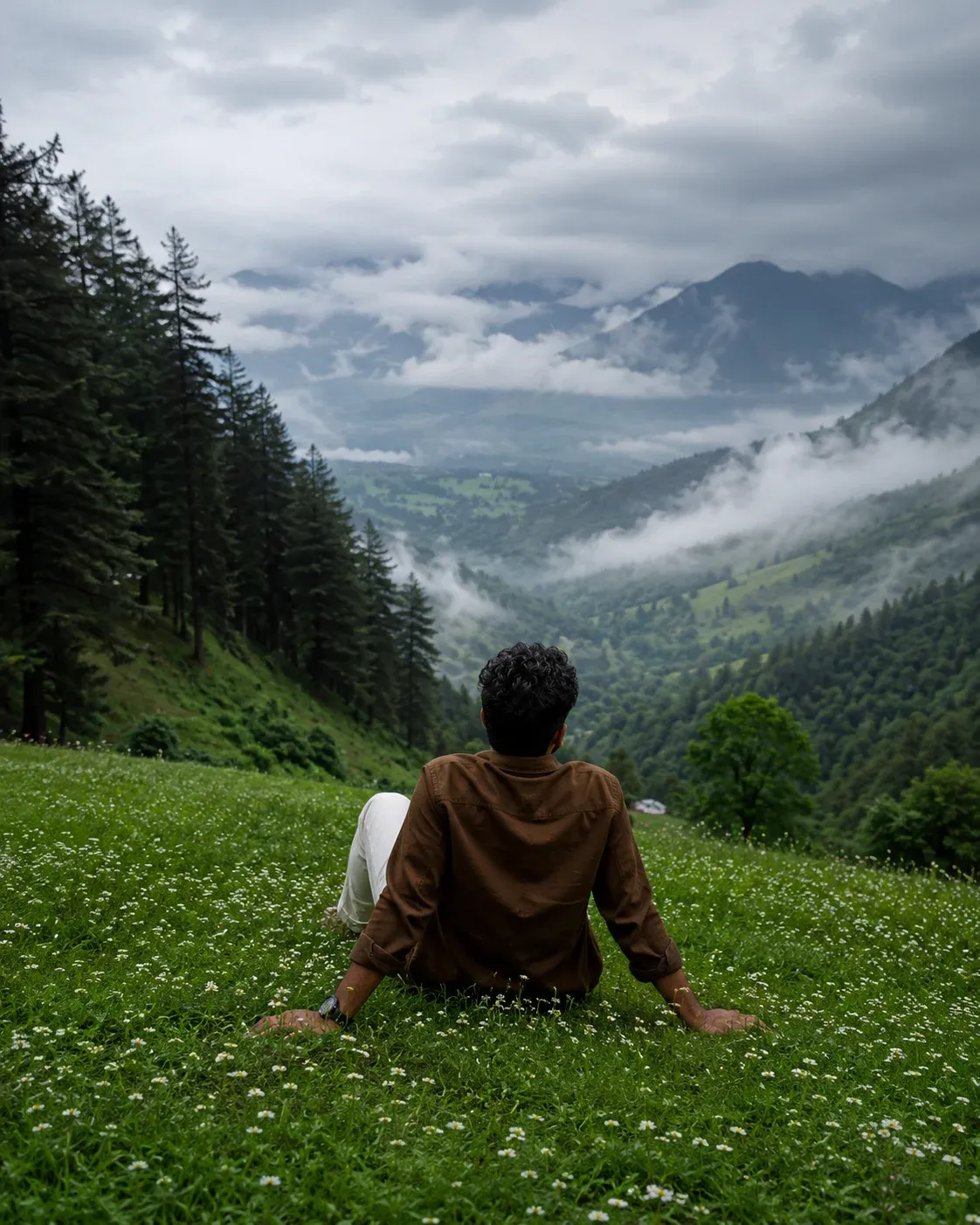
7. Misty Mountain Escape
Create a peaceful travel portrait surrounded by misty mountains, green valleys, and soft natural light. Use atmospheric perspective so the distant landscape feels realistic while the subject remains clear.
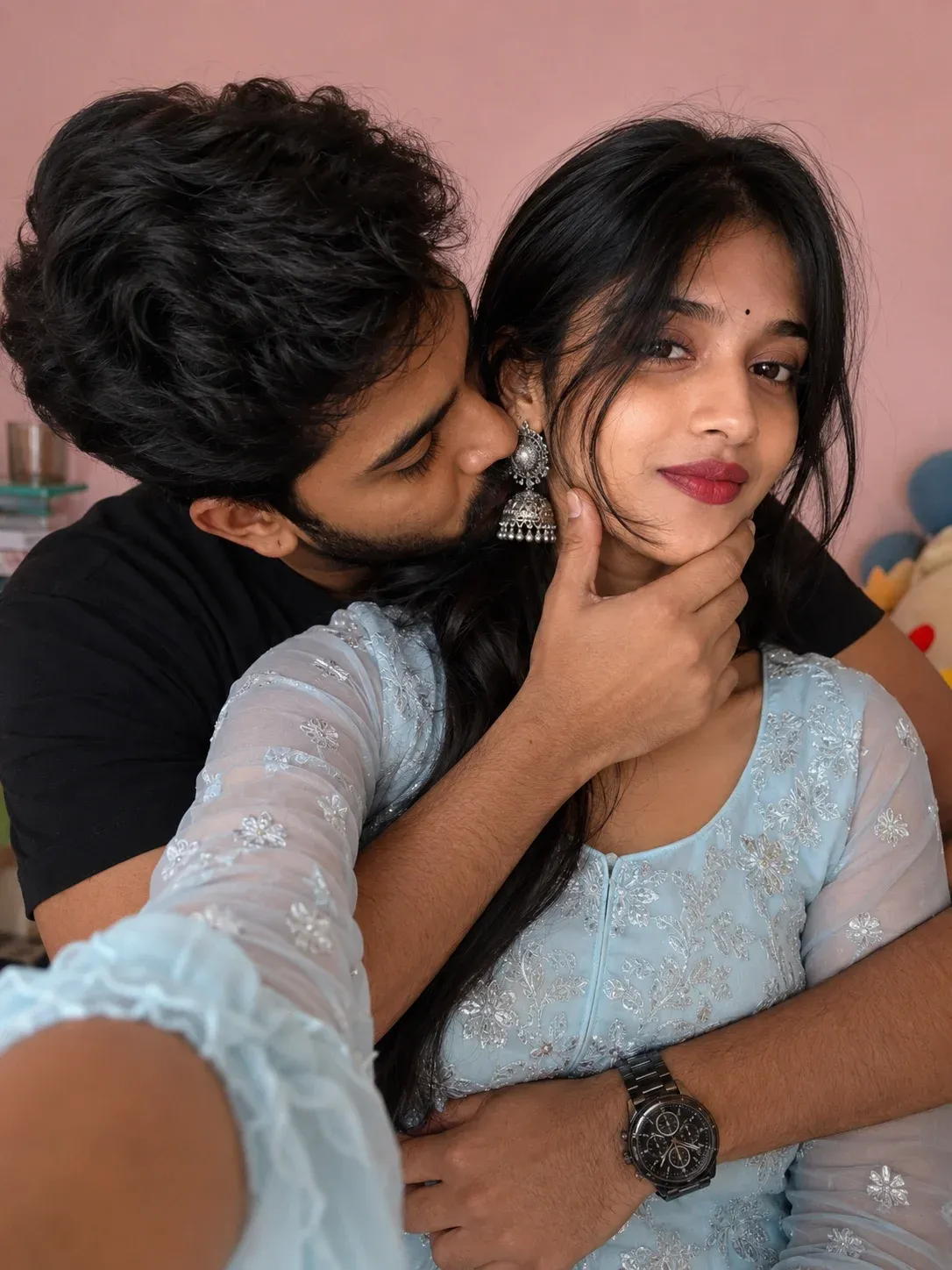
8. Romantic Close Embrace
For an intimate couple image, focus on a close embrace, natural expressions, soft indoor light, and realistic skin texture. Avoid excessive effects so the image feels like a genuine photograph.
9. Luxury Café Portrait for Girls
Turn a simple portrait into an upscale café photoshoot with warm light, elegant styling, and shallow depth of field. Keep the environment detailed enough to feel real while keeping the subject as the focal point.
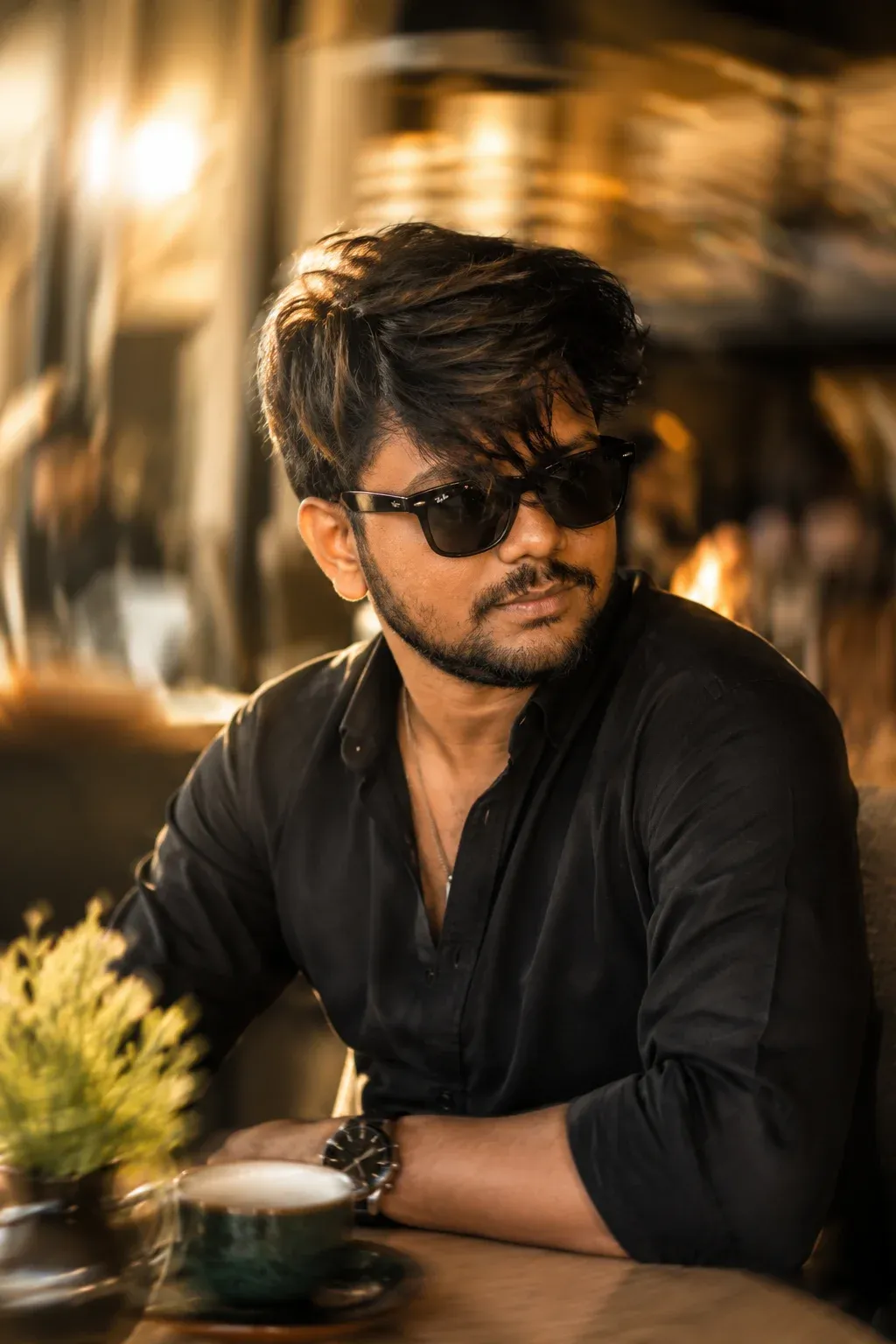
10. Premium Café Portrait for Boys and girls
This flexible café concept can work for different subjects. Use refined clothing, cinematic colors, natural expressions, and a realistic background. The prompt should adapt to the person rather than forcing the same pose or styling every time.
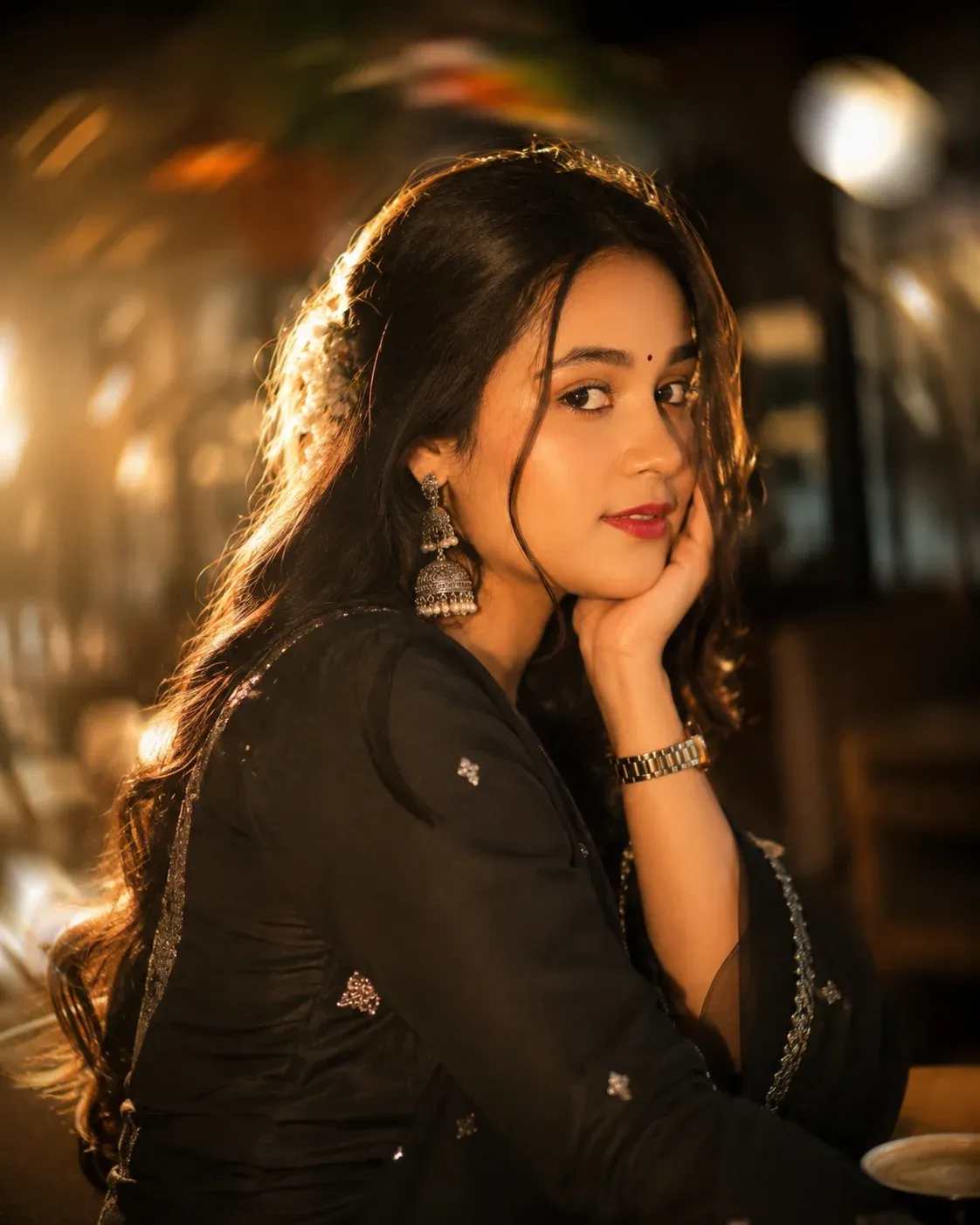
11. Elegant Traditional Portrait
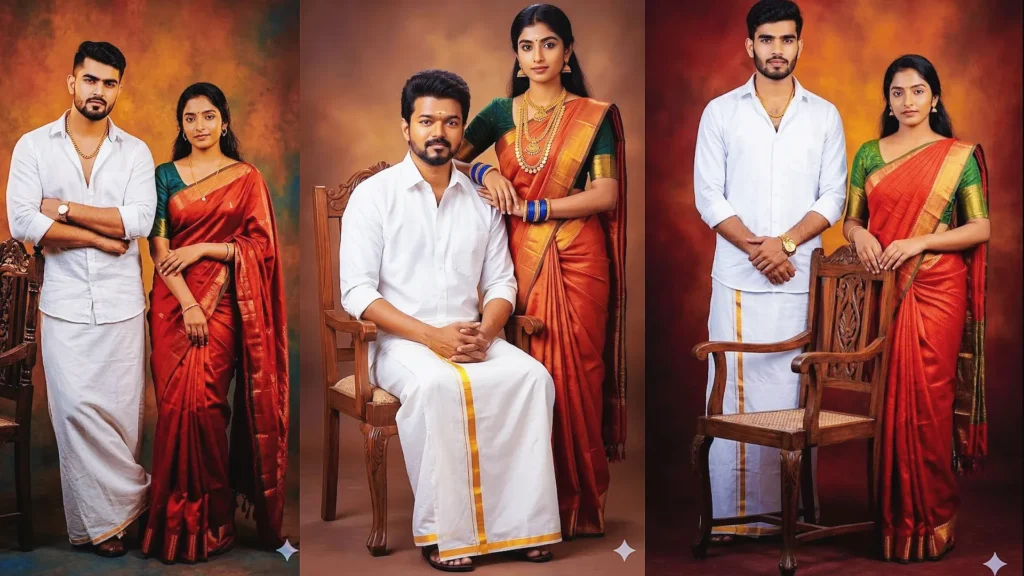
Highlight traditional fashion with soft golden light, graceful posing, and realistic fabric detail. A clean background and controlled shadows help keep the clothing and face visually prominent.
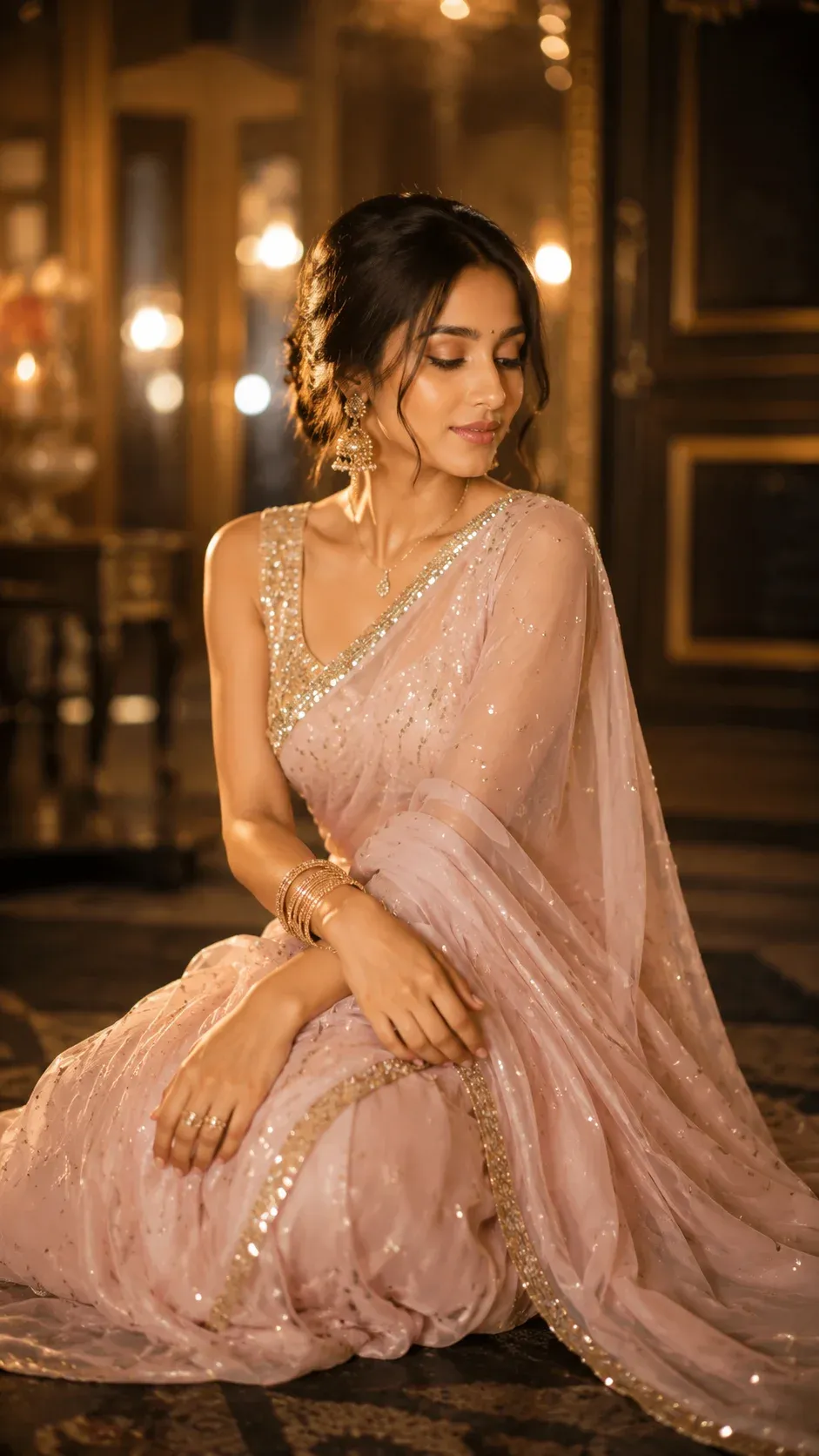
12. Loving Couple Selfie
Use a close couple selfie with warm indoor lighting and genuine expressions. Keep the phone-camera perspective believable and make both faces consistent with the reference images.
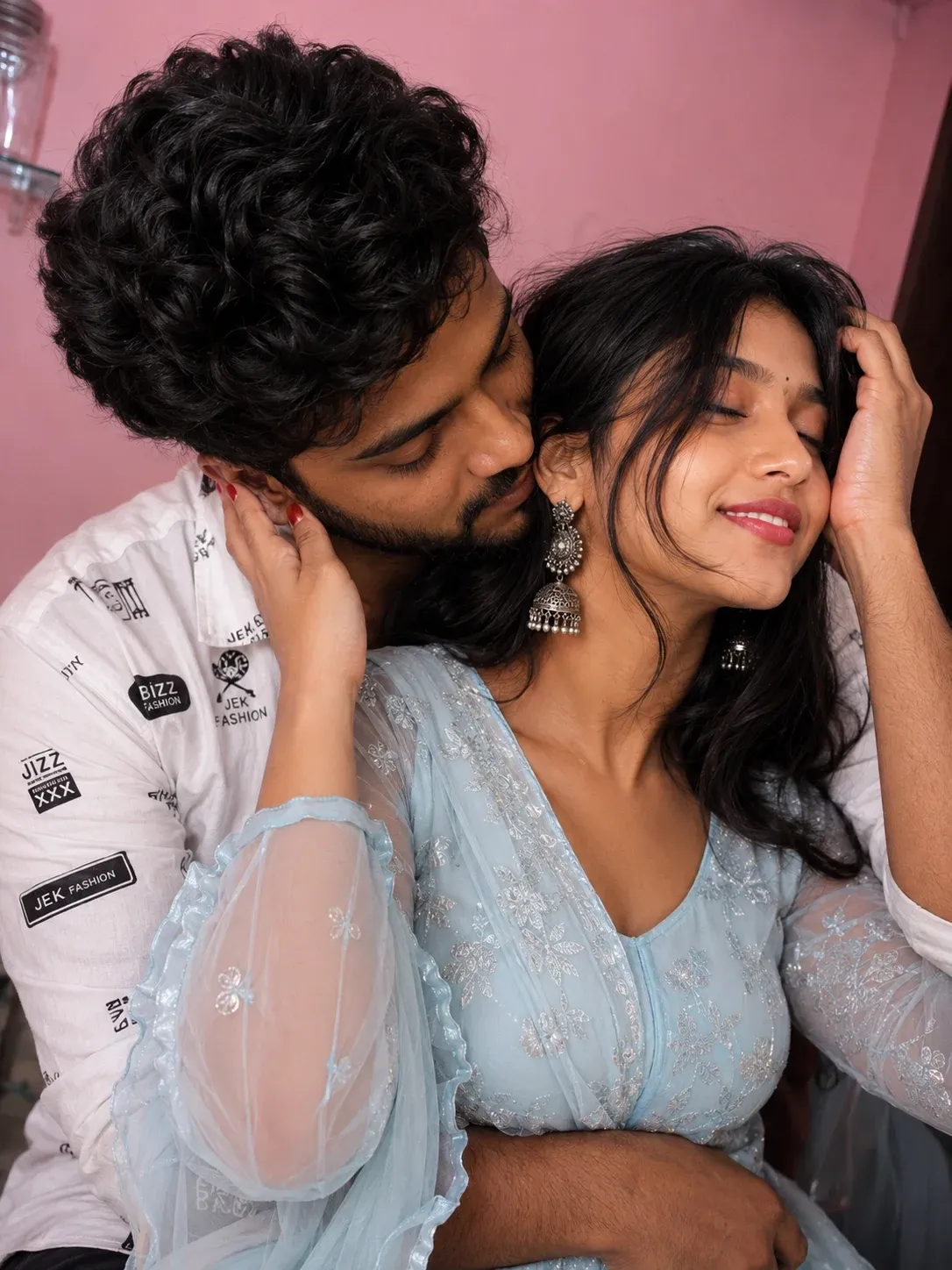
13. Dramatic Studio Romance
For a more editorial result, use low-key studio lighting and a controlled background. Let the spotlight shape the faces and clothing while keeping the overall scene realistic and elegant.
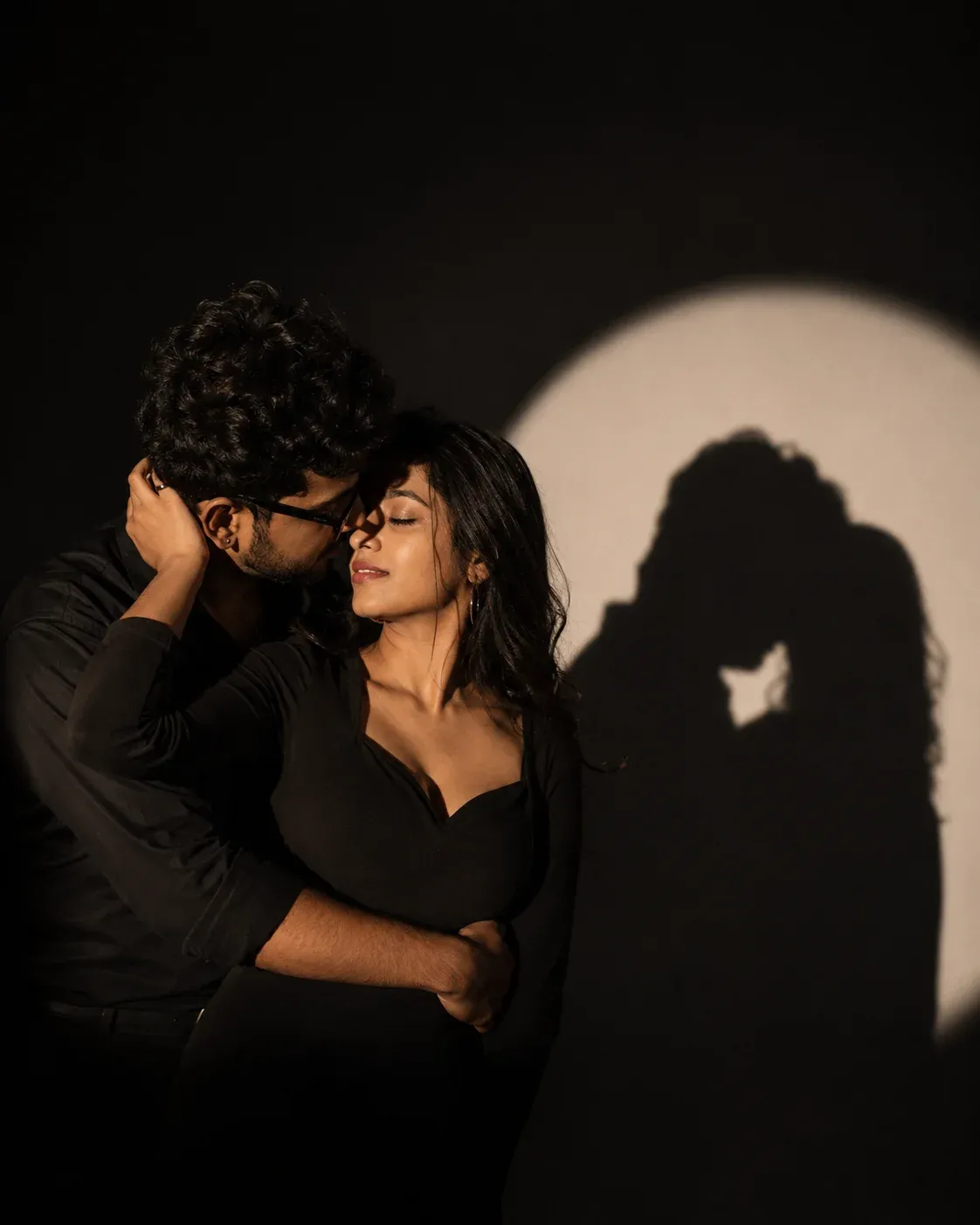
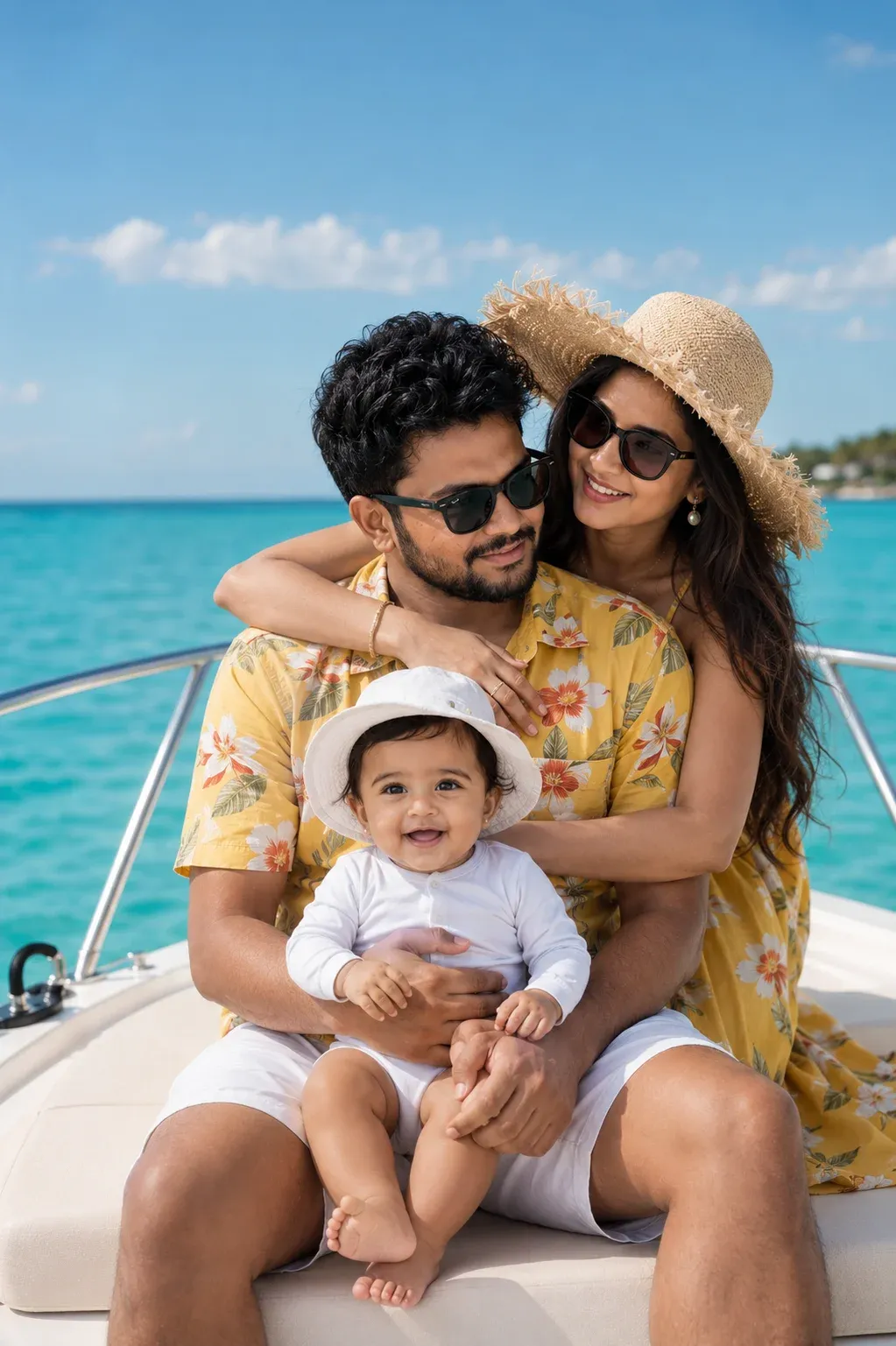
14. Luxury Yacht Family Vacation
Build a bright family vacation scene with a yacht, ocean views, and premium travel photography. Keep every family member recognizable and use natural daylight rather than excessive artificial effects.
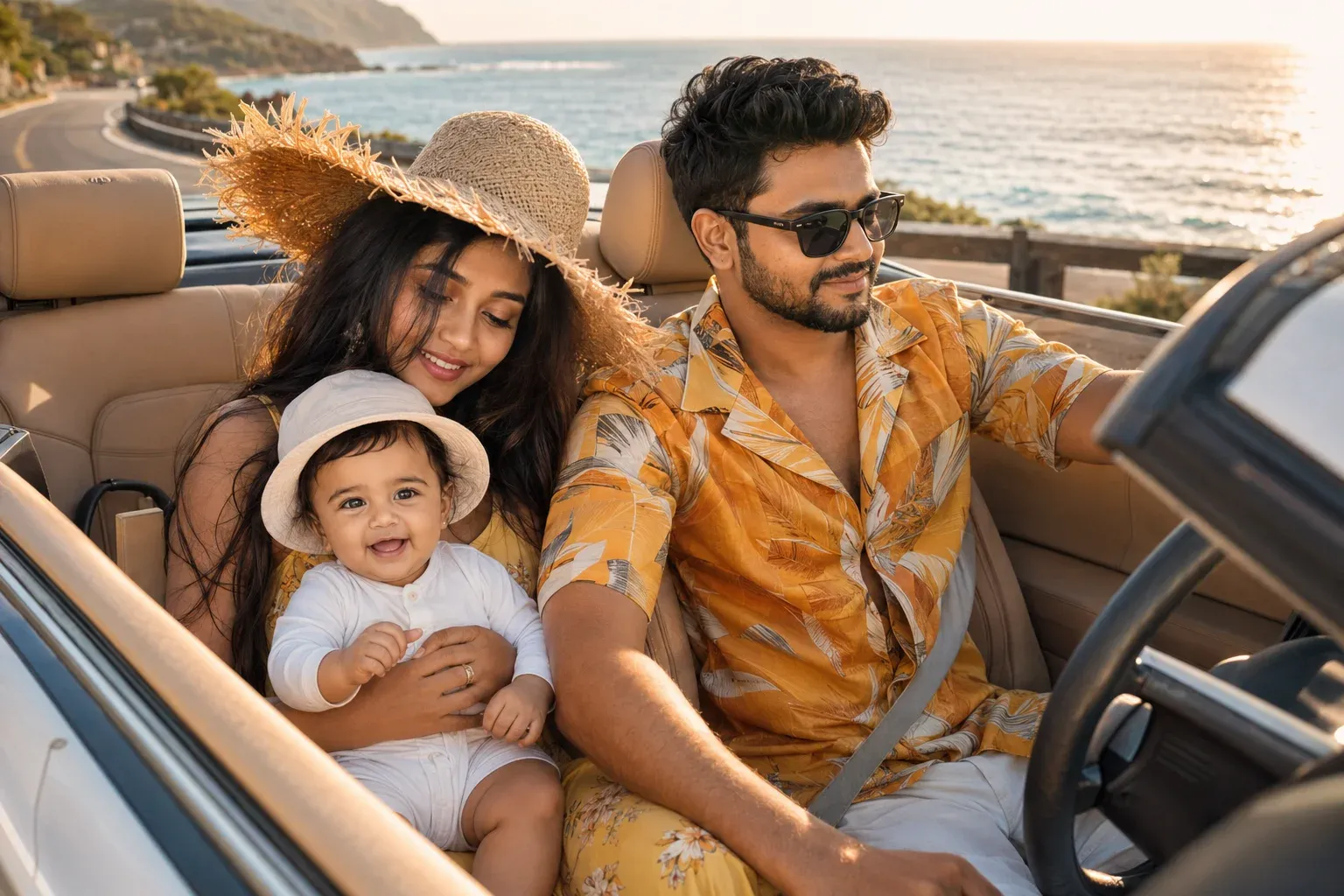
15. Coastal Road Trip Adventure
Combine a family road trip with golden-hour coastal scenery. A premium convertible, open road, warm sunlight, and natural family interactions can create a believable lifestyle photograph with a strong travel mood.
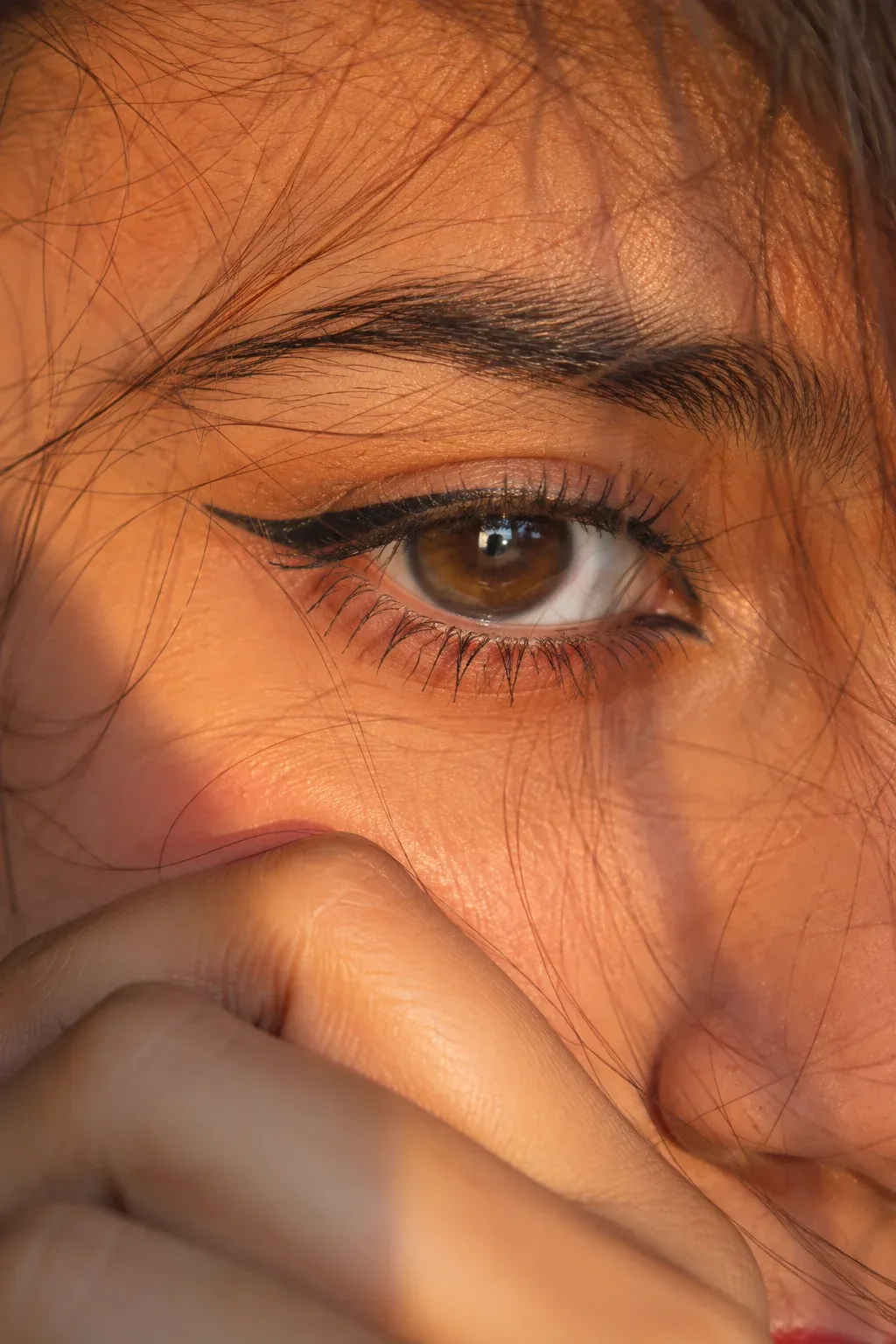
16. Golden Hour Eye Portrait
Focus tightly on the eye with warm sunlight, realistic eyelashes, natural skin texture, and subtle reflections. Macro-style detail works best when the image remains photographic rather than overly sharpened.
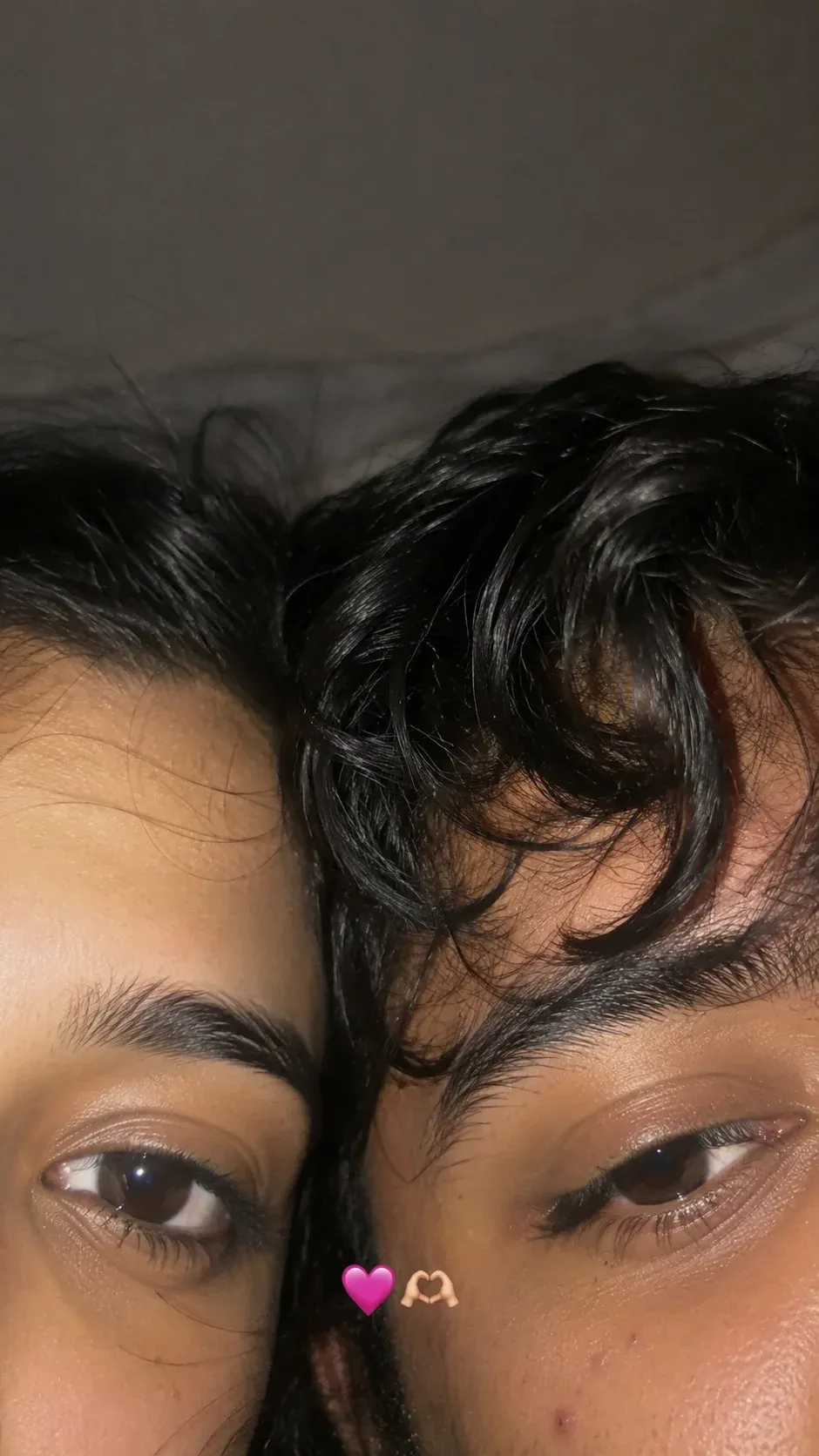
17. Cozy Flash Selfie
Recreate the casual look of a late-night phone selfie using direct flash, realistic skin, slight background darkness, and natural expressions. Small imperfections can make the result feel more like an authentic Story photo.
How to Use These Prompts in ChatGPT
These prompts work best when you treat them as a starting point and then adjust details for your own photo. A clear reference image with good lighting can also help the model preserve facial features more consistently.
Step 1: Open ChatGPT
Open ChatGPT and use an image-generation or image-editing feature available in your account. The exact interface can vary by model and plan.
Step 2: Upload Your Reference Photo
Upload a clear photo where the face is visible. Avoid heavily blurred, dark, or low-resolution images when facial consistency is important.
Step 3: Copy the Prompt
Choose a prompt from the collection and copy it. You can replace clothing, location, colors, or mood details to match your idea.
Step 4: Paste the Prompt
Paste the prompt into the same conversation where your reference image is attached. Add any extra instructions that are important for your final composition.
Step 5: Generate the Image
Send the request and allow the image tool to process it. Generation time can vary depending on the tool, model, and current demand.
Step 6: Review the Result
Check the face, hands, eyes, clothing, reflections, and background before using the image. If something looks unnatural, refine that specific part in your next instruction.
Step 7: Save Your Image
Once the result looks right, save the final version and crop it for the Instagram format you need, such as a square post, portrait post, or Story.
Best AI Tools for These Prompts
You can adapt these prompts for AI image tools that support detailed instructions and reference images. ChatGPT, Gemini, and other image-generation platforms may interpret the same wording differently, so small prompt adjustments are normal.
Common Mistakes to Avoid
- Using a blurry reference image
- Giving too many conflicting instructions
- Ignoring incorrect hands or facial details
- Adding excessive effects that hide the subject
- Expecting every model to produce identical results
- Sharing an image without checking important visual details
Frequently Asked Questions
What are Instagram viral photo prompts?
They are detailed AI image instructions designed around popular Instagram-style visuals such as portraits, couple photos, travel scenes, fashion edits, and cinematic selfies.
Which AI tool works best for these prompts?
The result depends on the image model, reference photo, and prompt. These ideas can be adapted to tools that support detailed image instructions and reference-image editing.
Can I use my own photo?
Yes, when the AI image tool supports reference-image editing. Use a clear photo and avoid uploading images you do not have permission to use.
Are these prompts good for boys, girls, and couples?
Yes. You can adapt the subject, clothing, pose, location, and mood in each prompt to create portraits for different people and relationship types.
How can I make my AI photos look more realistic?
Use a sharp reference photo, describe realistic lighting and skin texture, keep the composition simple, and specifically ask for natural proportions and believable details.
Final Thoughts
The best Instagram photo prompts are not necessarily the longest ones. Clear instructions, a good reference image, and a focused visual idea usually give you a stronger starting point. Try different styles and adjust the details until the image matches your intended look.