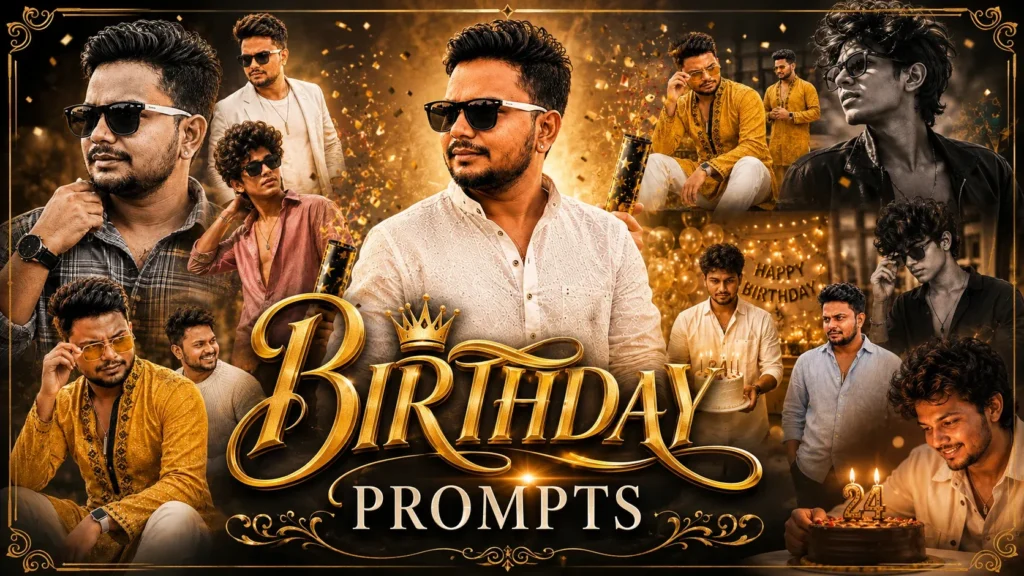
Want to give your photo a dramatic action-film atmosphere? These six Leo-inspired Gemini AI prompts are designed for cinematic portraits, romantic scenes and poster-style edits. Upload a clear photo, choose a look and adapt the details to create an image that still resembles you.
Movie-inspired photo edits are popular because they combine bold lighting, expressive poses and dramatic settings. The ideas here take inspiration from the rugged, high-energy visual mood associated with the film Leo, while keeping the result as an original fan-style edit rather than an official movie poster.
Below you’ll find six distinct concepts for boys and creators: a rugged hero portrait, a romantic bike scene, a warehouse poster, a snowy double exposure, a crowd portrait and a quiet “shhh” pose.
Why Leo Movie Style Prompts Are Going Viral
The film Leo is widely associated with intense action imagery and a gritty visual mood. That atmosphere makes a useful reference when creating dramatic, movie-inspired portraits with AI.
This visual approach can add qualities such as:
- Hero look
- Powerful attitude
- Moody lighting
- Stylish background
- Action movie vibe
- Mass entry scene feel
Best Leo Movie Prompt for Gemini AI: Copy Paste Gemini Prompts for Boys
Use these six Leo-inspired Gemini prompt ideas as starting points. Each one describes a different setting, lighting style and composition so you can create varied edits from your own reference photo.
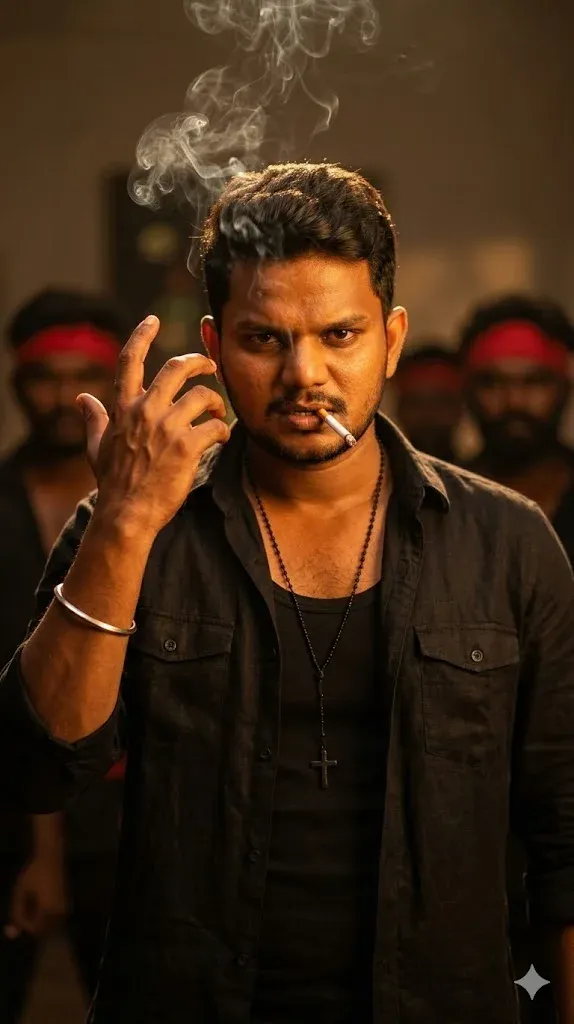
1. Rugged Hero Cinematic Look
Build a rugged hero portrait with a confident expression, textured dark clothing and a dramatic cinematic background. Use directional light to define the face, with a light haze and subtle warm highlights behind the subject. Keep the person recognisable from the uploaded reference and avoid exaggerated muscles or artificial facial changes. This look works well for a profile image or a vertical reel cover.
2. Romantic Cinematic AI Photo
Create a romantic movie-style scene with a couple beside a classic motorcycle on a quiet mountain road. Add a cool, misty atmosphere, distant snow-covered peaks and soft overcast light. Keep both people natural and recognisable from their reference photos, with believable poses and realistic clothing. Frame the couple and bike clearly, without adding logos, text or extra people.

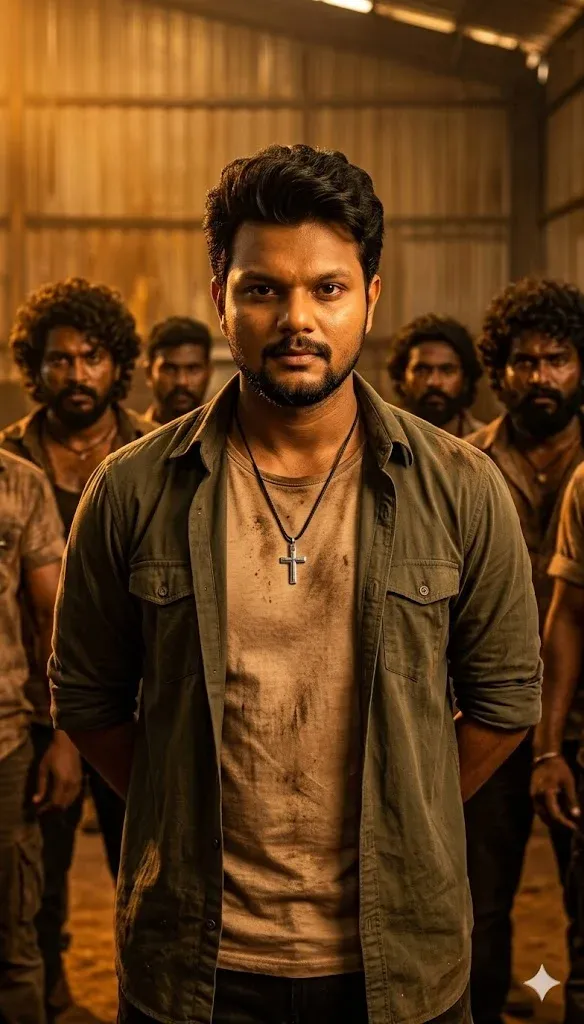
3. Warehouse Action Poster
Design an original action-film poster set inside a large industrial warehouse. Place the subject in the foreground with a steady, determined expression, while overhead beams and warm practical lights create depth behind them. Add restrained dust in the air and a rich amber-and-charcoal colour grade. Preserve the subject’s identity and keep the scene dramatic without showing graphic violence or weapons.
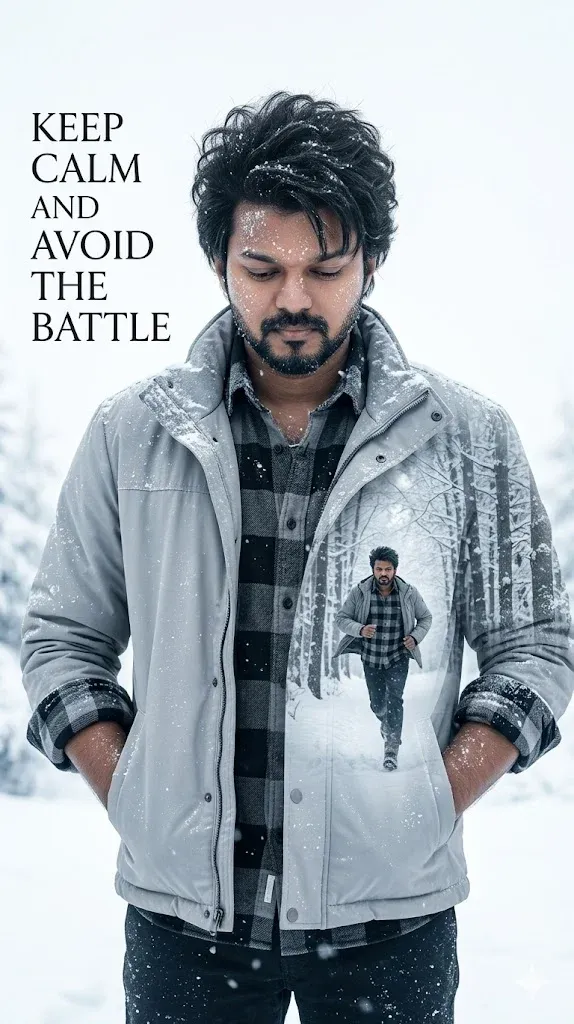
4. Snowy Double Exposure Style
Create a cool-toned double-exposure portrait with the subject’s face as the main layer and a snowy mountain landscape blended subtly into the background. Keep the facial features sharp and recognisable, with soft winter haze, delicate snow texture and balanced contrast. Use a clean poster composition with room for optional title placement, but do not generate any words, logos or watermarks.
5. Stylish Crowd Boss Look
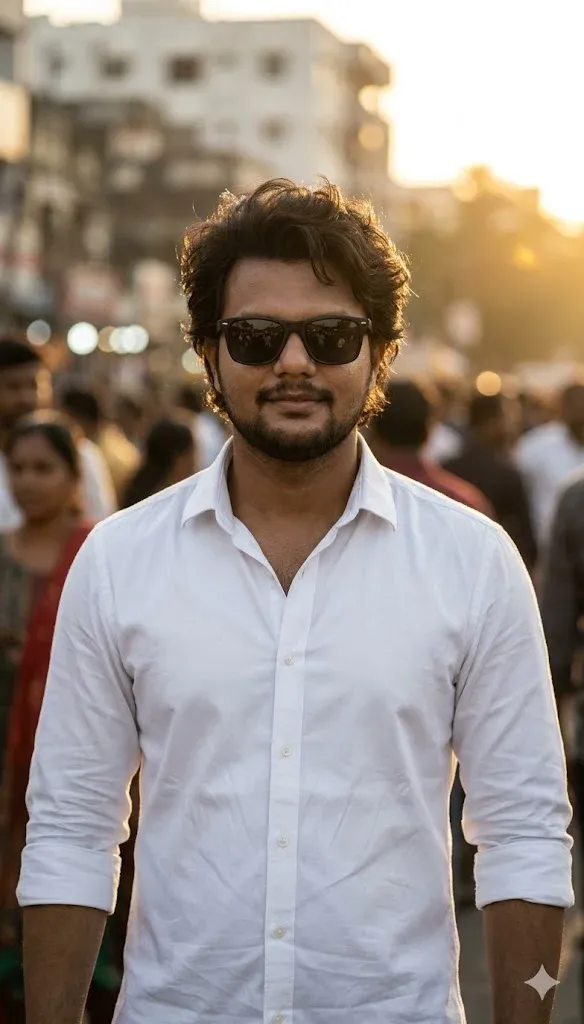
Create a stylish crowd portrait inspired by South Indian action-film cinematography. Show the uploaded subject in a crisp white shirt, standing calmly as a softly blurred crowd fills the background. Use warm golden backlight, natural facial detail and a confident but understated expression. Do not depict or imitate a real actor; retain the uploaded person’s own identity and avoid logos or text.
6. Shhh Crowd Cinematic Photo Edit
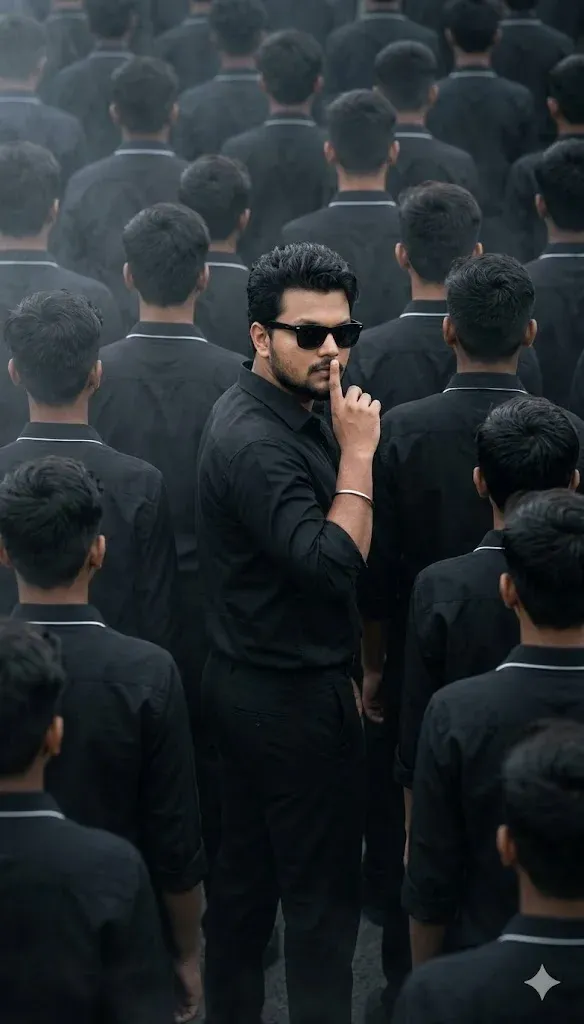
Create a cinematic portrait of the uploaded subject in a dark outfit, raising one finger gently to the lips in a clear “shhh” gesture. Place a softly defocused crowd behind them and use cool charcoal tones with controlled side lighting. Keep the hand anatomically correct, the face recognisable and the pose natural. Compose for a vertical social post without captions or watermarks.
How to Use These Prompts in Gemini AI
You can create these edits in a few steps. The exact buttons and available features may vary by Gemini version and account.
Step-by-Step:
- Open Gemini AI
- Upload your clear front-face photo
- Copy any prompt from below
- Paste it in Gemini
- Click Generate
- Download your cinematic image
Tip: Start with a sharp, well-lit photo where the face is clearly visible. If the result changes your features, ask Gemini to preserve the reference identity more closely.
FAQs
What is the best leo movie prompt for Gemini AI?
A useful prompt describes the lighting, outfit, background, camera framing and mood, while clearly asking the tool to preserve the face in your reference photo.
Can Gemini AI create Leo movie style posters?
Gemini may be able to create cinematic poster-style images from a detailed prompt and a supported reference image. Results can vary, so check the current image features available in your account.
Which prompt is best for boys?
The Rugged Hero and Shhh Crowd concepts are good starting points if you want a bold portrait with dramatic lighting and a strong pose.
Are these prompts free to use?
You can try the prompts without paying, but image-generation access, limits and features depend on Google’s current Gemini plan and availability.
Can I use these prompts for Instagram Reels?
Yes. You can adapt the vertical compositions for Reels covers, thumbnails and social posts. Make sure any text or branding you add is your own.
Explore more AI photo ideas in our guides to Google Gemini AI photo editing prompts, Gemini photo-making prompts, aesthetic photo prompts for boys, girls and couples, and realistic couple photo prompts.
Final Words
These six Leo-inspired Gemini prompts give you several ways to create dramatic, stylish AI portraits, from a rugged hero look to a snowy double-exposure composition. Choose the scene that fits your photo and adjust the details to suit your preferred style.
Upload a clear photo, copy the prompt for your chosen scene and review the generated result. You may need to refine the wording or regenerate to correct small details.
Creators can adapt these ideas for tutorials, social posts or prompt collections. Add your own examples and explain which settings you used so readers can reproduce the style more easily.
Try one prompt at a time and keep the final image personal and original. These are fan-inspired visual concepts, not official Leo movie artwork or promotional material.