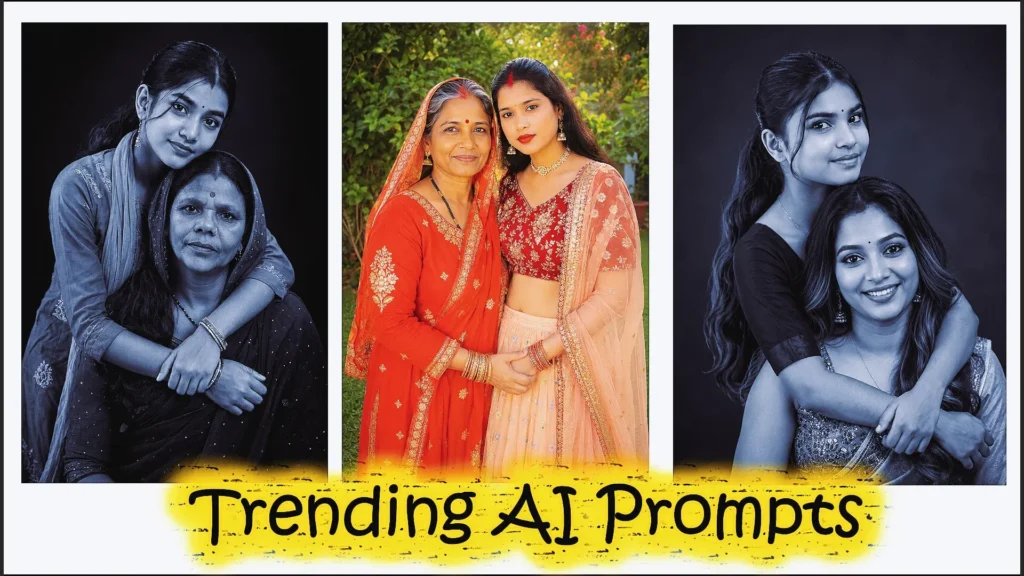
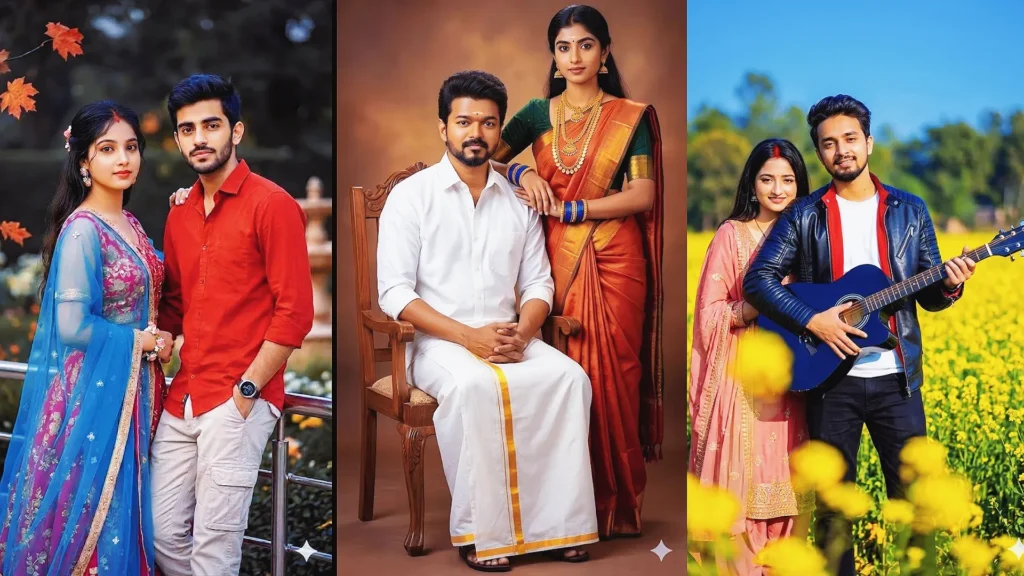
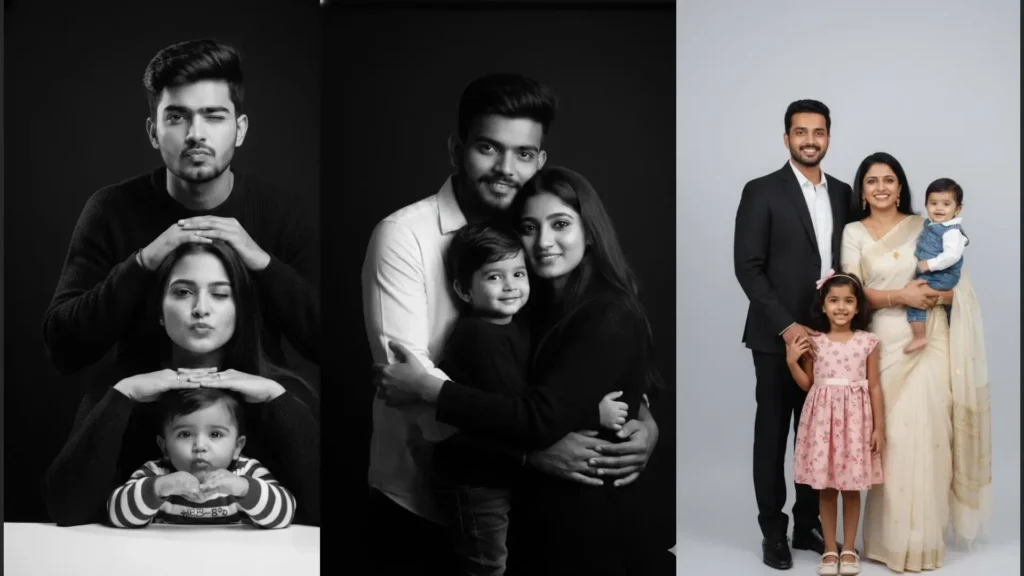
Brother and sister photos capture a bond that often feels simple, playful, and deeply personal. With Gemini AI, you can turn an ordinary sibling photo into a polished portrait while keeping the people recognizable.
This guide brings together brother and sister prompts for Gemini AI covering festive portraits, studio photography, retro memories, outdoor scenes, Raksha Bandhan moments, and natural family photos. Add a clear reference image and adjust the details to match your preferred style.
Best Viral Brother and Sister Prompts for Gemini AI
These copy-and-paste prompts are designed for realistic sibling portraits with clear expressions, natural poses, and detailed clothing. Use the reference photo when you want Gemini to preserve the original faces and overall identity.
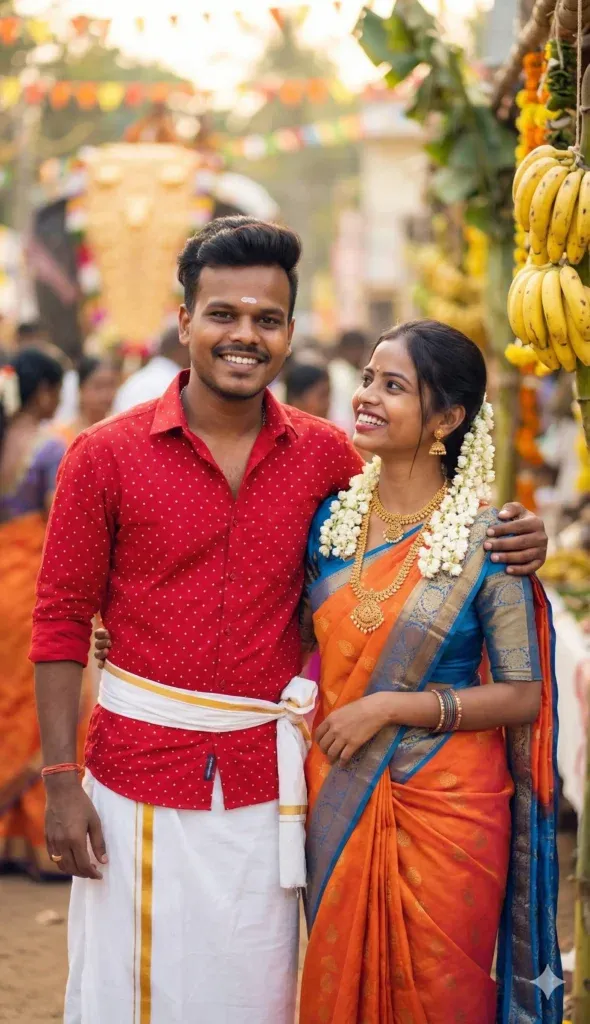
1. Traditional Celebration With a Loving Sibling Bond
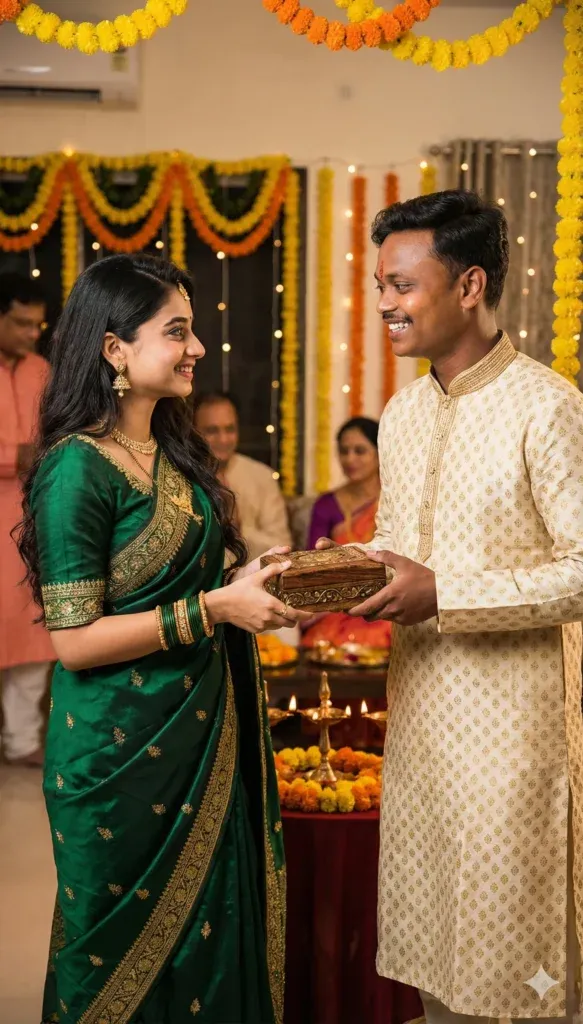
Create a joyful traditional portrait of a brother and sister wearing coordinated Indian outfits and sharing a warm, natural moment. Use colorful fabrics, subtle jewelry, genuine smiles, and a festive background for a polished family photograph.
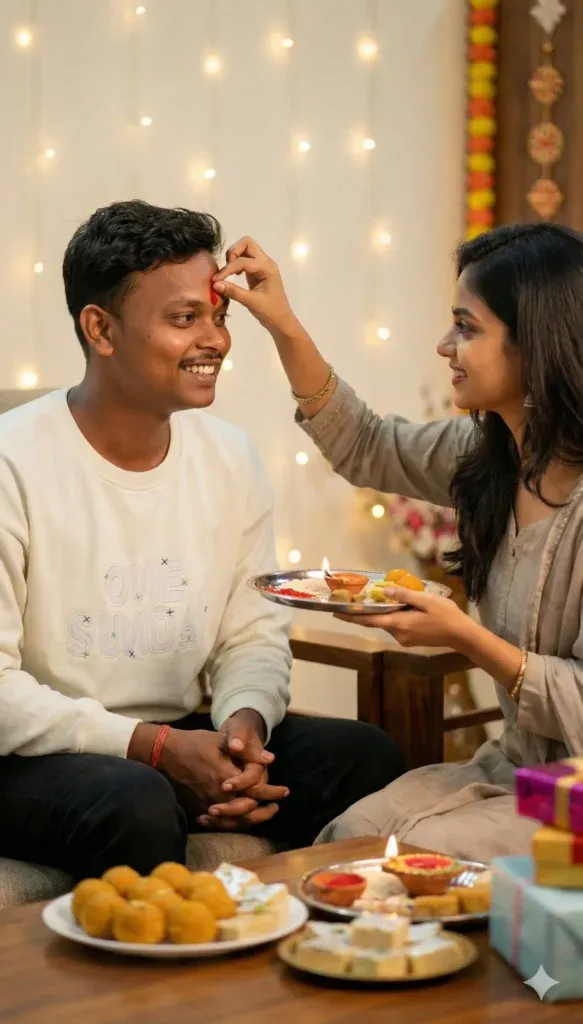
2. A Heartwarming Tilak Ceremony
Capture a Bhai Dooj-inspired moment where a sister applies tilak to her brother while they sit together with festive lights, sweets, flowers, and a decorated thali. Warm lighting and candid expressions can make the scene feel personal and realistic.
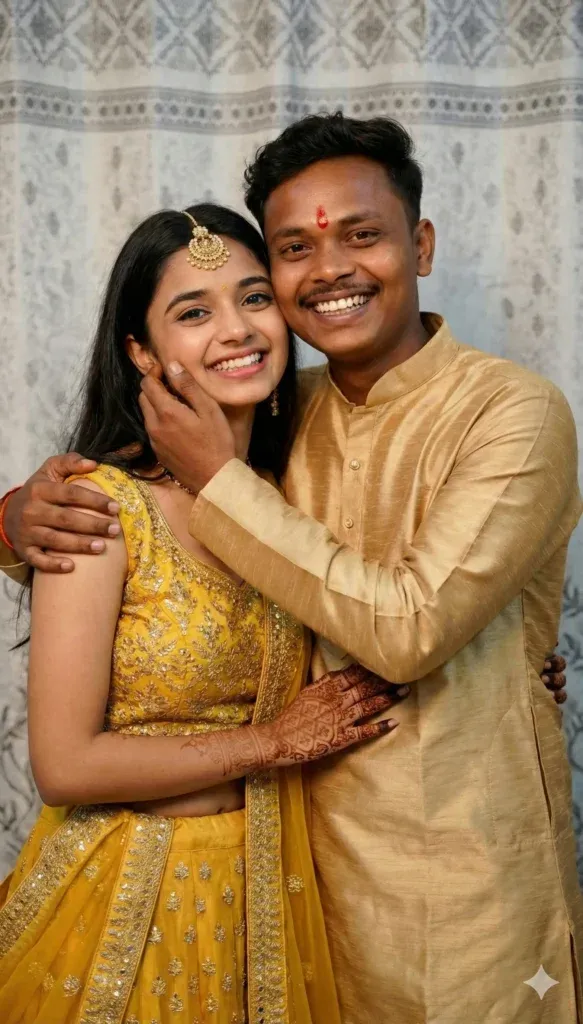
3. Colorful Traditional Portrait
Create a cheerful portrait of siblings in coordinated traditional clothing, with the sister in yellow and gold and the brother in a classic kurta with tilak. Add tasteful mehndi, jewelry, natural smiles, and soft festive light.
4. Special Gift Exchange Between Siblings
Show a brother and sister exchanging an elegant gift during a family celebration. Keep the scene emotional but natural, with premium clothing, soft festive décor, realistic hands, and a warm photographic look.
5. Stylish Black-Themed Studio Portrait
Create a sophisticated studio portrait with the brother and sister wearing elegant black outfits against a dark background. Use soft directional light, subtle shadows, realistic skin texture, and natural expressions for a modern editorial finish.

6. Cozy Indoor Flash Photography
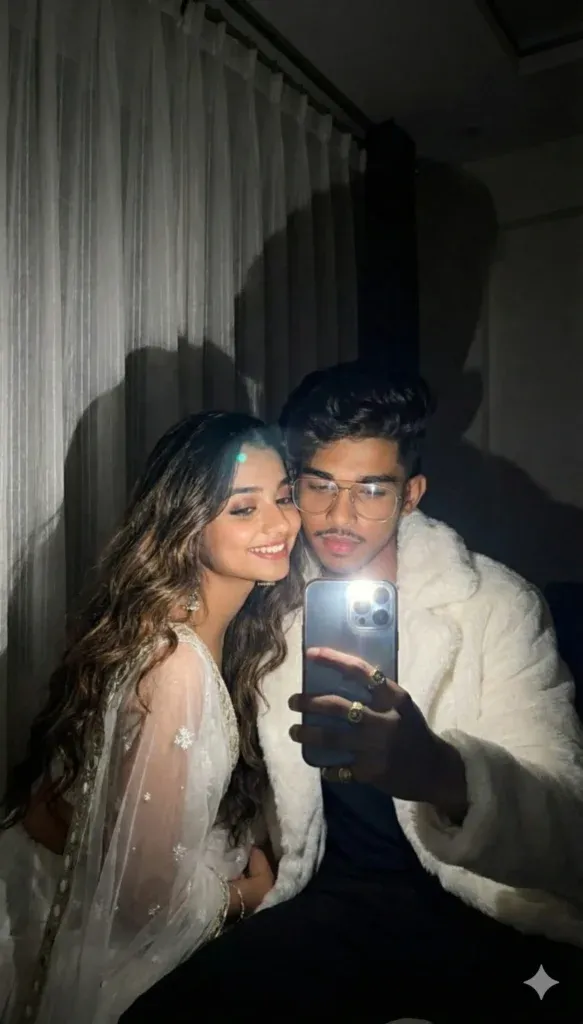
Create a casual sibling photograph indoors with white curtains, direct flash, and a relaxed candid pose. Keep the scene slightly nostalgic while maintaining realistic skin, natural expressions, and believable flash highlights.
7. Outdoor Fashion-Style Sibling Portrait
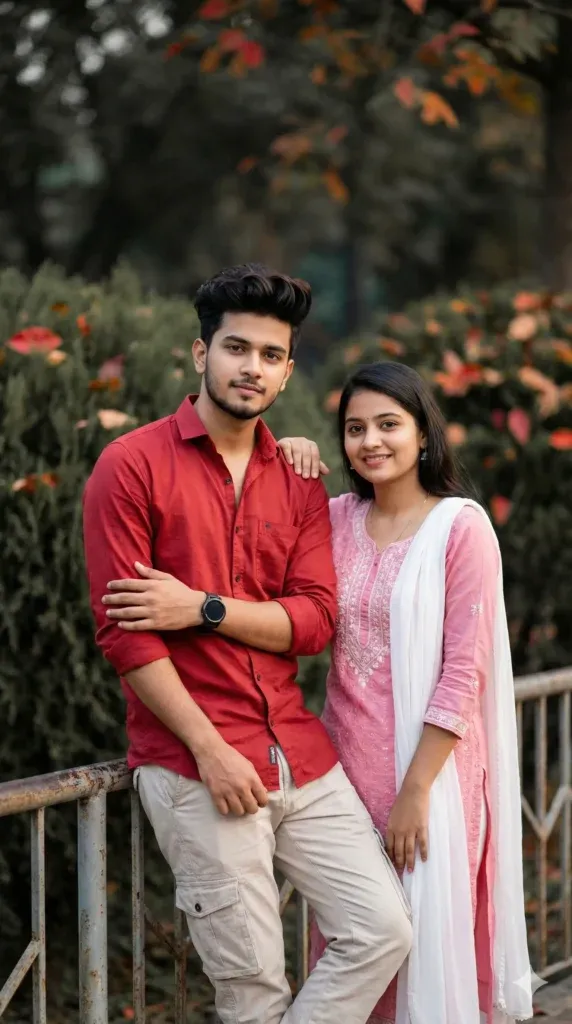
Create a stylish outdoor portrait of a brother and sister surrounded by natural greenery and soft daylight. Use a fashion-photography composition, shallow depth of field, natural expressions, and a clean vertical frame suited to social media.
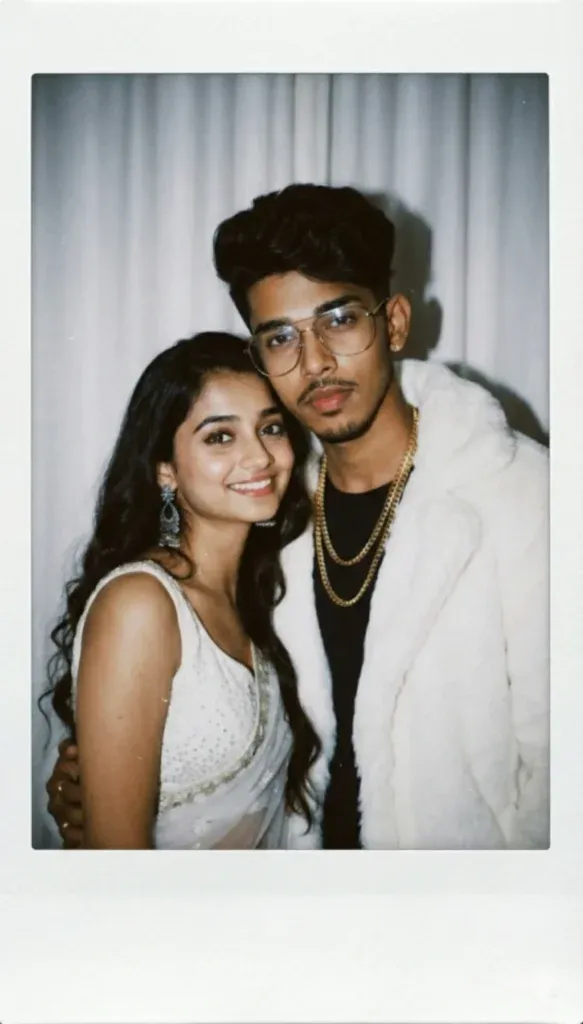
8. Retro-Inspired Candid Memory
Give a sibling photograph a nostalgic retro appearance with soft blur, direct flash, gentle film grain, and a simple curtain background. Keep the pose casual and the people recognizable so the result feels like a genuine old memory.
9. Polaroid-Style Sibling Portrait
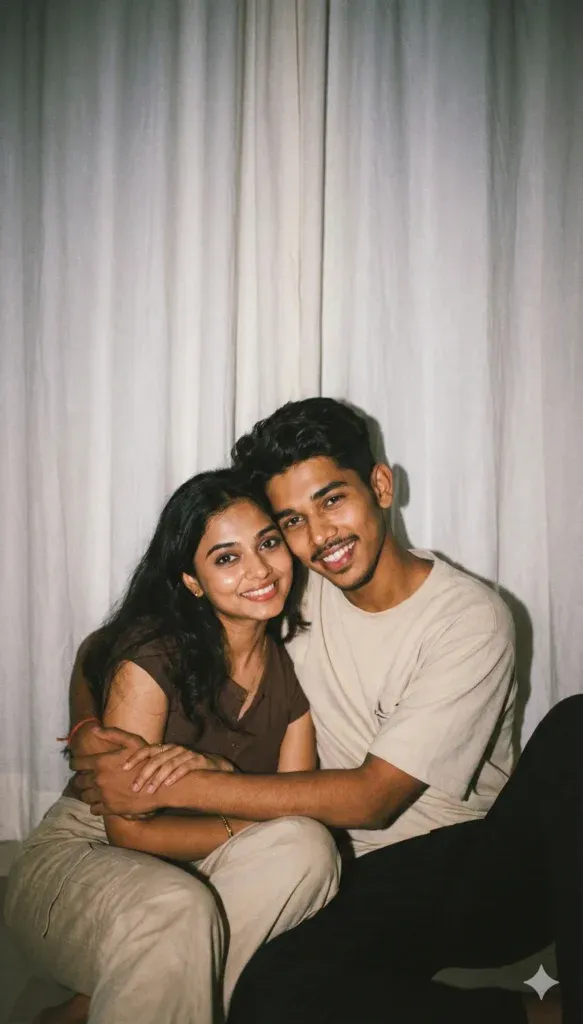
Create a charming Polaroid-inspired portrait of a brother and sister posing naturally together. Keep their original appearance consistent while adding a cozy vintage atmosphere, soft colors, realistic details, and a simple instant-film aesthetic.
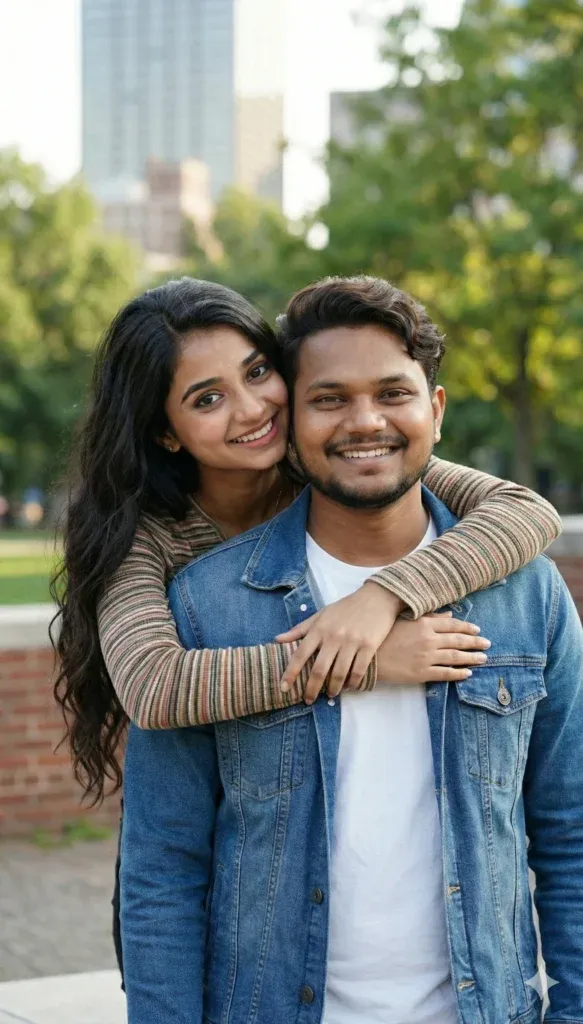
10. Emotional Outdoor Sibling Hug
Create a heartwarming portrait of a brother and sister sharing a genuine hug outdoors. Use soft natural light, greenery, and a slightly blurred urban background to create an authentic family-photo mood without making the pose look staged.
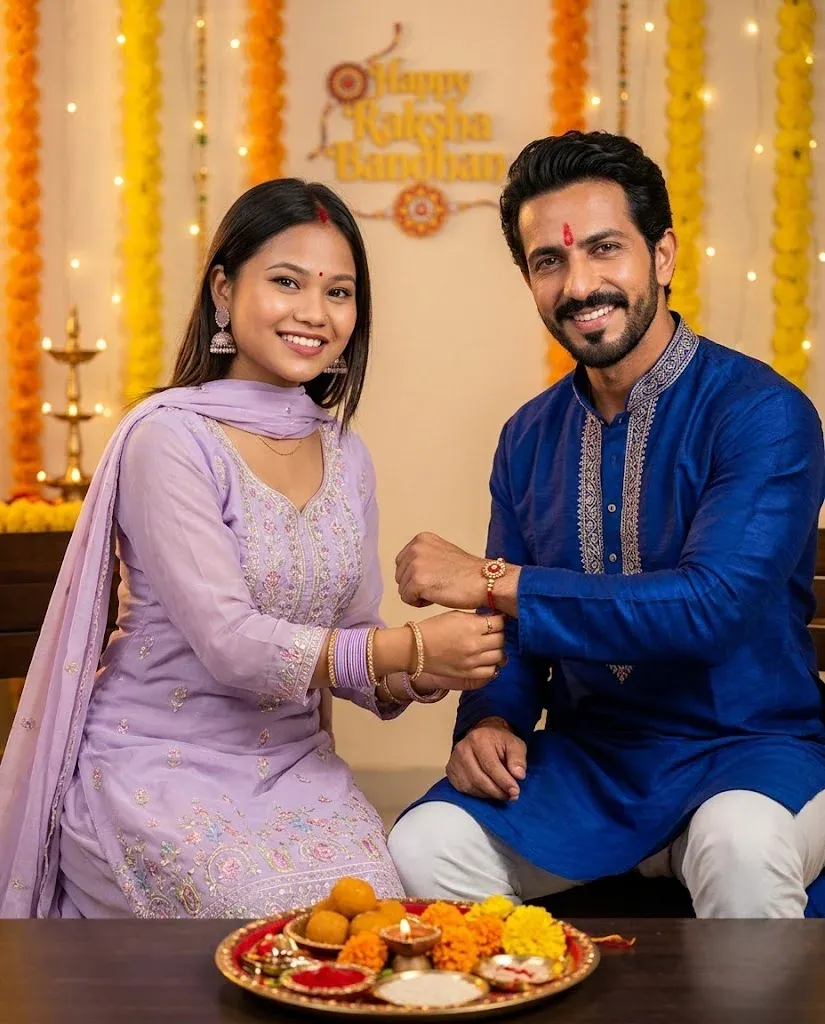
11. Cinematic Rakhi Ceremony
Create a premium Raksha Bandhan portrait where a sister ties a red-and-gold Rakhi on her brother’s wrist. Include traditional clothing, a decorated puja thali, flowers, diyas, and warm cinematic light while keeping the uploaded identities consistent.
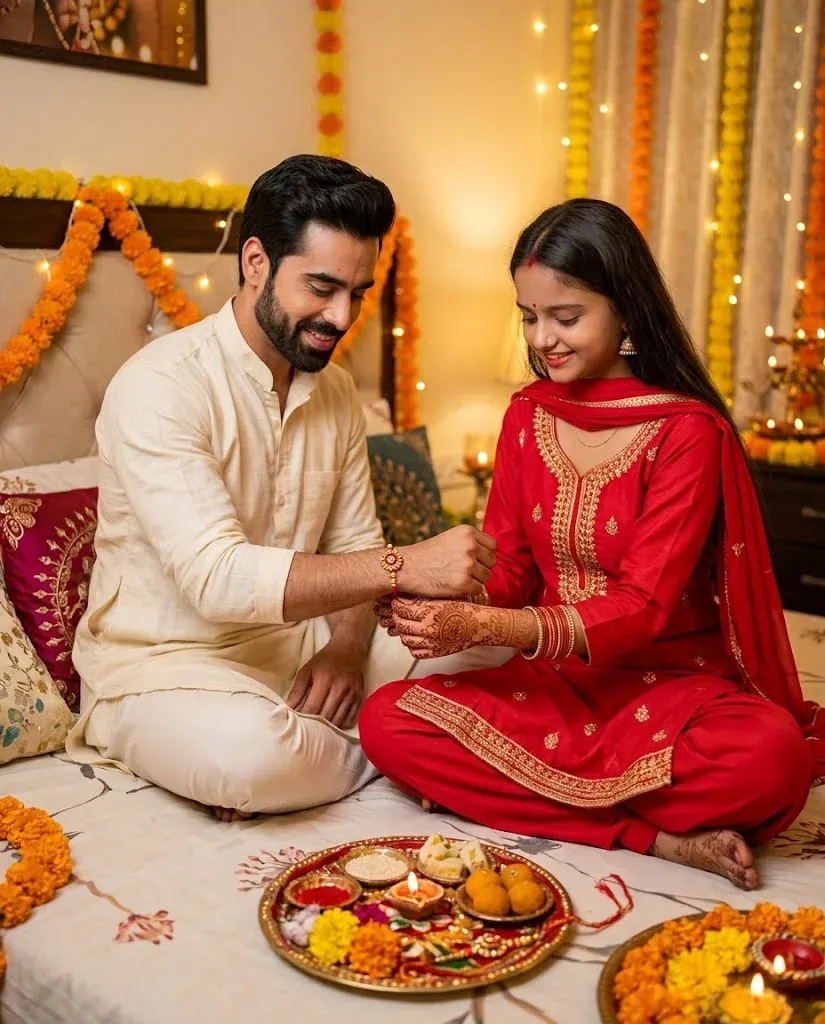
12. Cozy Home Raksha Bandhan Celebration
Create an intimate Raksha Bandhan scene at home with fairy lights, marigold flowers, diyas, and a traditional thali. Keep the brother and sister natural and recognizable, with detailed festive clothing, realistic hands, and soft golden room lighting.
How to Use brother sister prompt in the Gemini App
Getting a better result depends on the quality of the reference image and how clearly you describe the desired scene. Start with a sharp photo, paste one prompt, and then adjust clothing, background, lighting, or mood without changing the people’s identities.
- Open Gemini and select the image-generation or image-editing option available to you.
- Upload a clear reference photo with visible faces and good lighting.
- Paste one brother and sister prompt from this guide and change only the details you want.
- Add useful context such as clothing, location, festival, camera style, or lighting.
- Review the hands, faces, clothing, and background before saving the final image.
FAQs
1. What is the best brother and sister prompt for Gemini AI?
A realistic sibling portrait prompt with clear instructions about identity preservation, lighting, clothing, pose, and background is a strong starting point. You can then adjust the scene to match your reference photo.
2. Why do my Gemini sibling results look unrealistic?
Unclear reference photos and vague instructions can affect the result. Use a sharp image, describe the scene precisely, and ask for realistic skin, natural expressions, accurate hands, and consistent facial identity.
3. Can I use childhood photos for Gemini prompts?
Yes, you can use an old family photo as a reference when the image and its use are appropriate. A clear scan or restored copy can help the model understand faces and clothing more accurately.
4. Are these prompts safe and allowed in the Gemini app?
These prompts describe ordinary sibling and family portraits. Always use images you have permission to edit and follow the image tool’s current rules, especially when working with other people’s photos.
5. How do I make sibling AI edits more engaging?
Choose a clear visual idea, keep the expressions natural, and use a setting with emotional or seasonal context. Festive portraits, retro memories, and candid outdoor scenes can also make the finished image more distinctive.
Last Words
Brother and sister portraits can turn everyday memories into meaningful visual keepsakes. With the right Gemini AI prompt, you can explore traditional celebrations, studio portraits, retro edits, outdoor photos, and warm family moments while keeping the result natural.
Use the reference photo as the foundation, describe the look you want clearly, and refine one detail at a time. This makes it easier to create a sibling portrait that feels personal instead of overly generated.