Why “Watch Now” Does Nothing on Paramount Plus
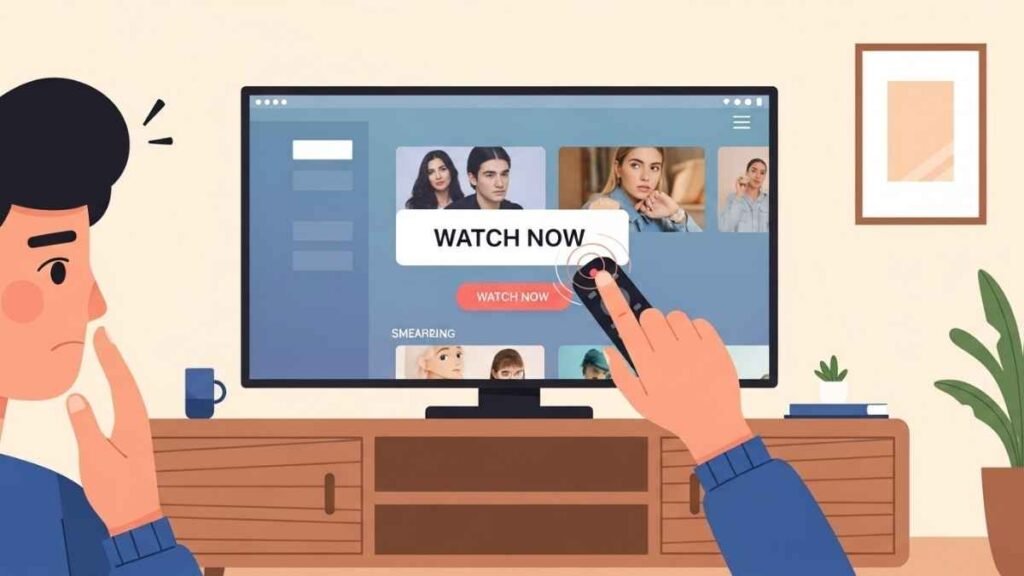
If you are trying to sign into your Paramount Plus account and clicking “Watch Now” but nothing happens, you’re not alone. This is a common issue and usually happens because the app or website is not properly loading your login session.
In most cases, the problem is not your subscription. Your account is active, but a technical issue is stopping the button from responding.
Common Reasons Paramount Plus Login Is Not Working
Here are the most frequent causes behind this issue.
You Are Not Fully Logged In
Sometimes Paramount Plus appears logged in, but the session is incomplete. When this happens, buttons like “Watch Now” stop responding.
Browser Cache or App Data Issue
Old or corrupted data can block page actions, making it seem like nothing happens when you click.
App or Browser Compatibility Problem
Outdated browsers, smart TV apps, or streaming device software may not support the current Paramount Plus interface.
Network or Ad Blocker Interference
Ad blockers, privacy extensions, or restricted networks can prevent the button from loading the video player.
Temporary Paramount Plus Glitch
Occasionally, Paramount Plus experiences short-lived glitches that affect playback buttons.
How to Fix Paramount Plus “Watch Now” Not Working
Follow these steps in order. One of them usually solves the issue.
1. Sign Out and Sign Back In
Log out of your Paramount Plus account completely, close the app or browser, then sign in again.
2. Refresh or Restart the App
- On a browser: Refresh the page
- On an app: Close it fully and reopen it
This resets the session.
3. Clear Cache and Cookies
Clearing cache removes corrupted files that block button actions.
- Browser users: Clear cache and cookies
- App users: Clear app cache (if available)
4. Disable Ad Blockers or Extensions
Turn off ad blockers, VPNs, or privacy extensions, then reload the page.
5. Try a Different Browser or Device
If it doesn’t work on one device, try:
- Another browser
- A phone instead of a TV
- A different streaming device
This helps identify device-specific issues.
6. Update the App or Browser
Make sure Paramount Plus and your device software are fully updated.
Does This Mean Your Subscription Is Canceled?
No. If your subscription were inactive, you would see a billing or access message. When “Watch Now” does nothing, it is almost always a technical issue, not a payment problem.
When to Contact Paramount Plus Support
You should contact support if:
- “Watch Now” fails on all devices
- The issue lasts more than 24 hours
- You cannot play any content at all
Provide your device type and app version for faster help.
Quick Checklist Before Trying Again
- Logged out and back in
- Cache cleared
- App/browser updated
- Ad blockers disabled
- Internet connection stable